Tissyo Copy · for macOS
Keep your demo on track.
Prepare your texts in advance, then paste them one by one, in order, while you record or present. The next text is already waiting.
Free · no account
No subscription
macOS 14 or later
The clipboard, put back in order
The next text is already ready.
No more searching for the right line in a document. Tissyo Copy transforms your script into a queue and moves on with your usual shortcut.
Example Tutorial · 3 blocks
Keyboard ready ●
01
Hello and welcome to this tutorial.
Next collage
02
We start by opening the main menu.
Waiting
03
Then, click on Export.
Waiting
⌘ V paste the next one
Three steps, then you save
Prepare once. Paste without thinking.
01
Prepare your list
Write your texts in the order you’ll need them, or paste them all at once from your notes. Each line becomes a text to paste.
02
Turn it on
Turn on your list: the first text is ready.
03
Paste with ⌘V
Press ⌘V (Cmd + V): the text is pasted and the next one is already waiting. Your eyes stay on your demo.
Simple by design
Your texts stay on your Mac.
No account, no ads, no permission to grant. Tissyo Copy doesn’t read what you type: install and paste.
100 %
local
Your text remains on your Mac
Have a Stream Deck?
Your texts at your fingertips.
One key for the next text, one to go back, one to start over. On Stream Deck +, the screen shows the next text. Free plugin coming soon.
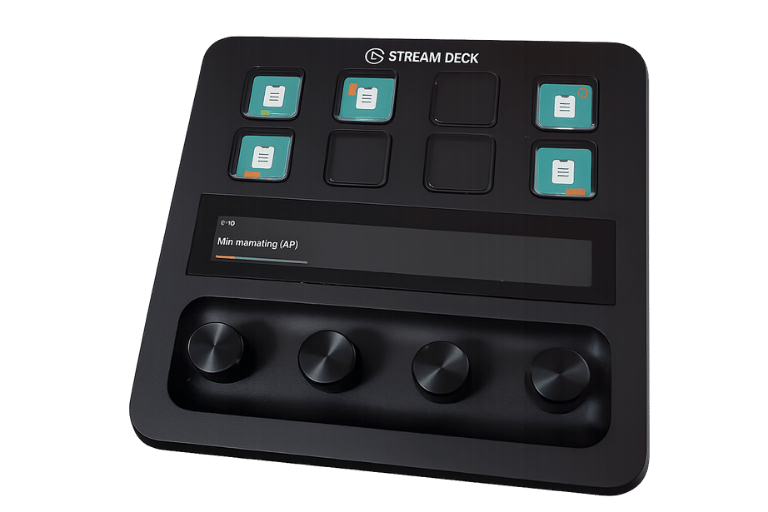
When copying and pasting should no longer interrupt
Your rhythm. Whatever the scenario.
Video tutorial
Paste menu names, commands, and examples without cutting the recording.
Live demonstration
Unroll a prepared scenario while keeping an eye on your audience.
Evaluation and feedback
Chain appreciations, instructions, and scales without returning to your notes.
The product in action
The list moves on. Your demonstration does not stop.
App Store screenshots show preparation, the next paste, and menu-bar control without hiding how the product really works.
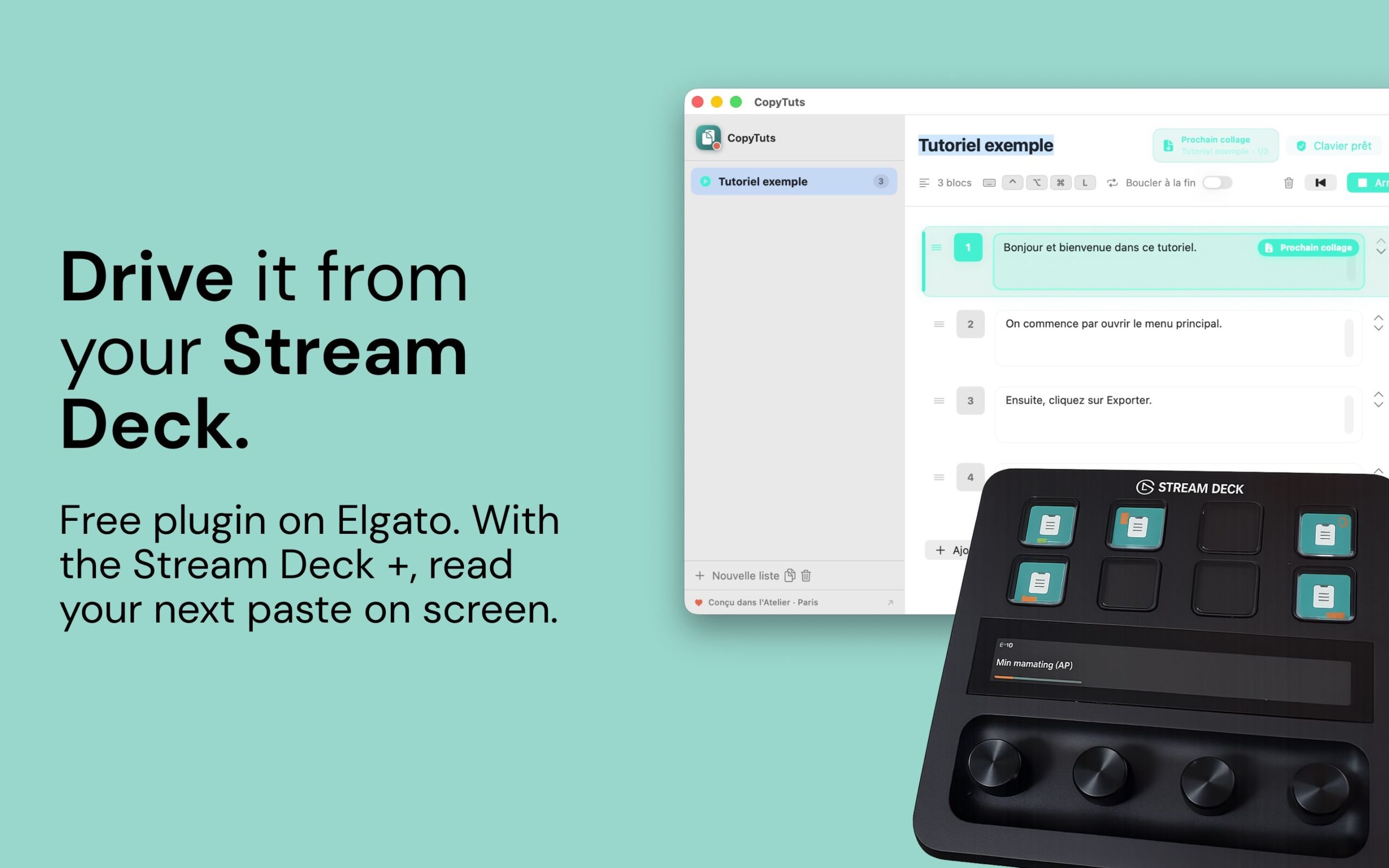
Tissyo Copy · available for free
Prepare the text. Keep the thread.
A Tissyo tool for smoother presentations. Free on macOS, with no subscription. Your lists stay on your Mac.
Product resources

The resource library is being prepared.
In the meantime, discover the app, its uses and its support documentation.
Discover the product →Turning your tutorials into videos? Discover Tissyo Studio →