 Interact
Your slides · your activities · their answers
Tissyo Interact
Get your group involved.
Without rebuilding your class.
Open your PowerPoint or PDF, drop a quiz or a poll between two slides: everyone answers from their phone, no account and no app, and you show the answers when you decide.


Free: up to 8 activities a month, on Mac and PC. Pro $8.99/month or $69.99/year, with a 14-day trial on Mac, no card needed.
On Mac and Windows PC · no account needed to take part · Internet connection for live sessions
What helps you stay on track?
Your eyes stay on the group.
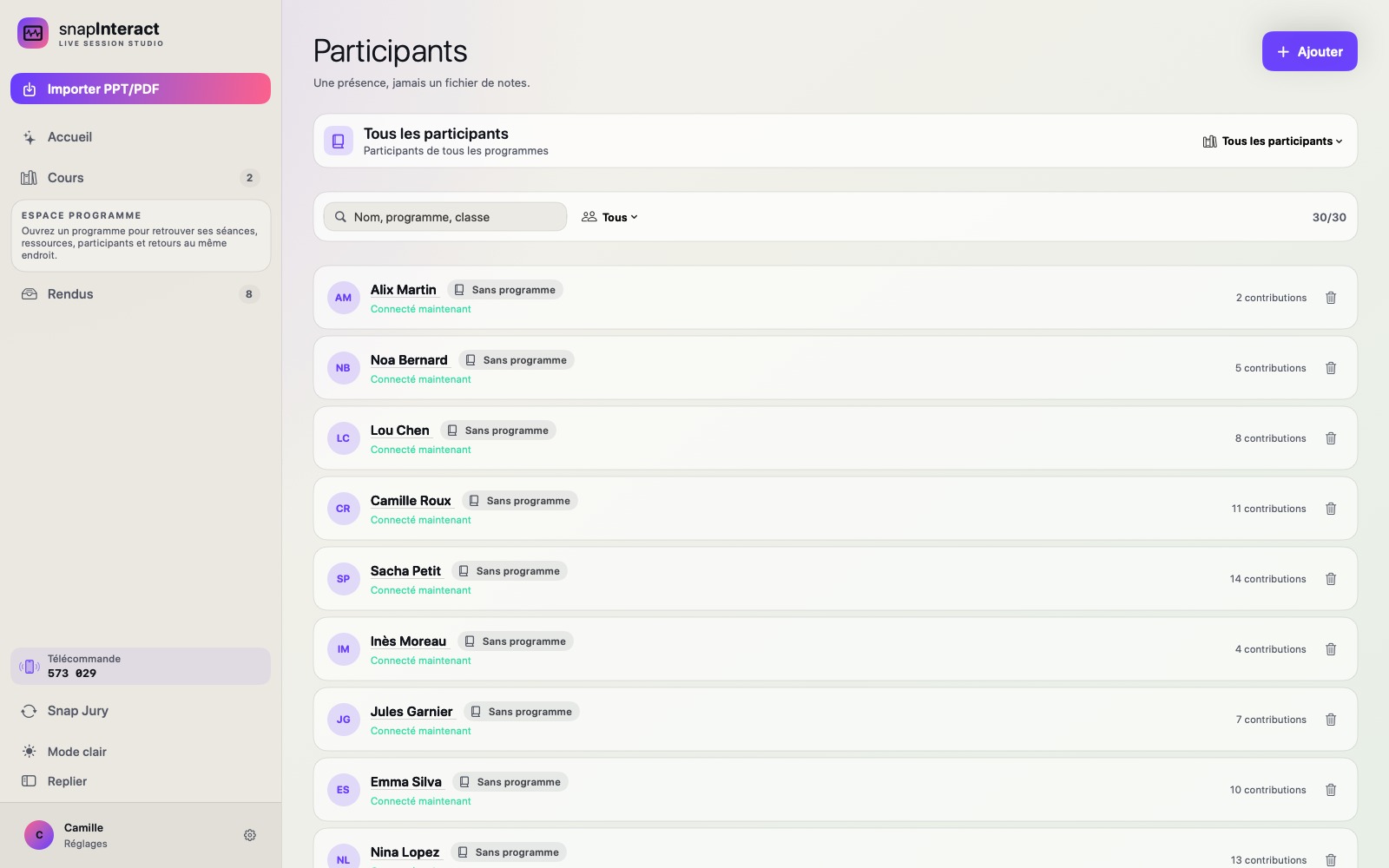
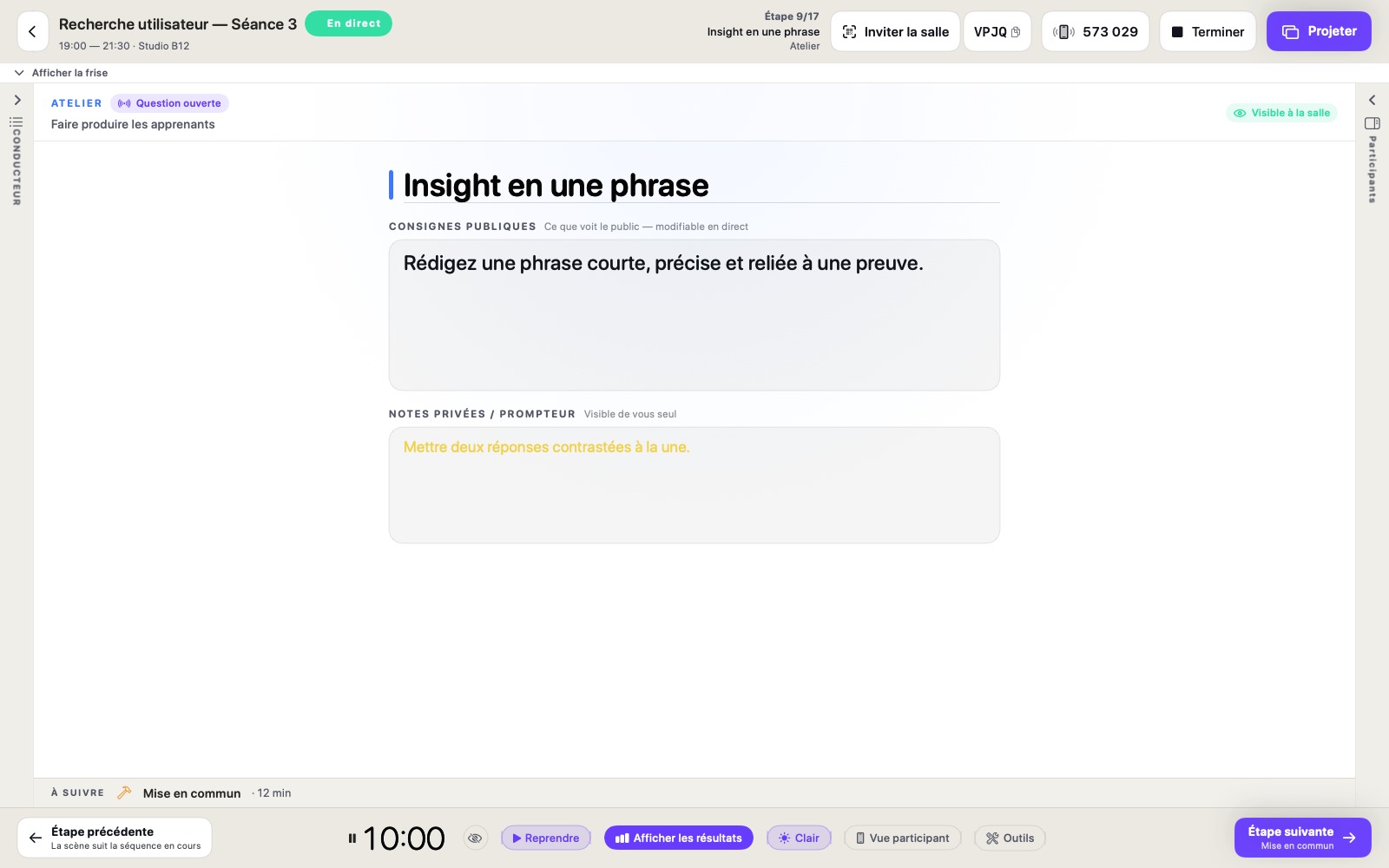
You move through your slides, launch the activity and keep an eye on the time, all in one window. Answers come in live; you choose when to show them to the room.
Prepare
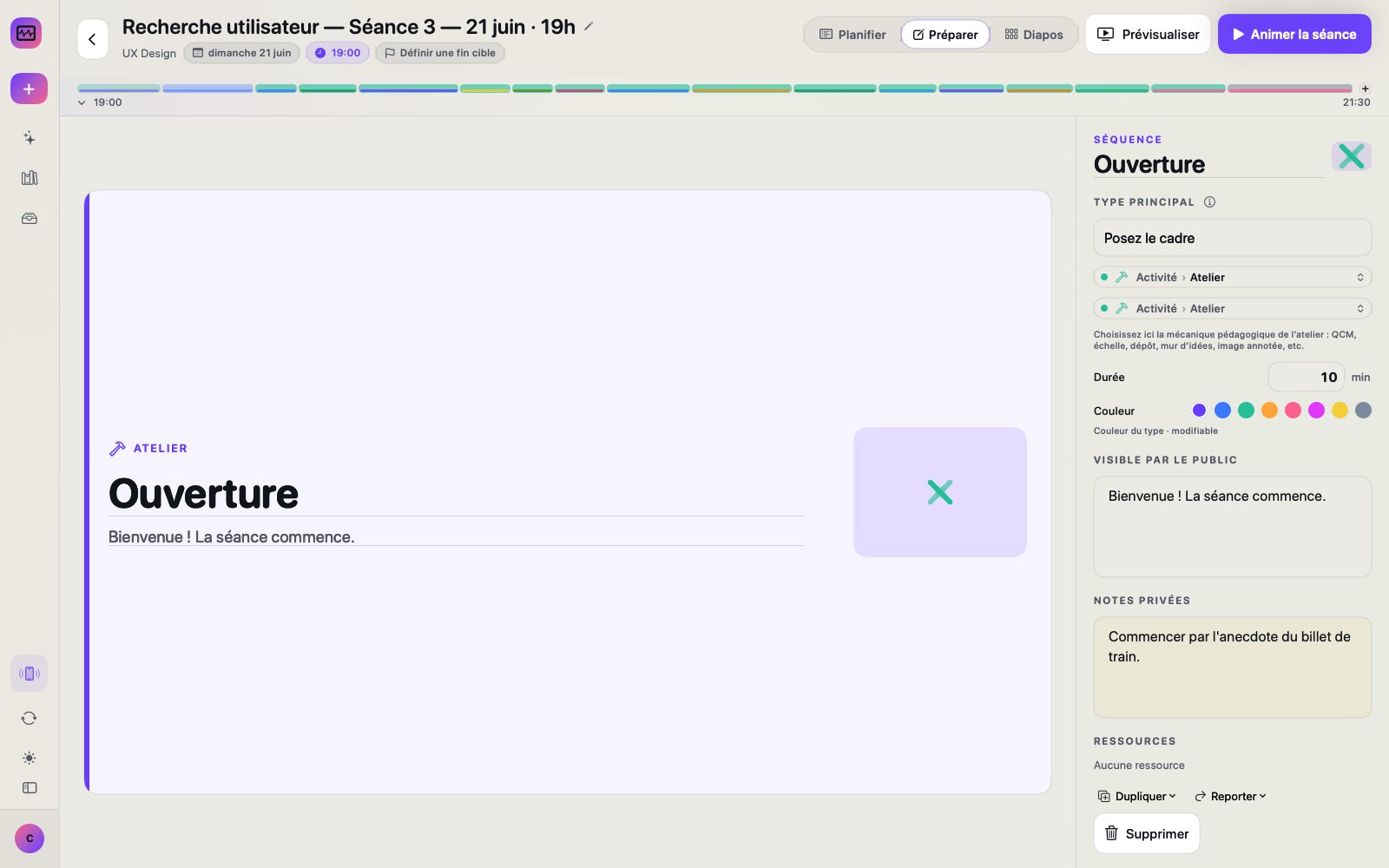
Start from what you already have.
Import your PowerPoint or PDF: your slides are ready to run. Only have a list of ideas? Paste it, pick a style, and Interact turns it into clean slides you can edit freely.
You can also import your PDFs and PowerPoint presentations.
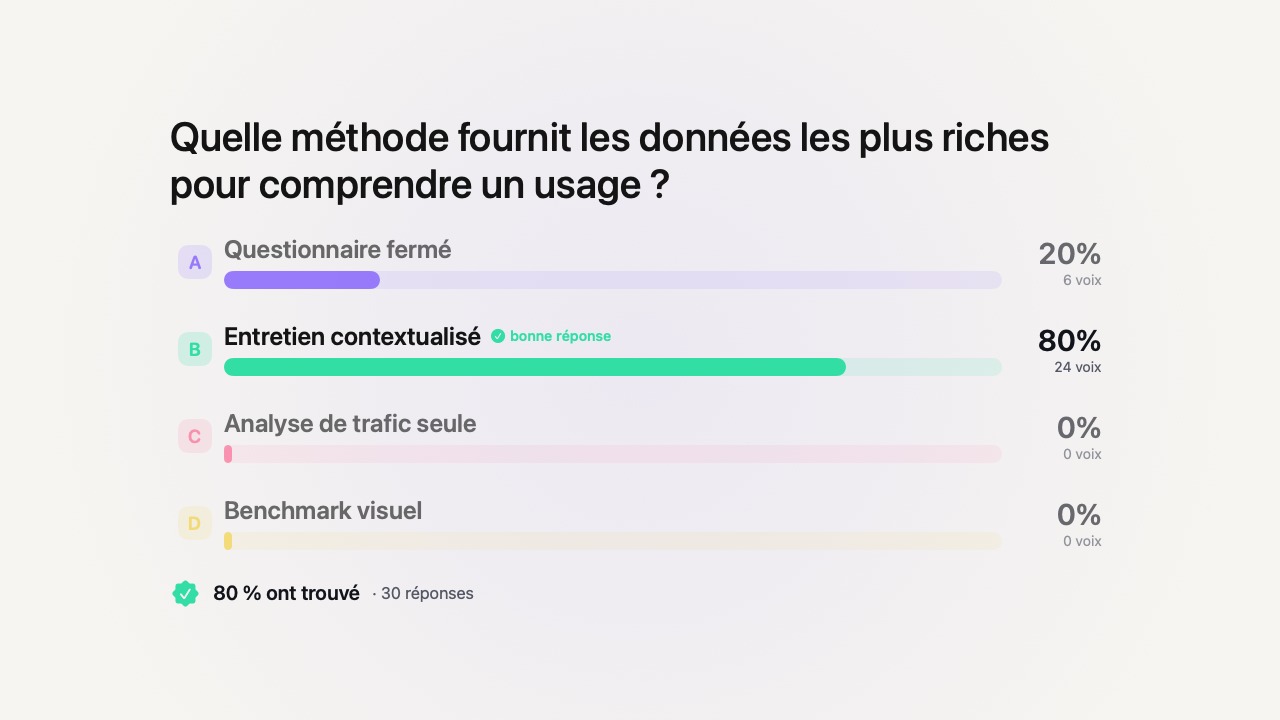
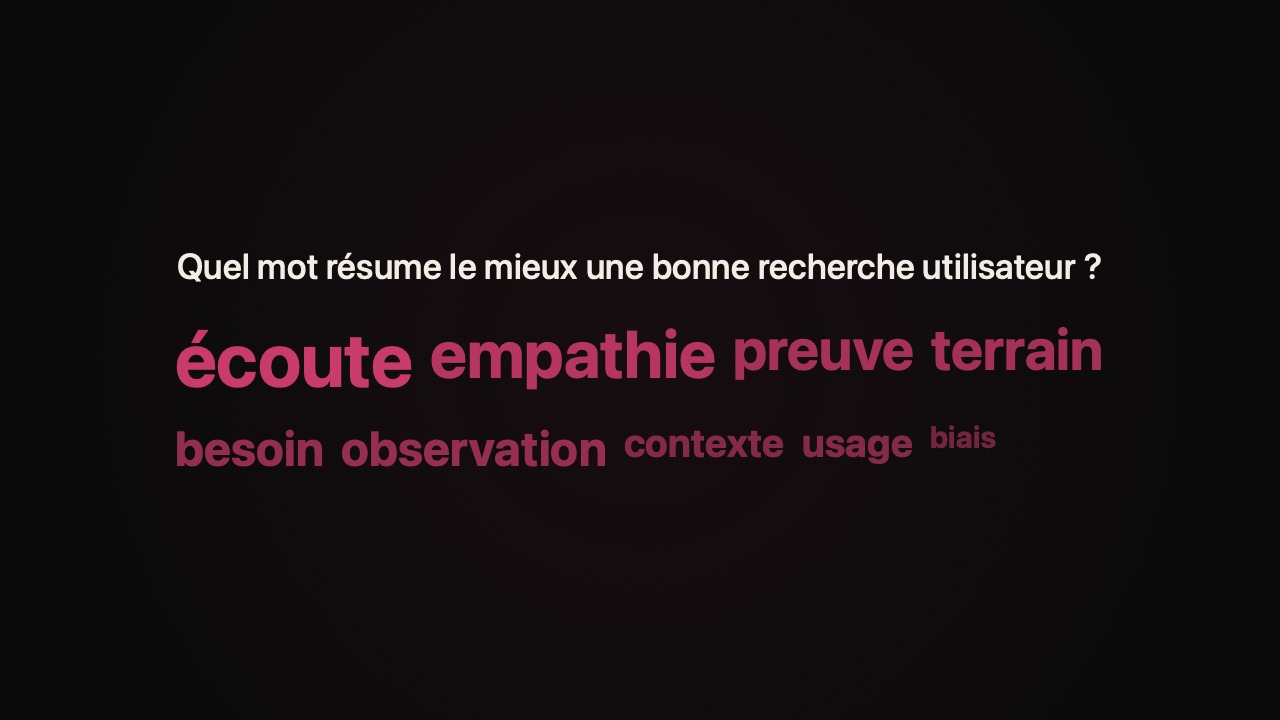
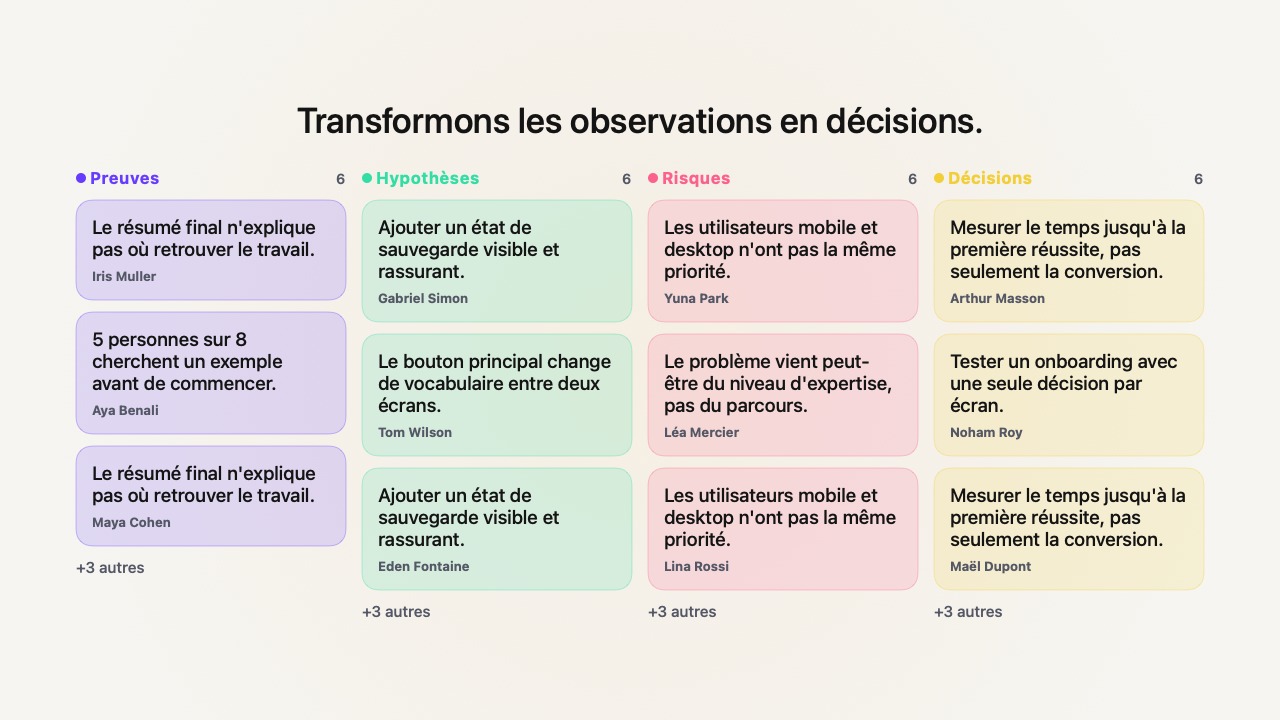
The right activity, at the right time.
14 formats, from quizzes to debates — without switching tools. A QR code or a short code is all it takes to join from a browser, with no app and no account. All you need is an Internet connection.
Control
In control, wherever you are.
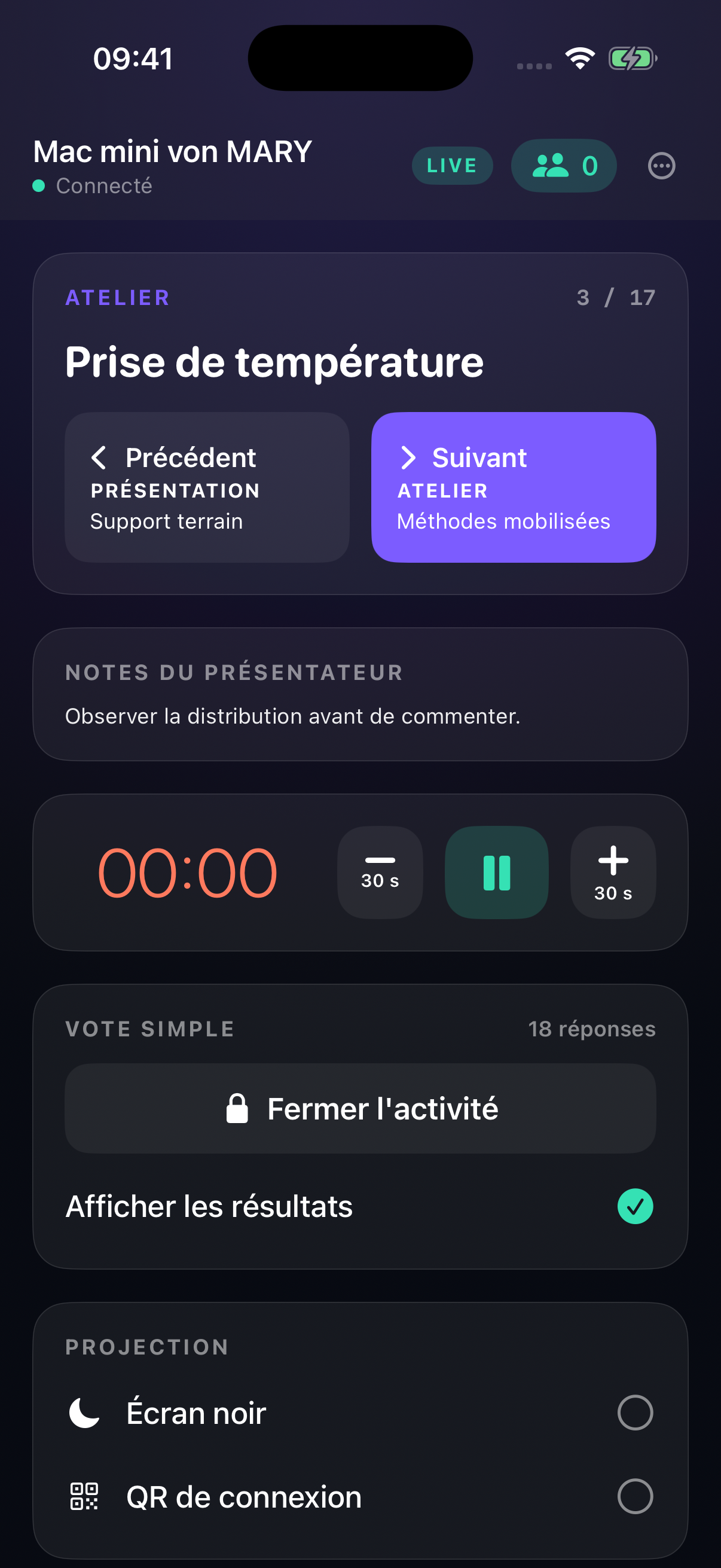
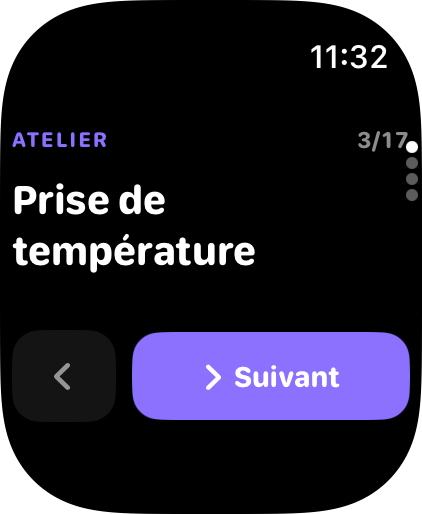
iPhone or Apple Watch: move forward, launch, keep an eye on the session — even from the back of the room.
Interact Remote works alongside the Interact app on your Mac.
Presentations · with Pro, on Mac
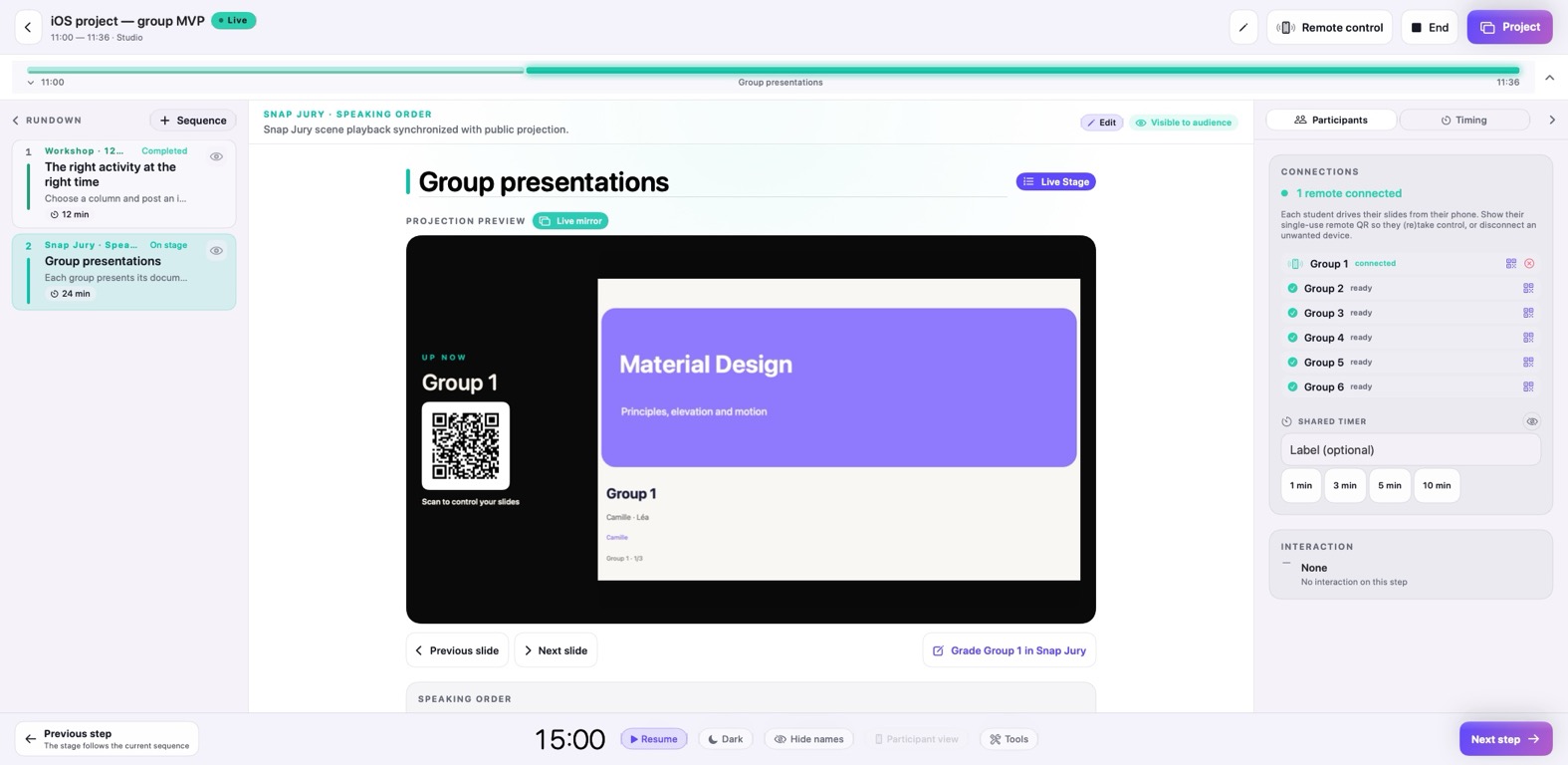
Talks follow one another, no cable juggling.
Each participant scrolls through their own slides from their phone. You move to the next one in a tap.
The same way to run a session, on the computer you have.
On a PC, prepare and run your sessions just like on a Mac, with Windows 10 or 11. Pro is coming soon to PC.
Mac
macOS 14.2 or later
Apple silicon or Intel Mac
Windows PC
Windows 10 (version 1809) or later, Windows 11
x64 or ARM64 processor
Your questions before the first session
Is it really free?
Yes, with no time limit: as many presentations as you like and up to 8 activities a month. Pro removes the limit ($8.99/month or $69.99/year, on Mac).
Do participants need to install anything?
No. They scan the QR code and answer in their phone’s browser, no account.
Do I need internet?
Yes, during the session. Run a quick test with your phone before your first class: you’ll know straight away if everything works.
Where are my presentations and results?
On your computer. During the session, answers travel through a secure relay that only holds them in memory. They are erased when the session ends, and no later than 6 hours after. Privacy policy →
What’s different on PC?
Preparing and running sessions is the same. For now, Pro (back-to-back presentations, unlimited activities) is Mac-only. Windows help →
Your next session, with the whole room.
Free, with no time limit: prepare as many presentations as you like and run up to 8 activities per month, on Mac and PC. Need more? Pro ($8.99/month or $69.99/year) unlocks unlimited activities, back-to-back presentations and statistics. On Mac, try Pro for 14 days with no credit card. At the end, you simply go back to the free plan. On PC, Pro is coming soon.
When the trial ends, you simply go back to the free plan.
Free: up to 8 activities a month, on Mac and PC. Pro $8.99/month or $69.99/year, with a 14-day trial on Mac, no card needed.
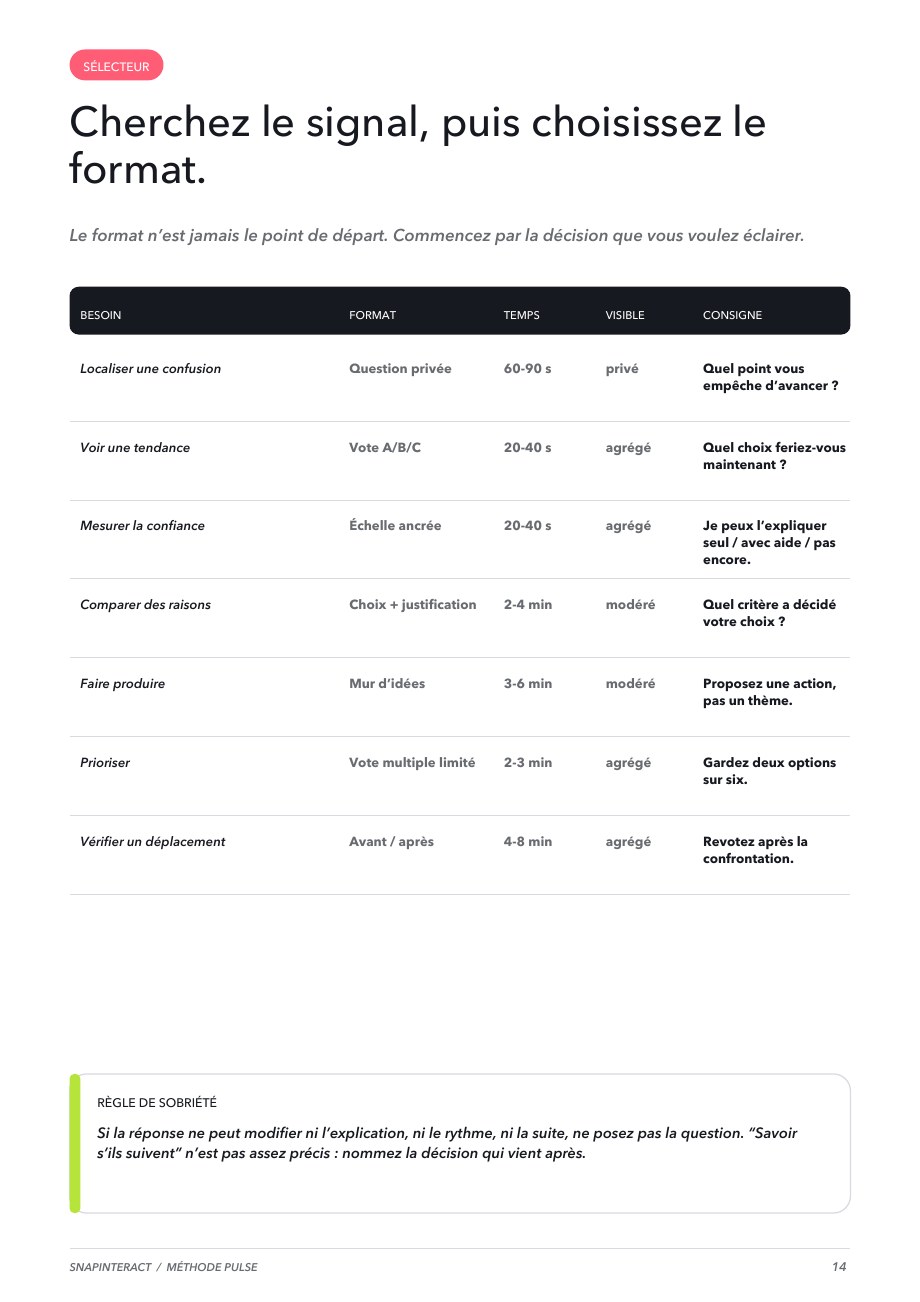

The anti-tunnel kit · Tissyo Interact
Break up the long lecture: the free kit
Pick a key moment, prepare your instructions and launch an activity. The anti-tunnel kit helps you put it into practice.
12 ideas, 3 session plans and 2 practical sheets in a free 43-page guide.

