 Studio
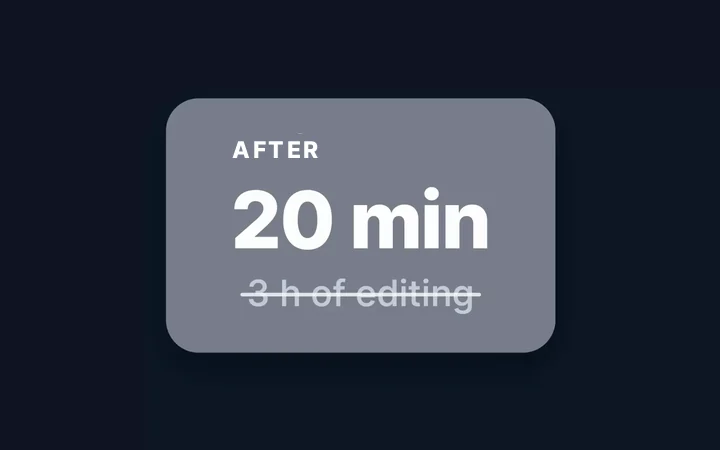
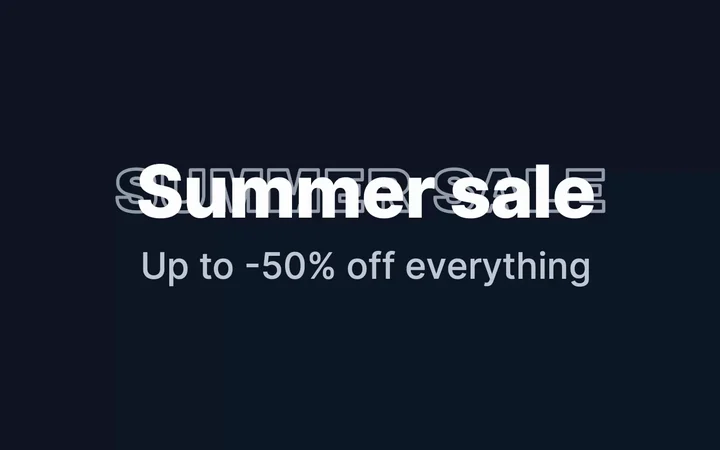
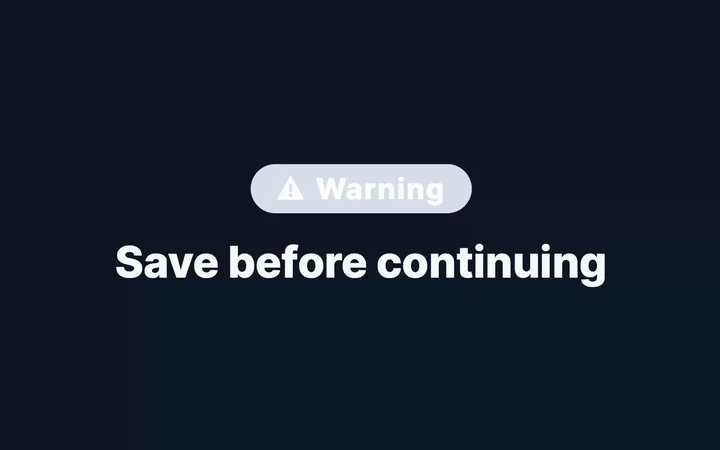
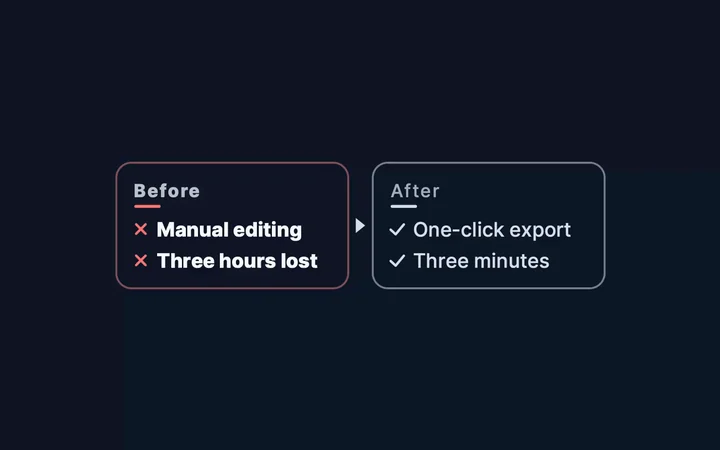
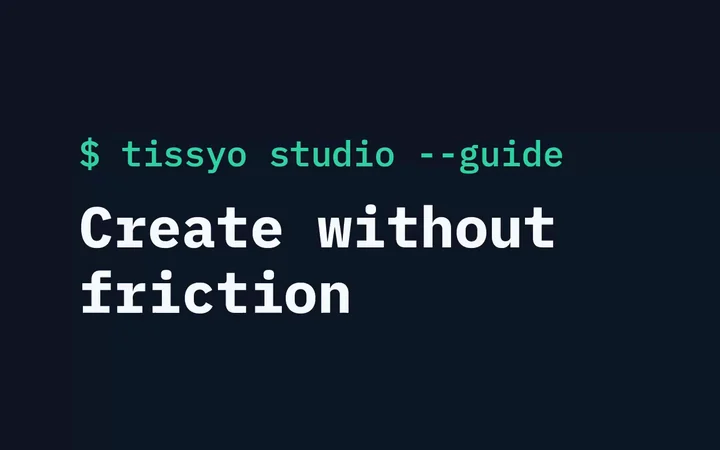
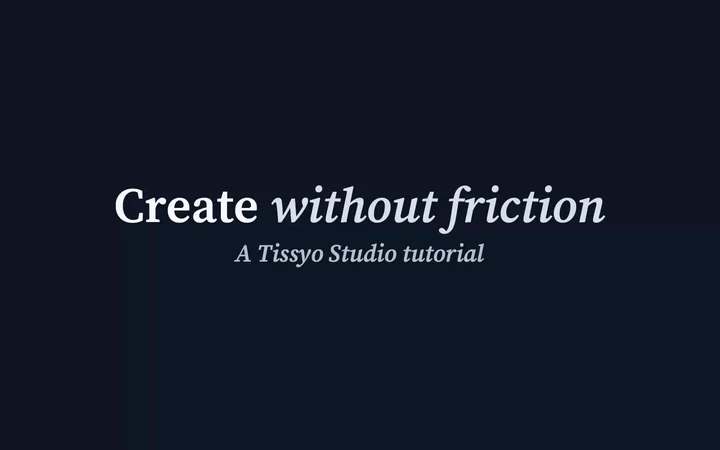
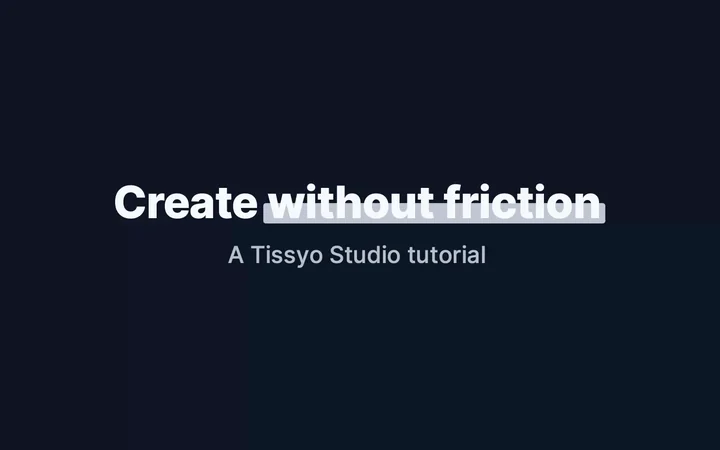
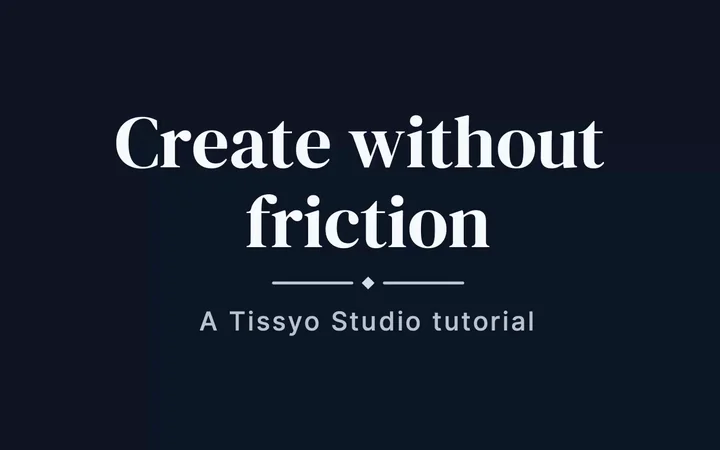
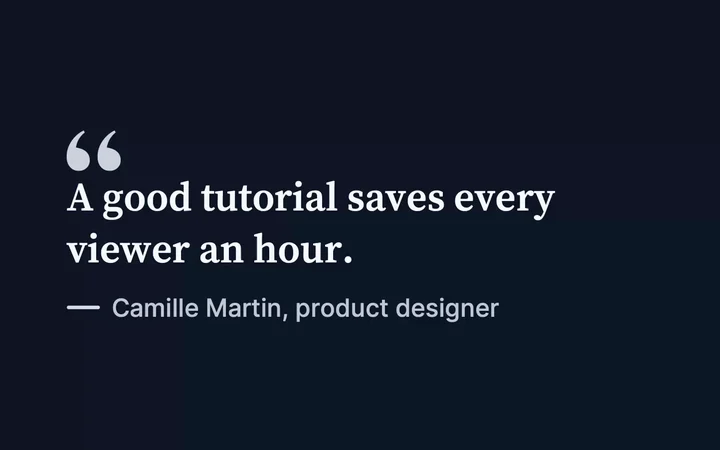
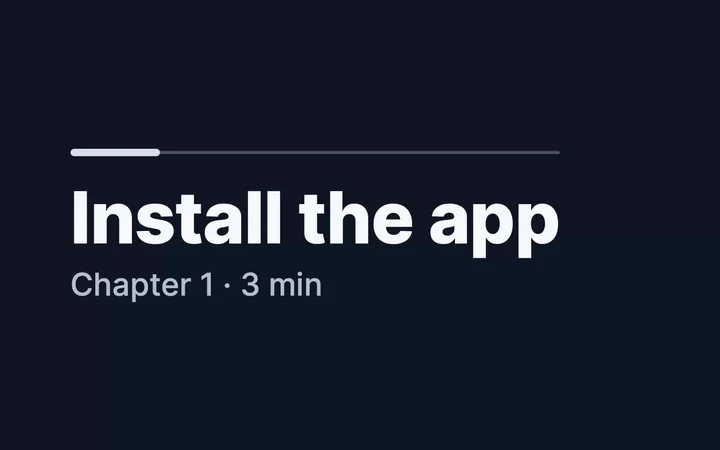
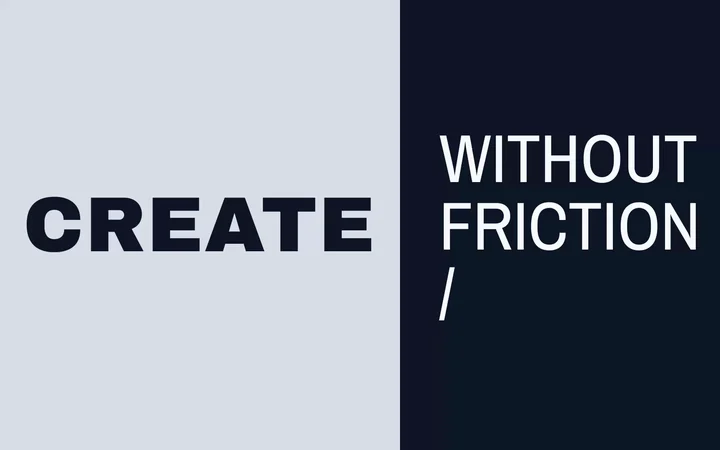
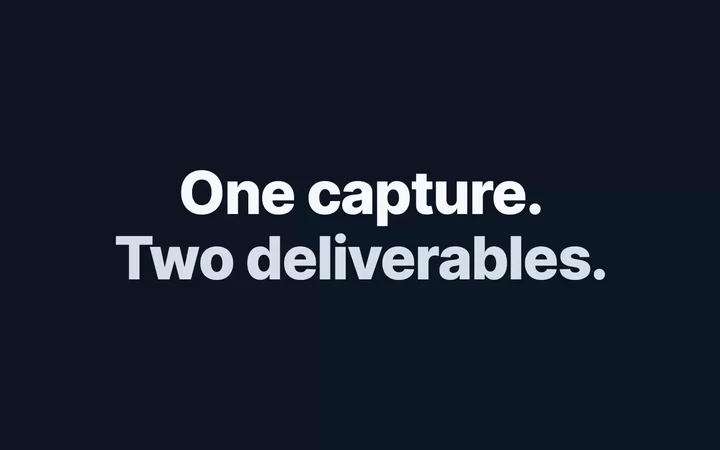
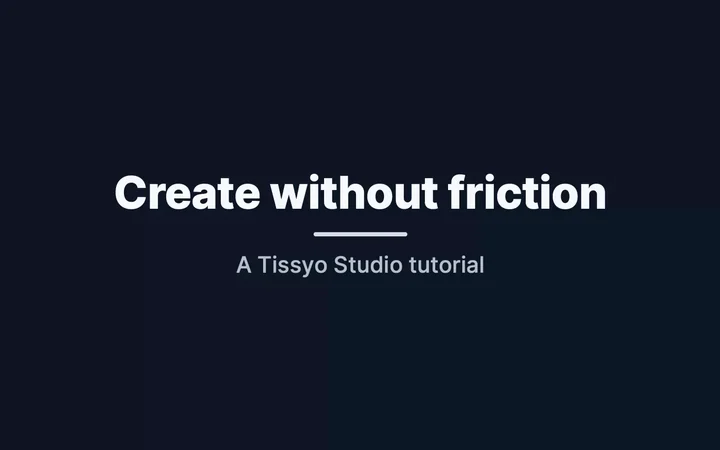
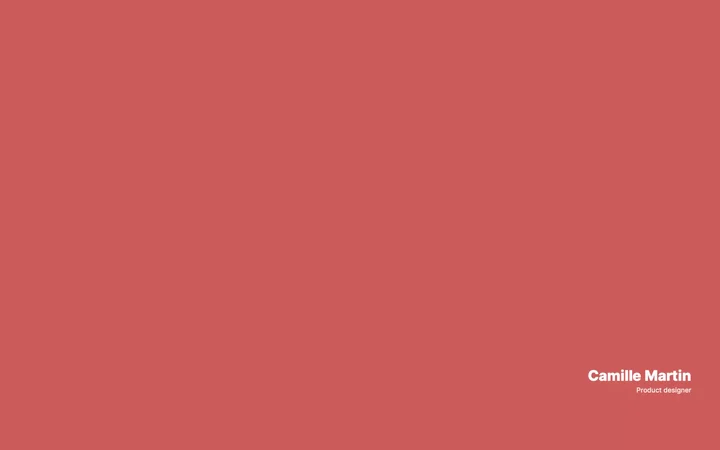
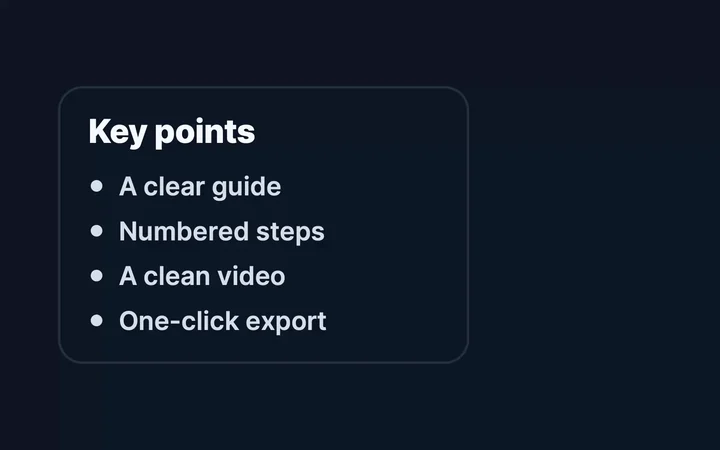
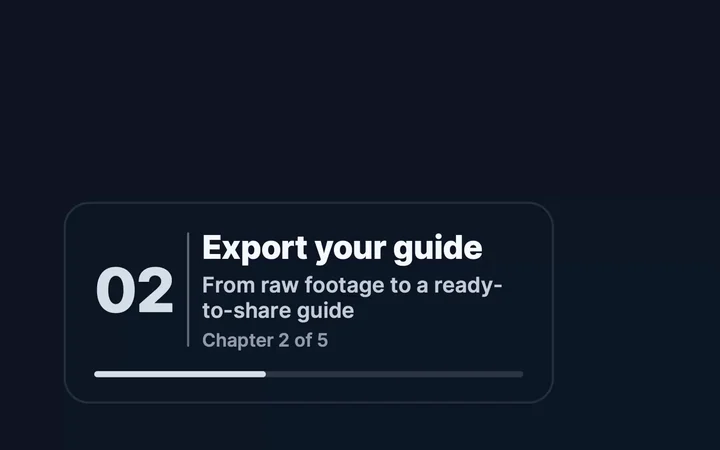
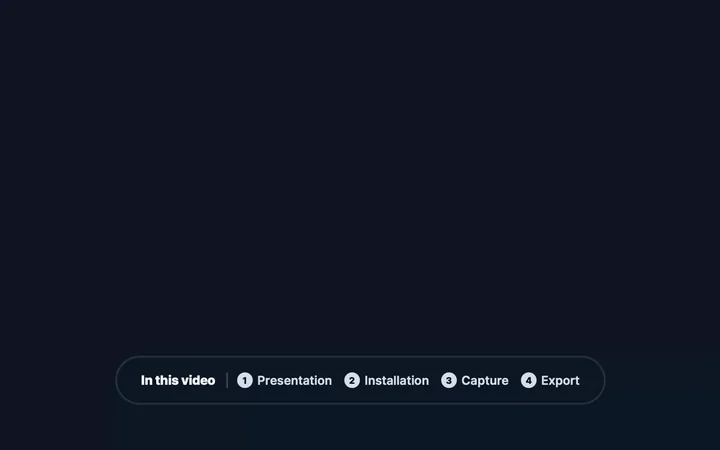
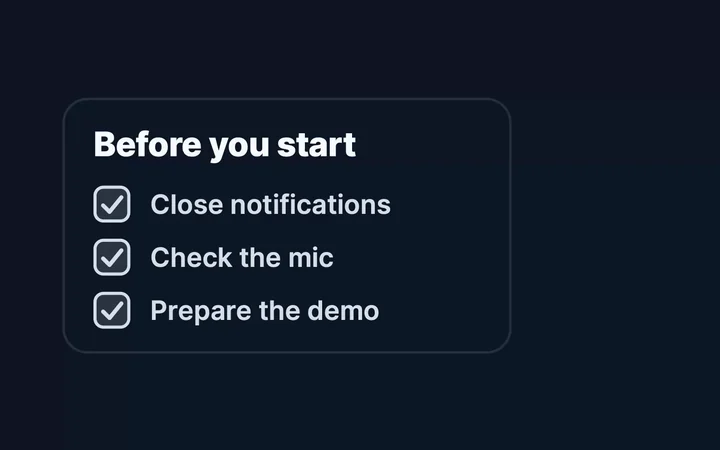
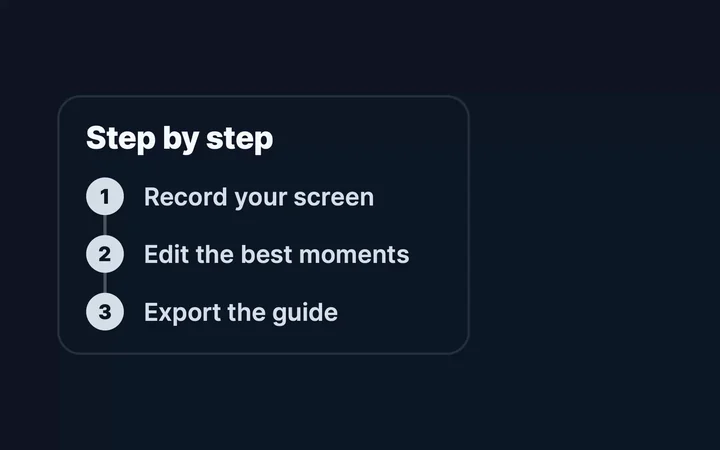
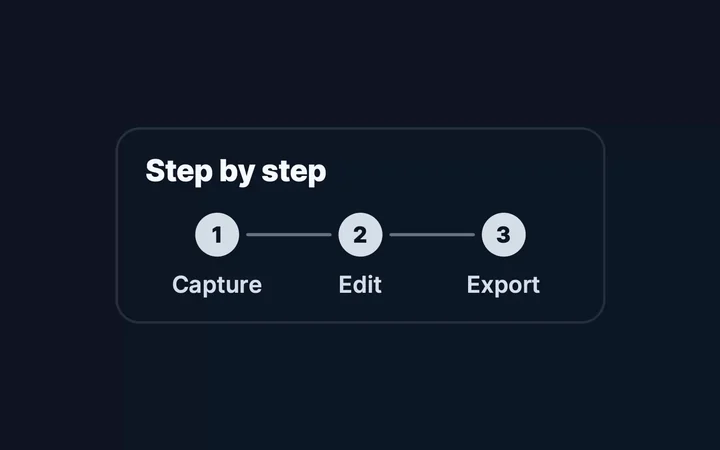
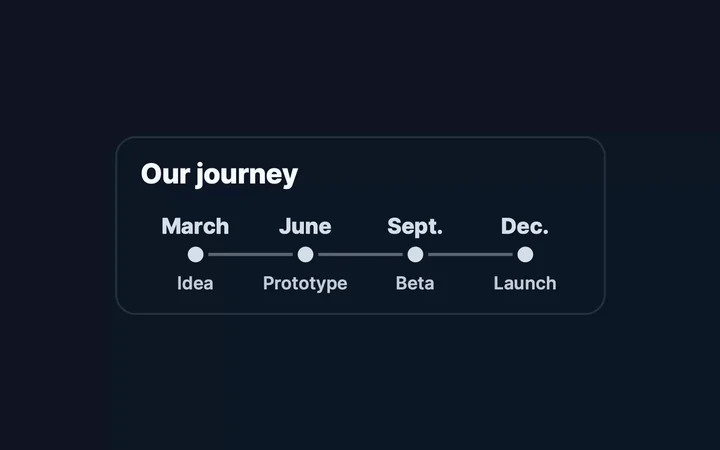
All 49 Studio title templates, rendered by Studio’s own engine. Every title can be customized: text, colors, font, animation, placement.

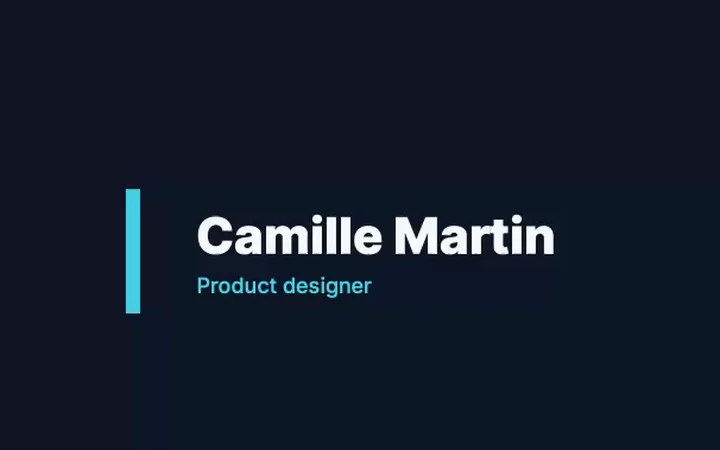
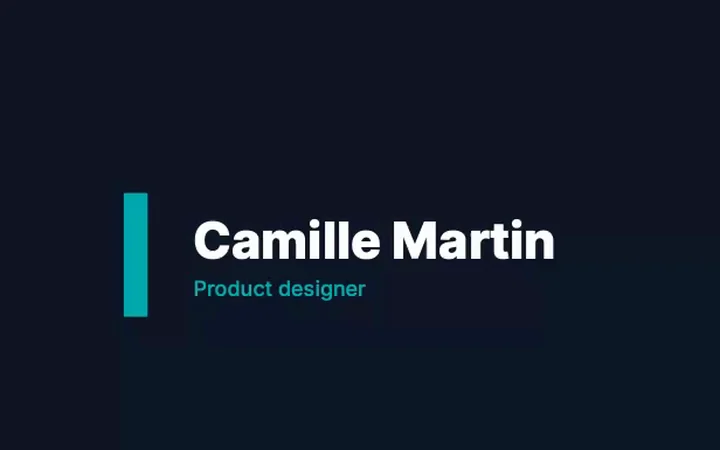
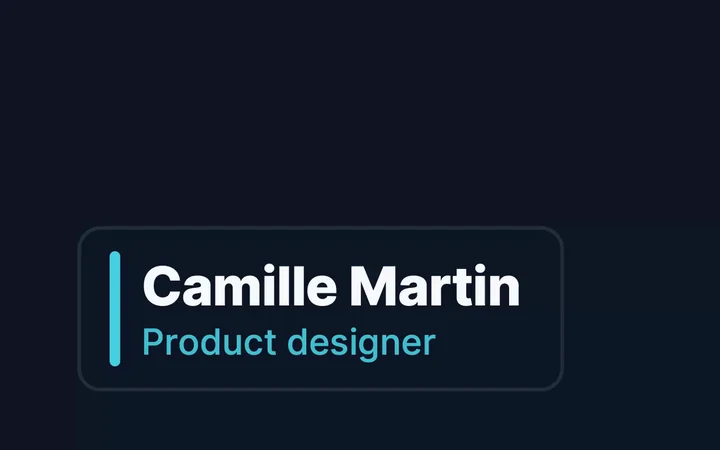
Key figureCinema · a key figure that counts up Before / afterCinema · before / after curtain RGB glitchCinema · subtle RGB glitch Kinetic wordsCinema · words slam in one by one Masked linesCinema · lines revealed by a mask Reveal maskCinema · a bar uncovers the text Soft neonCinema · soft neon ParallaxCinema · two-layer parallax Light sweepCinema · light sweep SlamCinema · impact and flash Heads upCoral badge + message Before / AfterTwo columns · before / after CardCard · ink or paper background ChapterNumber + title CodeMono · cursor EditorialSerif · italic Key figuresOne to four figures + labels HighlightedExpressive · animated highlighter Opening titleLarge serif title · rule · subtitle QuoteLarge quote mark · author Section titleRule + section title SplitExpressive · two tones, condensed type StatementTwo-line punchline Big titleUnderstated · Inter · rule ContactName · website · socials Call to actionButton + link End · Free trialLink + Mac App Store badge Up nextNext video card RecapChecked key points SignatureExpressive · display serif, fade to black Thank youUnderstated · name + role Simple · Black on whiteBlack on white · no animation Lower third · BadgeLower third · badge + text Studio · InkInk · teal edge Teal lineTeal line · transparent Lower third · Name + @handleLower third · name + @handle Lower third · Name + roleLower third · name + role Lower third · ProductLower third · product + tagline Coral tagCoral tag Bullet listBullet list Chapter summaryChapter card · progress ContentsContents · numbered chapters Chapters bannerChapter banner Contents · PaperContents · numbered chapters ChecklistChecklist StepsNumbered steps Steps in a rowSteps in a row TimelineHorizontal timeline Vertical timelineVertical timeline
















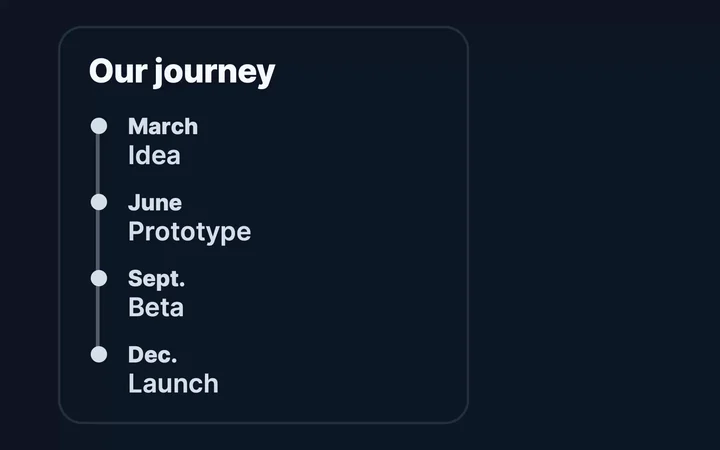
16 gradients (7 of them animated) and 8 sceneries, or your own image or video as the background.
MidnightGradient OceanGradient VioletGradient GraphiteGradient LightGradient AuroraAnimated gradient SunsetAnimated gradient LagoonAnimated gradient Night roseAnimated gradient SkyGradient LilacGradient PeachGradient MintGradient Animated prismAnimated gradient Animated solarAnimated gradient Animated tideAnimated gradient AlpsScenery DunesScenery BorealScenery MistScenery AtlanticScenery ForestScenery City at nightScenery Salt dawnScenery
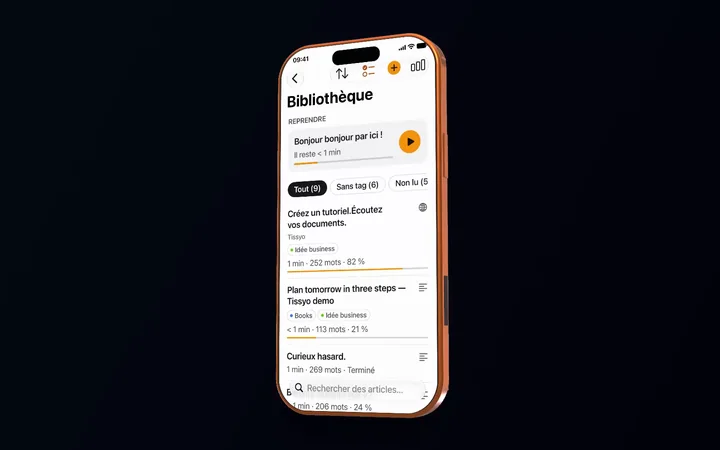
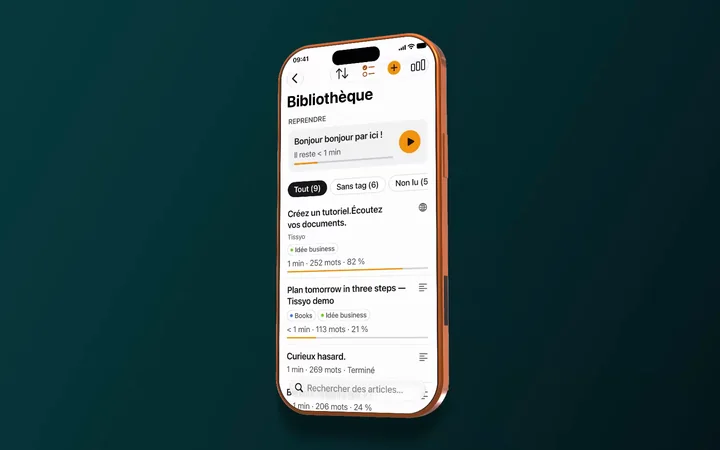
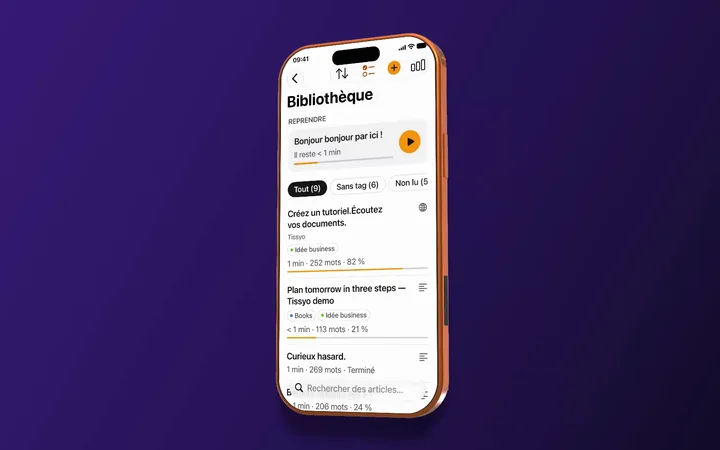
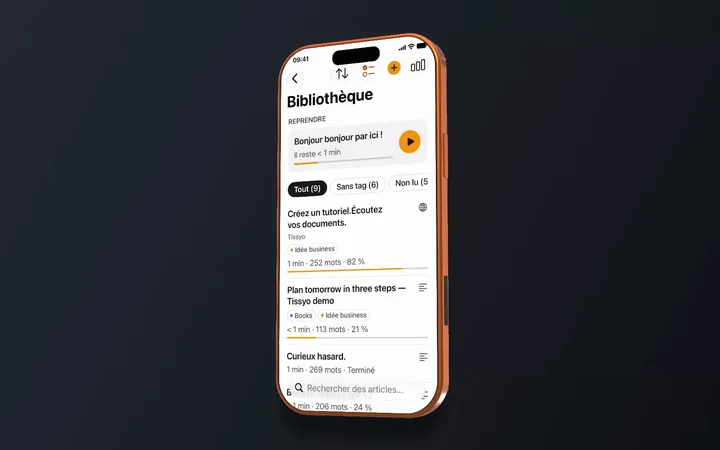
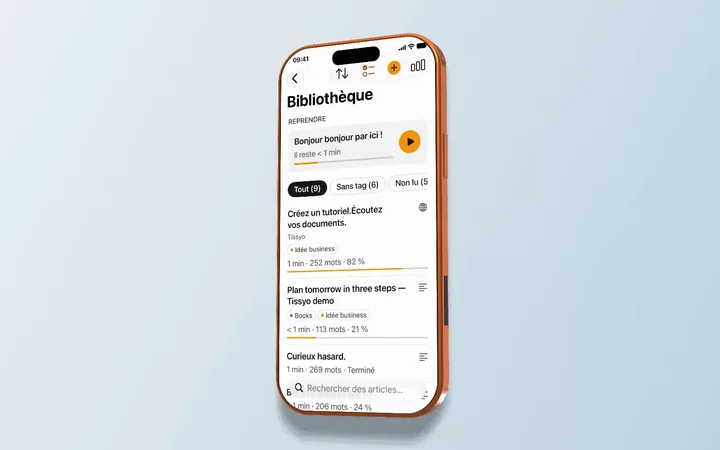
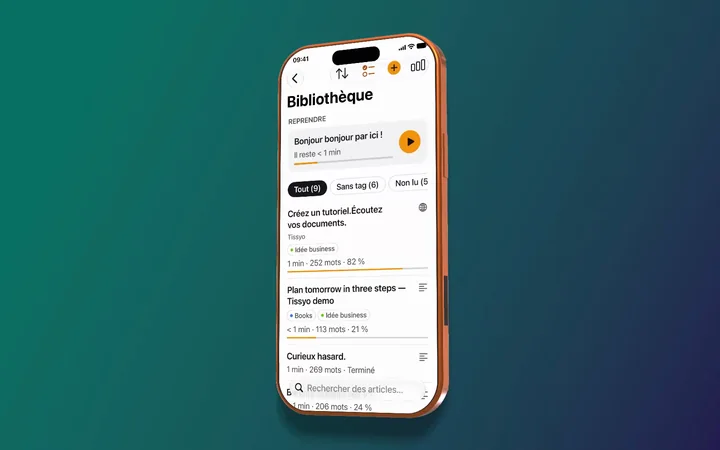
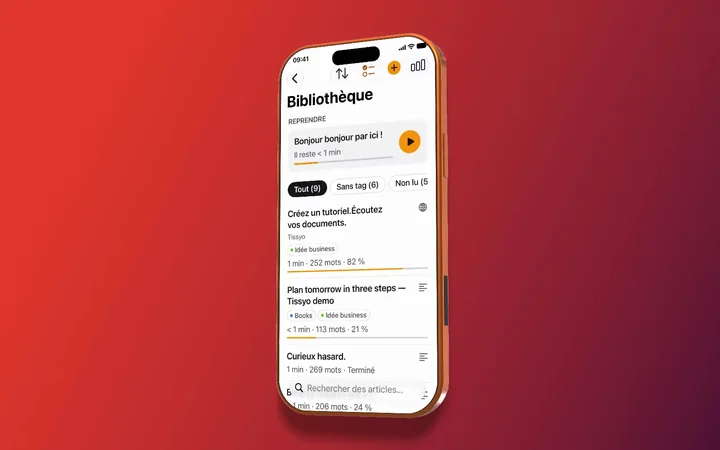
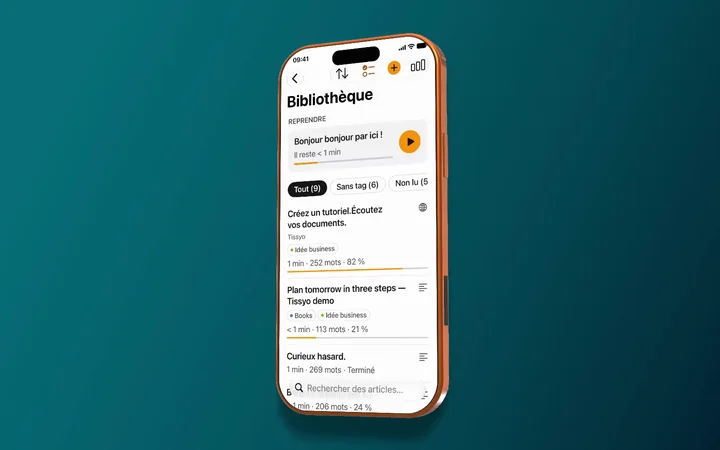
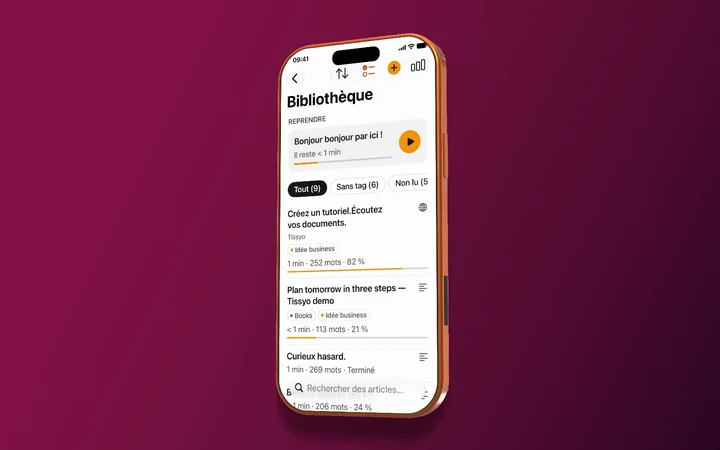
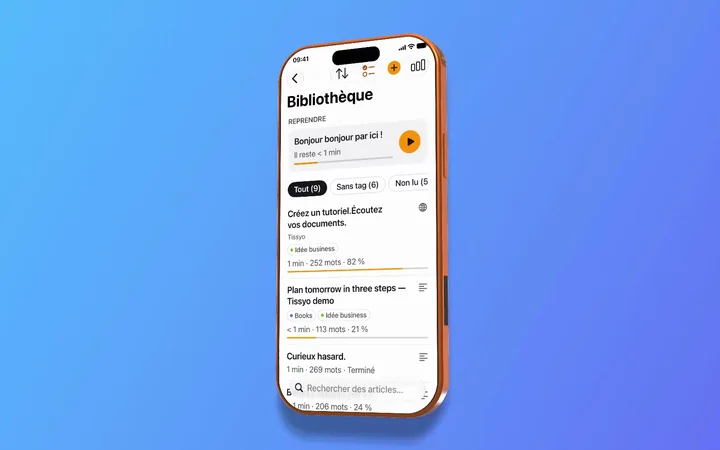
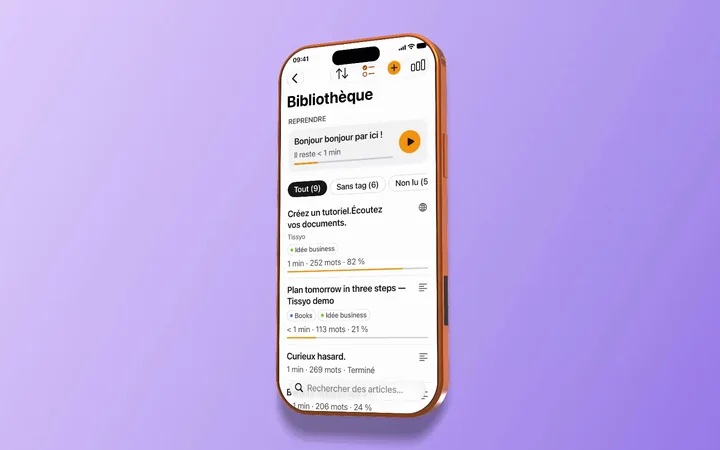
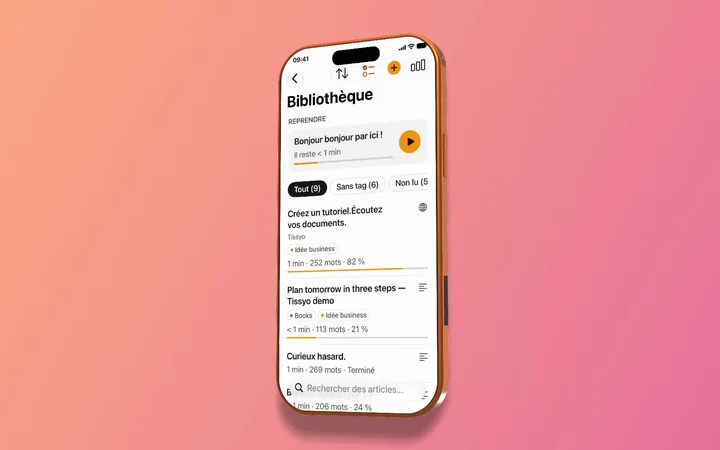
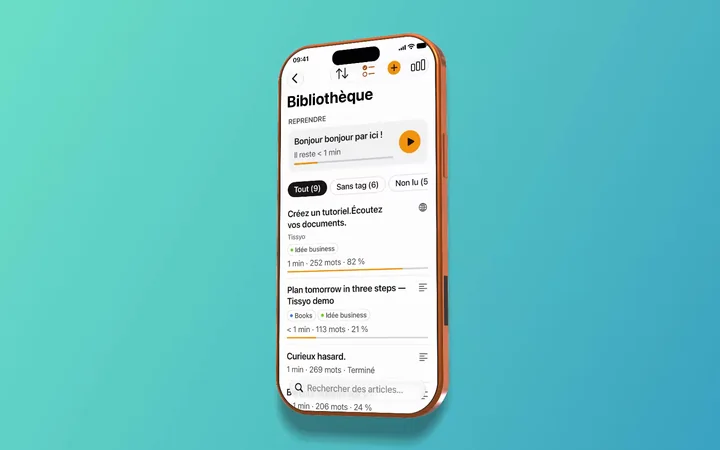
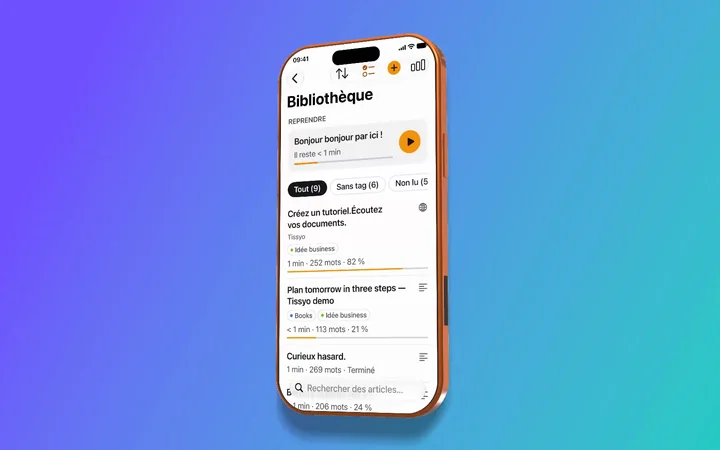
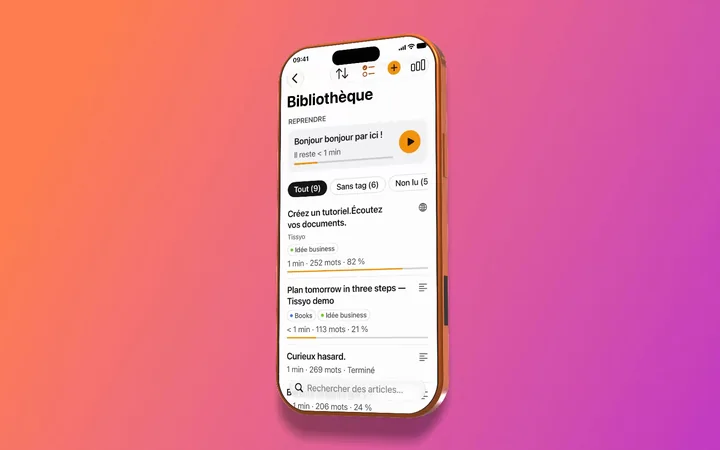
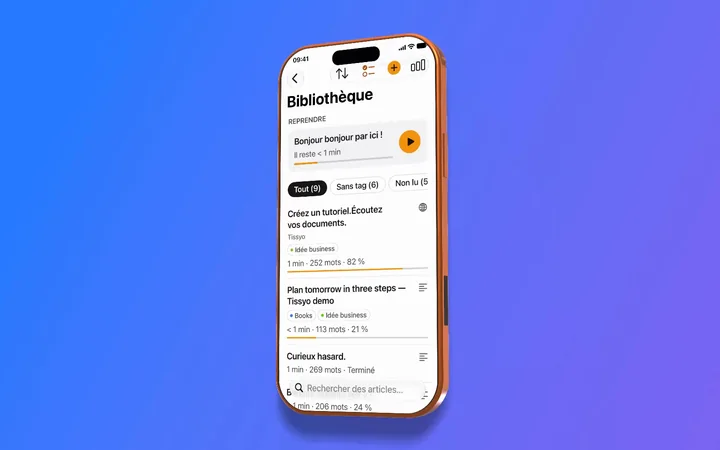
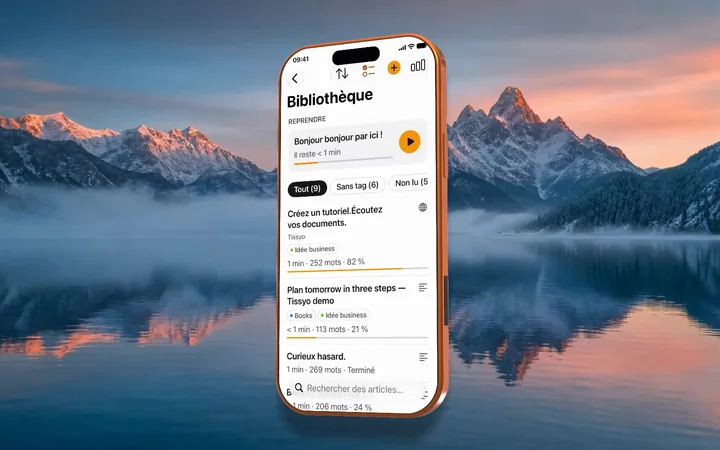


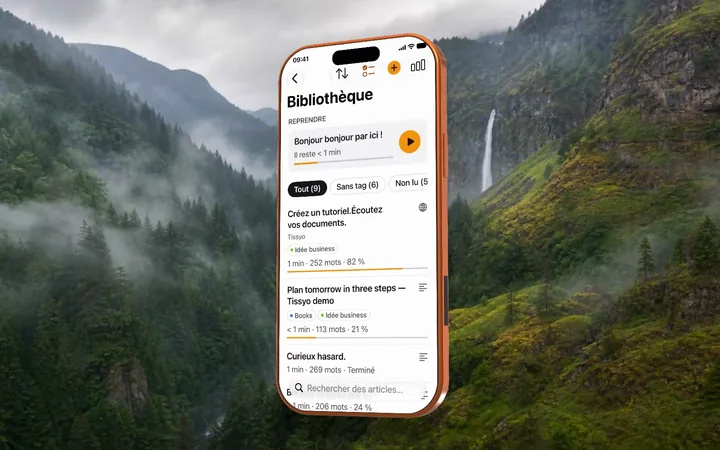
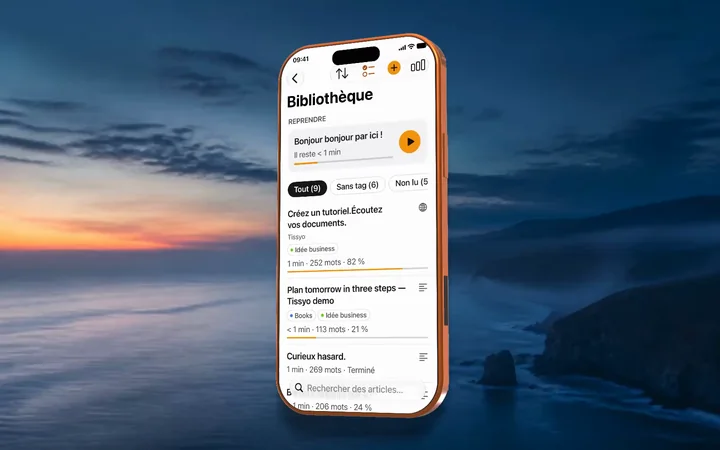
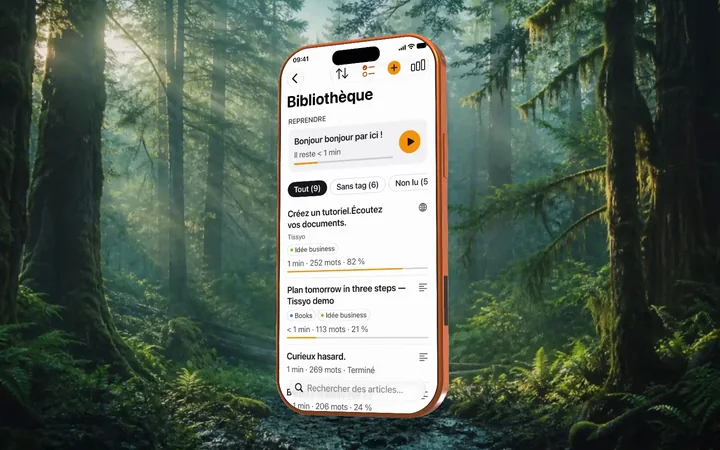

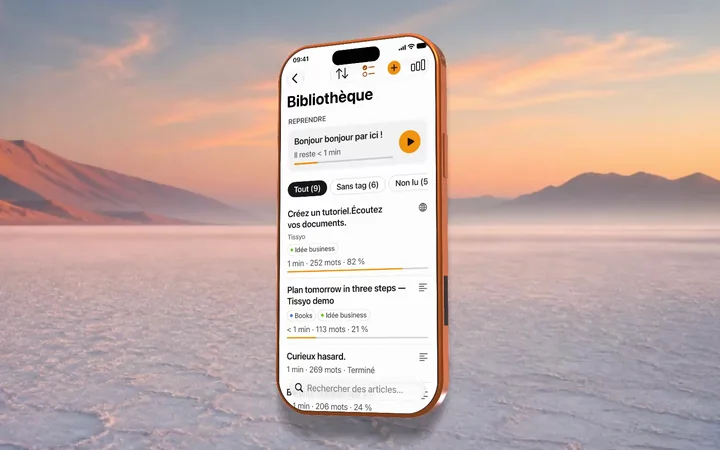
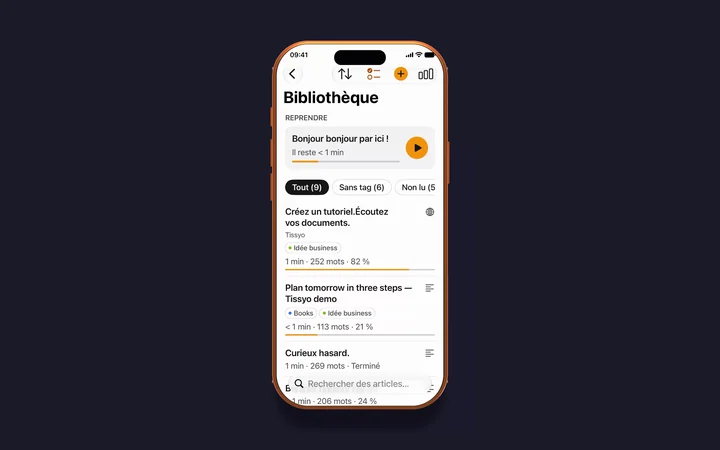
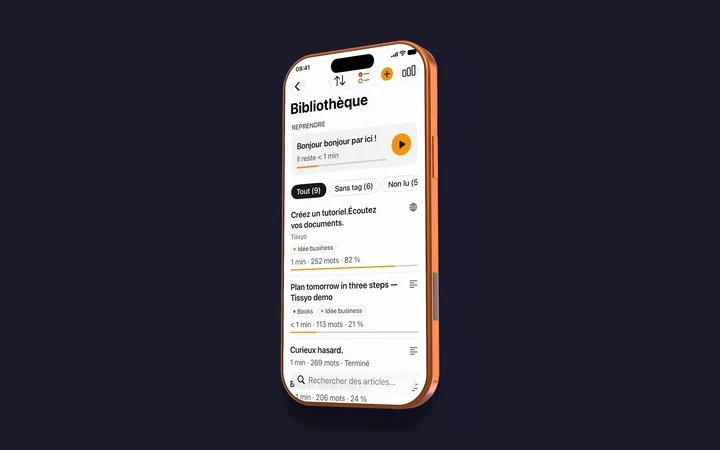
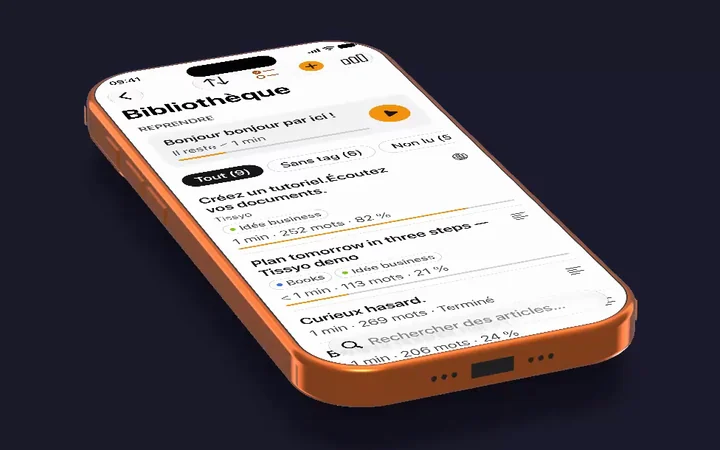
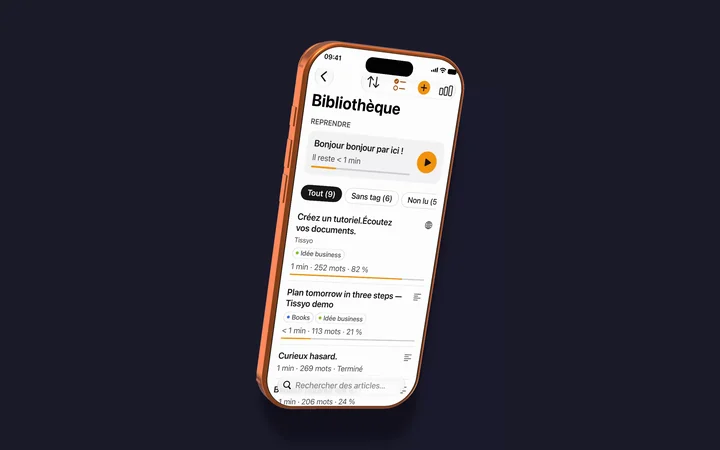
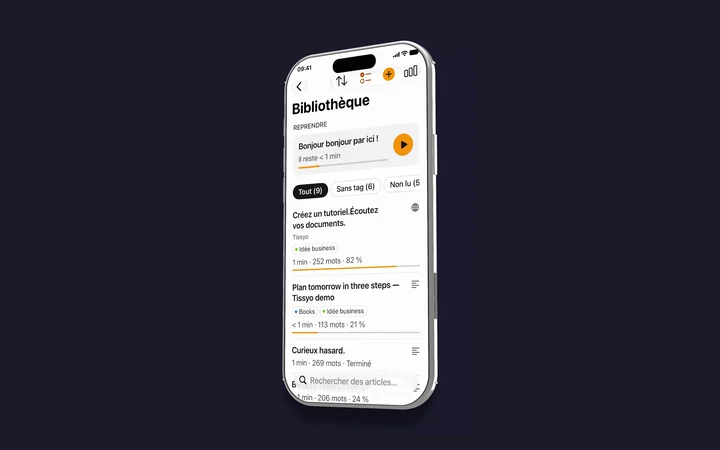
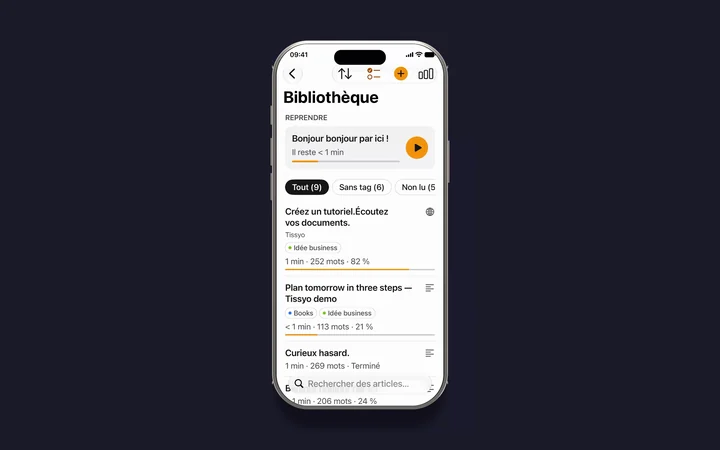
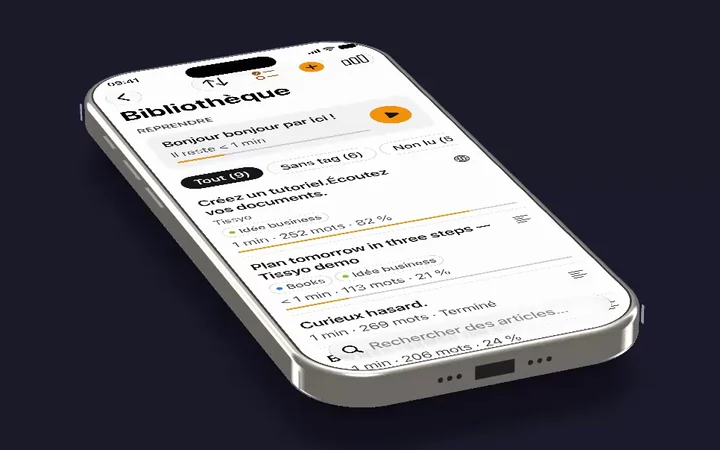
3D iPhone and iPad mockups for a recording of a device connected to your Mac: four preset poses (front, three-quarter, resting, floating) or a free tilt.
iPhone 17 Pro · front3D mockup · MacMac iPhone 17 Pro · three-quarter3D mockup · MacMac iPhone 17 Pro · resting3D mockup · MacMac iPhone 17 Pro · floating3D mockup · MacMac iPhone Air · three-quarter3D mockup · MacMac iPhone 16 Pro · front3D mockup · MacMac iPhone 17 · three-quarter3D mockup · MacMac iPhone 16 Pro Max · resting3D mockup · MacMac

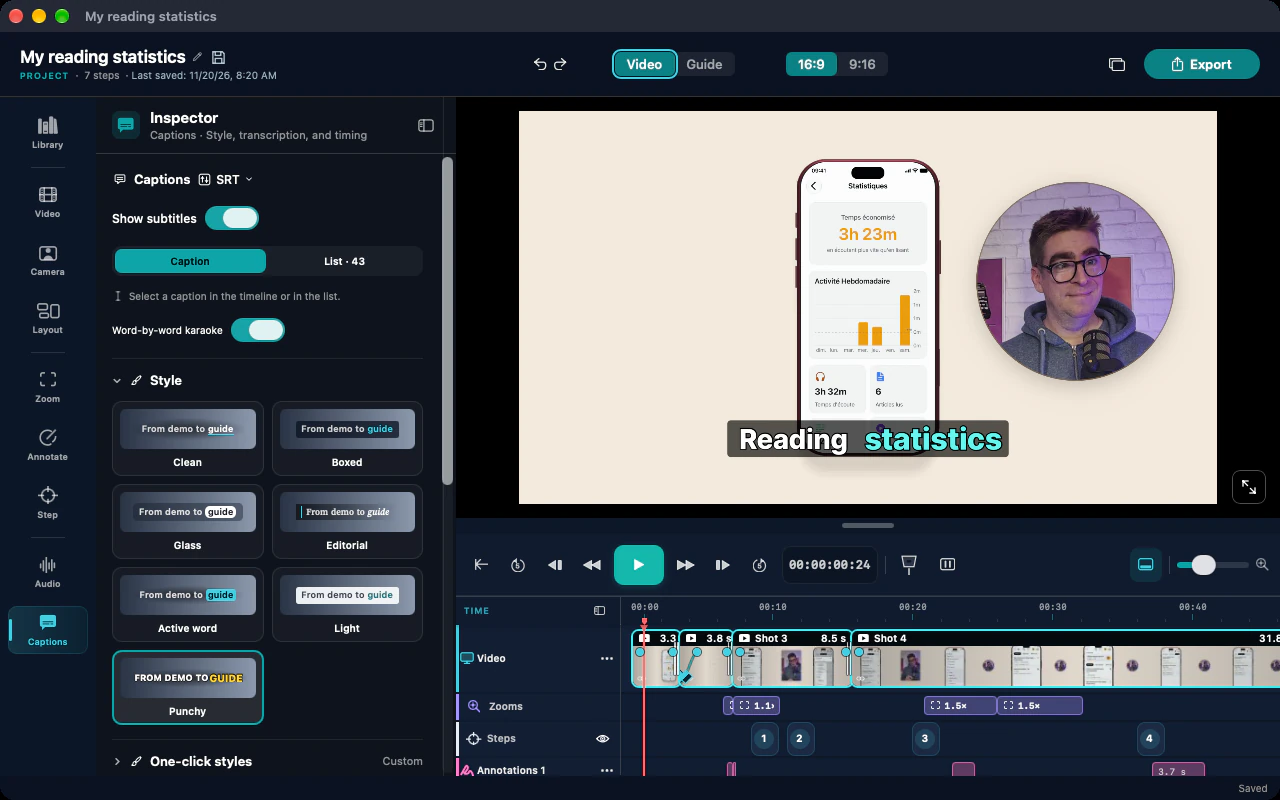
Seven caption styles, two of them word-by-word karaoke (Active word and Punchy).
Caption settingsWord-by-word karaoke, active word in color Two-line karaokeCurrent word in cyan Karaoke and annotation arrowExcerpt of a video made with Studio


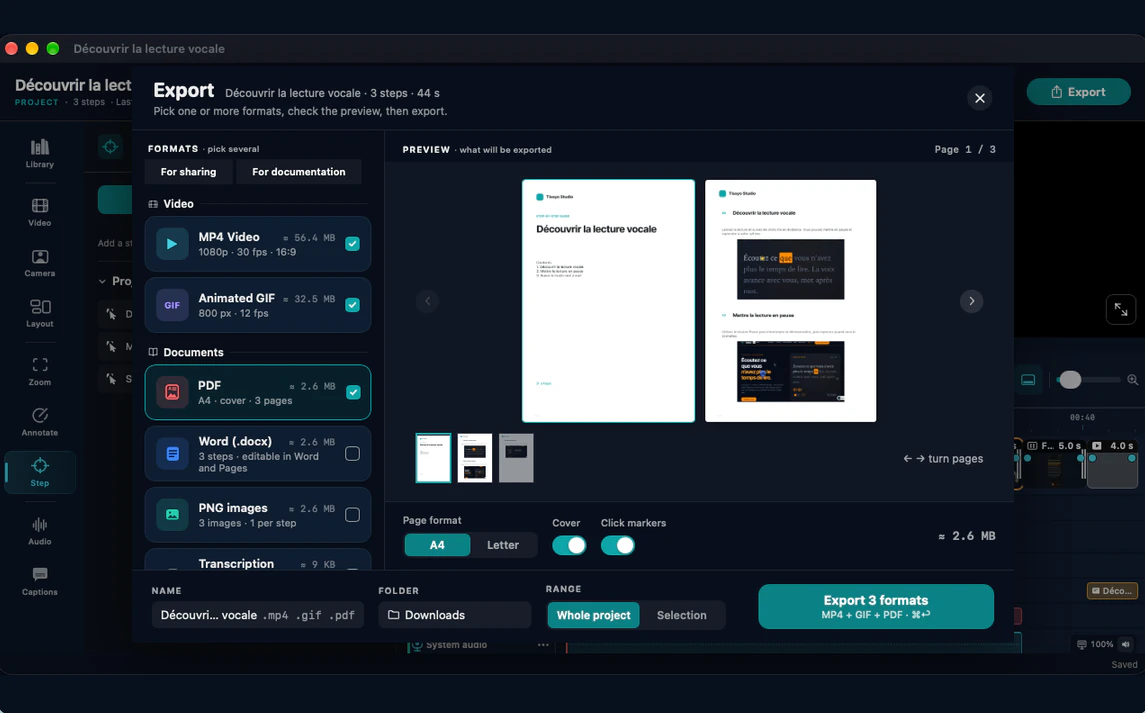
The step-by-step guide and its exports, as they appear in Studio.
Guide inspector and A4 pagesSteps, instructions, theme Illustrated PDF guideInstructions and screenshots from the demonstration Export windowMP4, animated GIF, PDF and page preview