Pro

Run as many sessions as you like. Keep a record of it all.

Unlimited activities, Evaluation mode, Live Stage and statistics: Pro brings together the features you need when sessions become frequent.

Start the 14-day Pro trial yourself · no credit card.
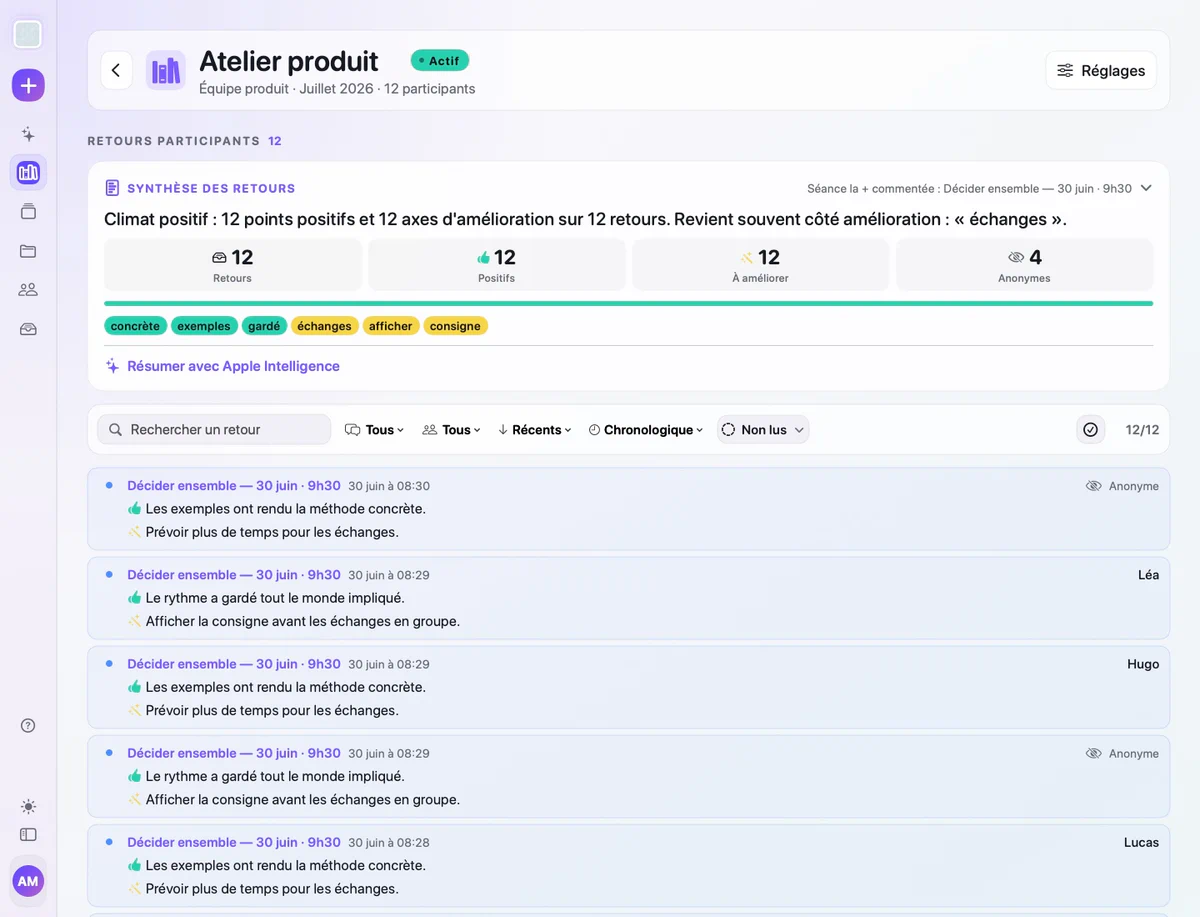
PRO FEATURES No monthly limit
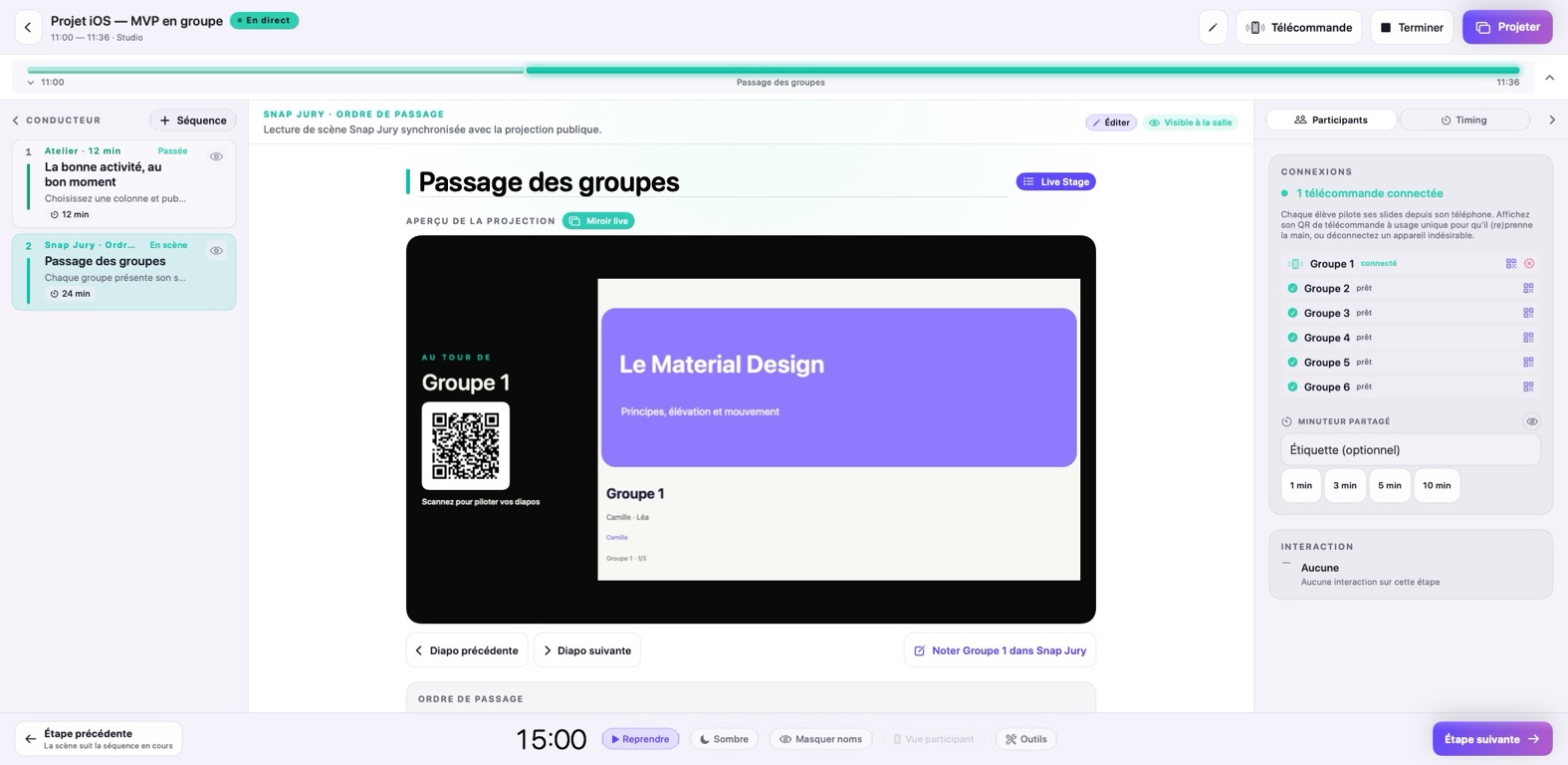
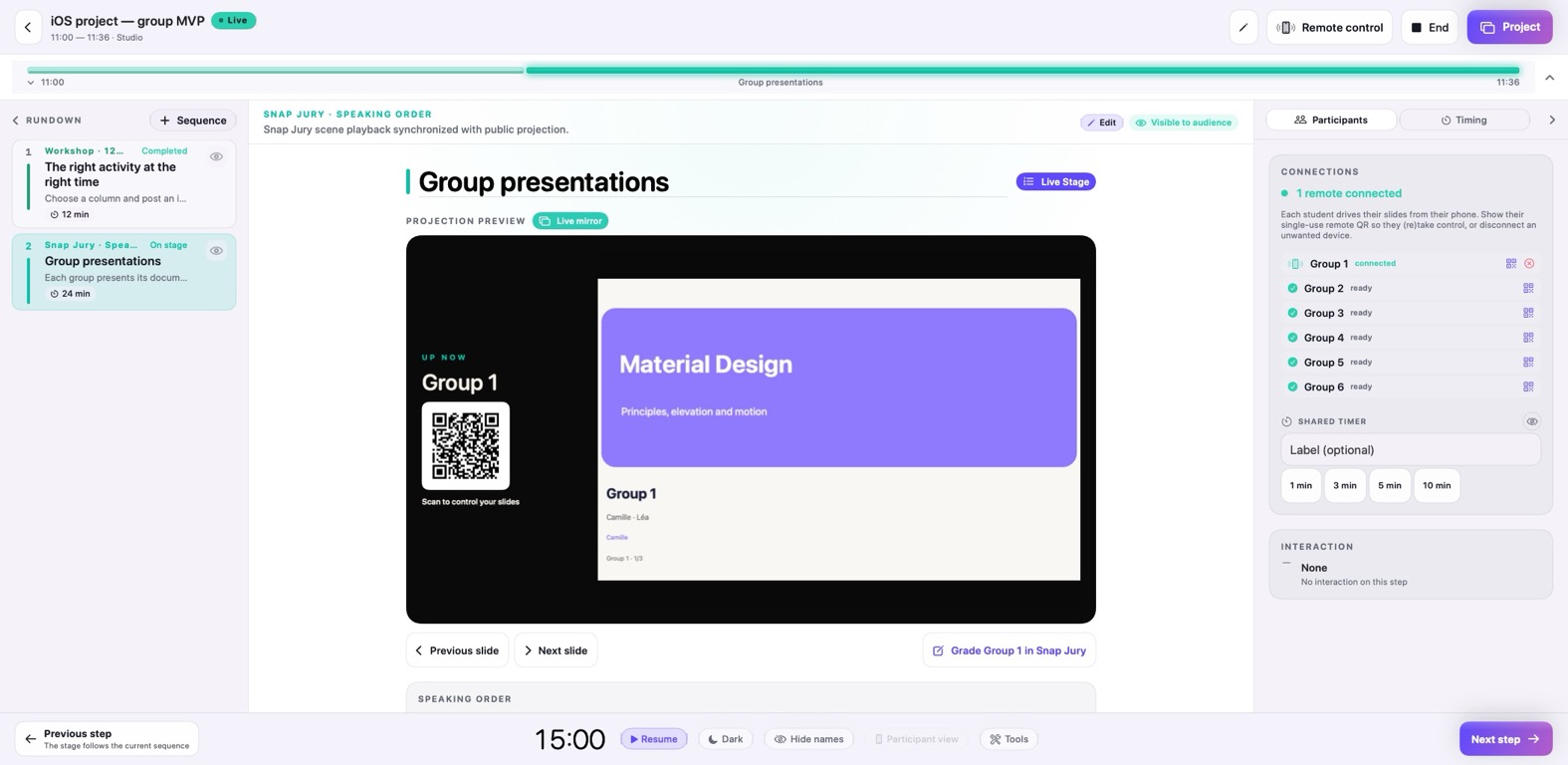
Live Stage control desk on Mac
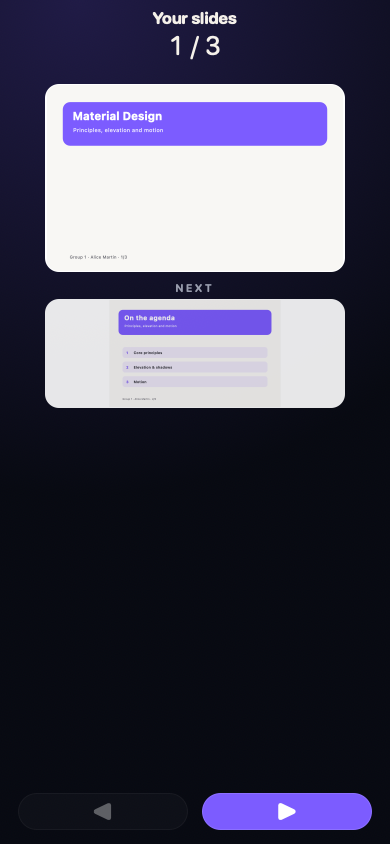
Presenter’s Live Stage remote
Live Stage
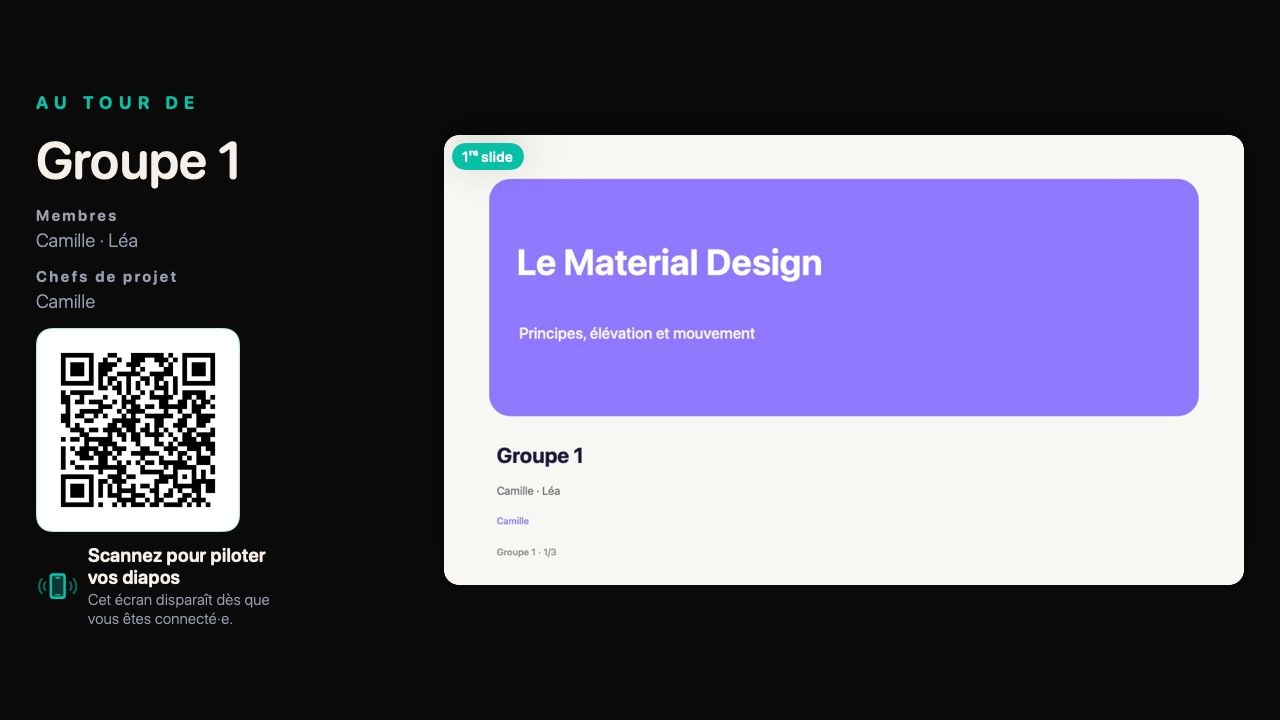
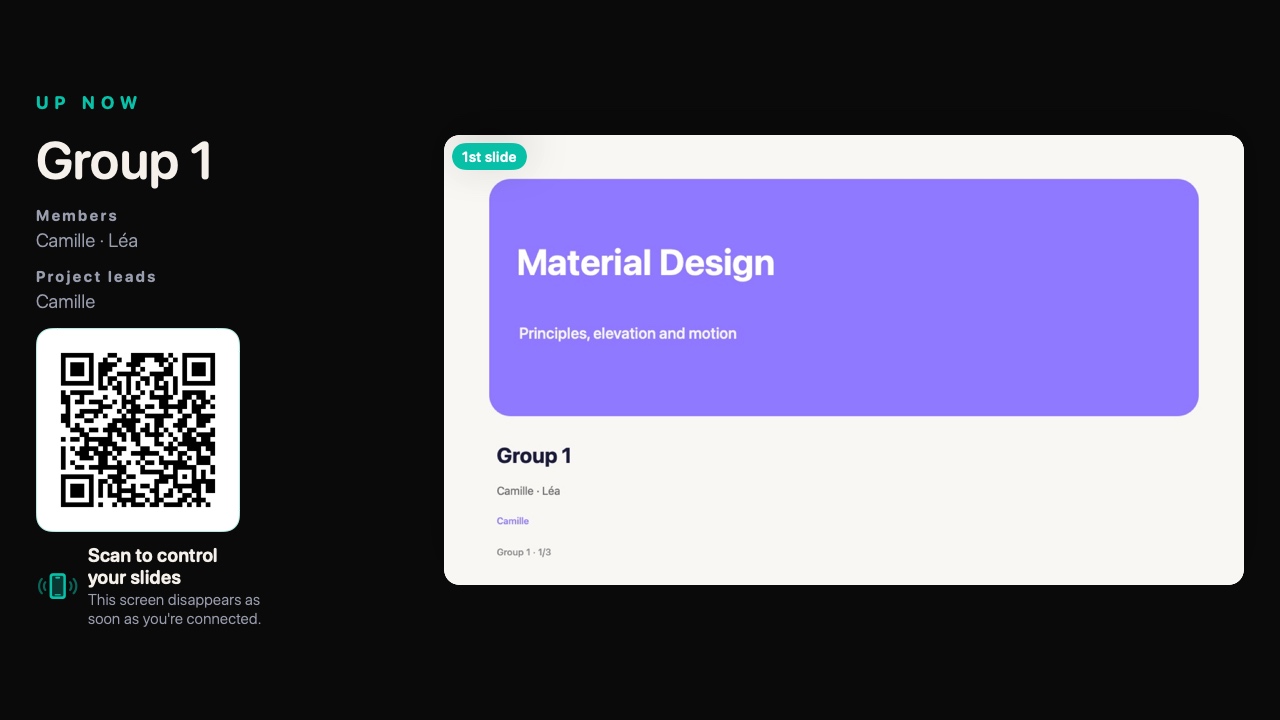
Each person controls their own deck.
PRESENTATIONS
What Pro changes

Save time before. Keep every option open during.

Prepare with an assistant

Turn an outline into content and get interaction suggestions where they can genuinely help.

Run without counting

Use activities as often as your sessions require, without choosing between groups or dates.

Assess in more depth

Move from quick checks to graded assessments and use results to decide what comes next.

Organise presentations

With Live Stage, collect content, prepare the running order and let each participant move through their presentation from their phone.

Want to picture it in a real working day?

COMPLETE EXAMPLE · FICTIONAL DATA

From the first outline to the final presentation.

A concrete day: 24 team leads, a morning workshop and afternoon presentations. Explore each step to see what Tissyo Interact Pro actually does.

Creating a deck from a Markdown outline with a two-slide preview — French demo interface
The outline stays visible while the preview takes shape.
08:15 · BEFORE THE WORKSHOP

A rough outline becomes a deck you can still revise.

Paste the workshop’s Markdown outline. Headings split the slides, bullets structure the content and the preview updates before creation.

Starting point
An outline with three moments, objectives and a few instructions.
What you do
Review the structure, choose the Workshop theme and keep or reject interaction suggestions.
What remains
An editable deck already placed in the session plan.
What you avoid

One tool for slides, another for voting, a spreadsheet for the order and scattered results.

What you keep

One plan, activities in the right place and useful evidence for what comes next.

Pro Live Stage

One scan. The right deck appears. Presentations keep moving.

Decks are checked and ordered before the presentations. When their turn comes, each presenter scans a personal QR code to move through their own document. On the Mac, you retain control of the order, the room display and the hand-off to the next speaker.
The presenter
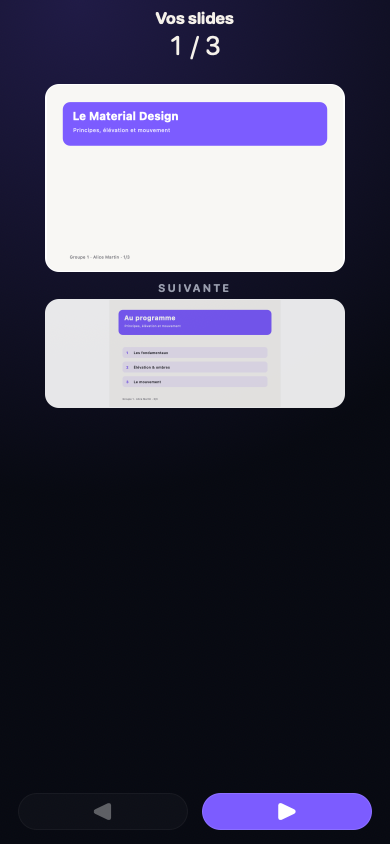
They move forwards or backwards through their deck — and only their deck.
You
You decide when a presentation ends and who comes next.
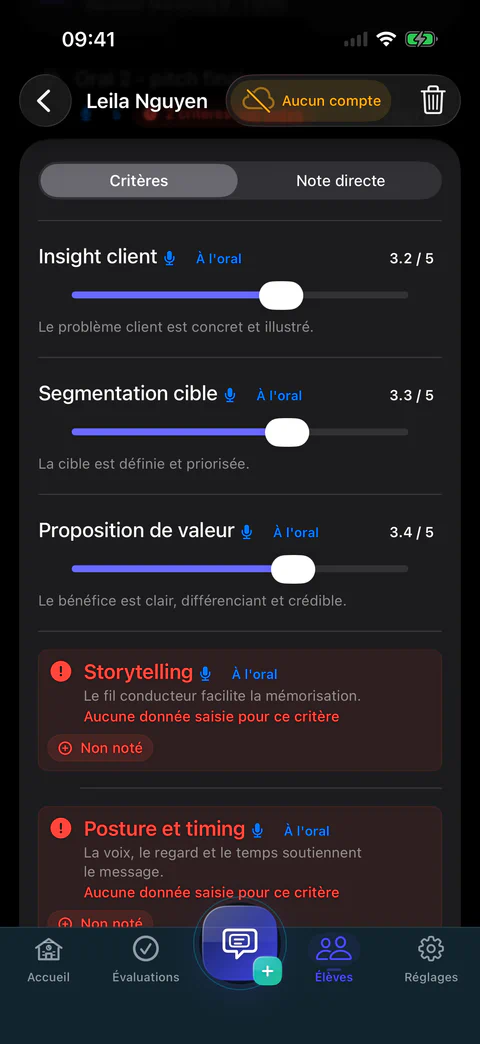
  1. On the phone The current slide, the next one and two simple controls.
  2. In the room The right deck is already on screen; a personal QR hands control to the right presenter.
  3. On your Mac You monitor the order and active deck, then prepare the next speaker.
Current product interface · fictional demonstration data.
To get started

Tissyo Interact

  • Prepare content and session plans
  • Try essential interactions
  • Let the group join without an account
Pro

Tissyo Interact Pro

  • Intensive use with no monthly limit
  • Assisted creation and suggestions
  • Advanced assessments and formats
A REAL SESSION, NOT A DEMO

Ready to try Tissyo Interact in the room?

One Mac to run the session. One QR code to join. No account to create.

START FOR FREEAvailable on the Mac App Store.