Interact
AT THE START
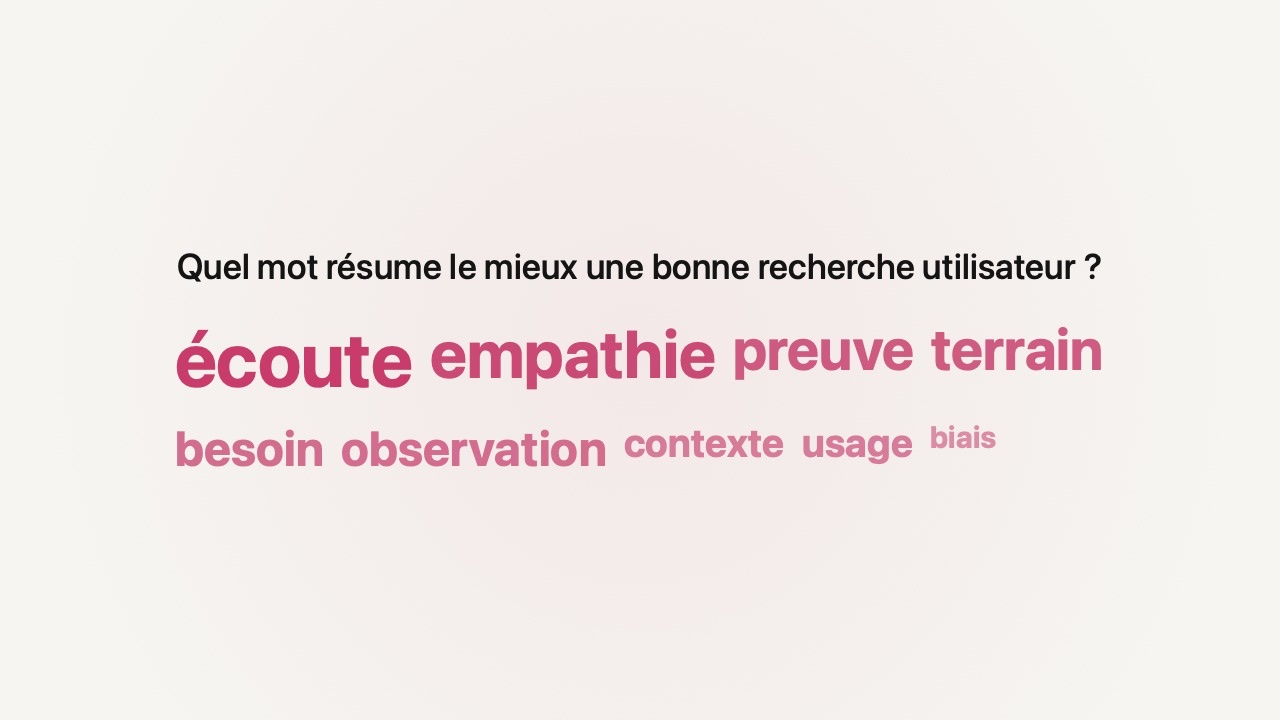
Word cloud
Recurring words take up more space. You see where to begin — and what still needs clarifying.
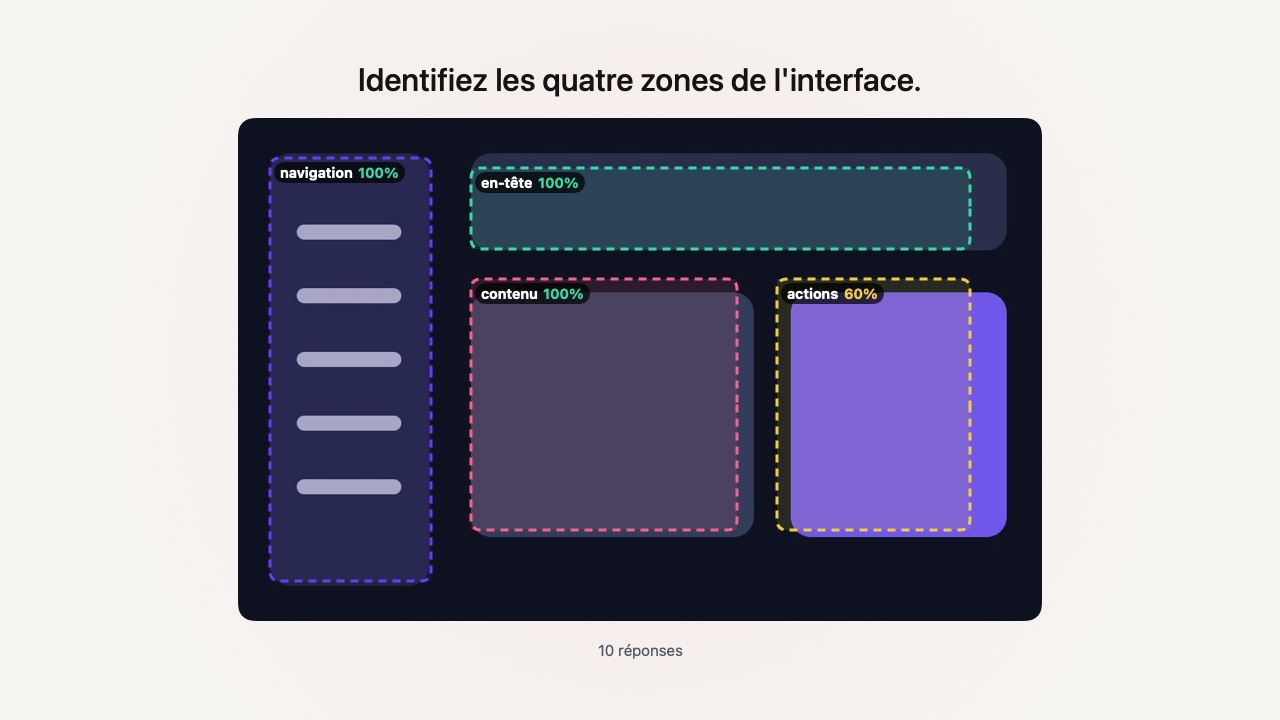
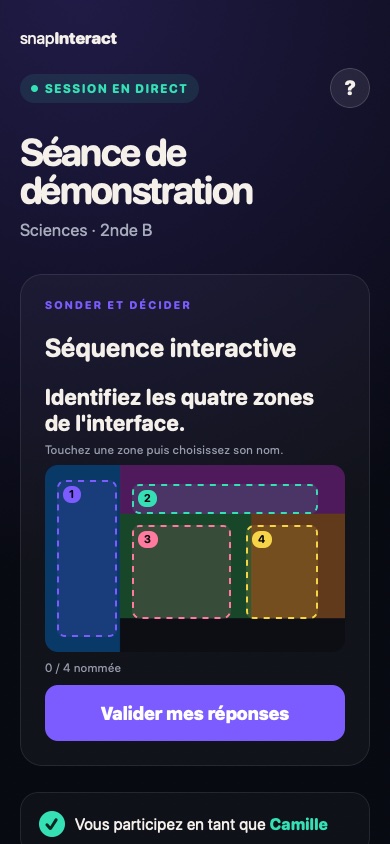
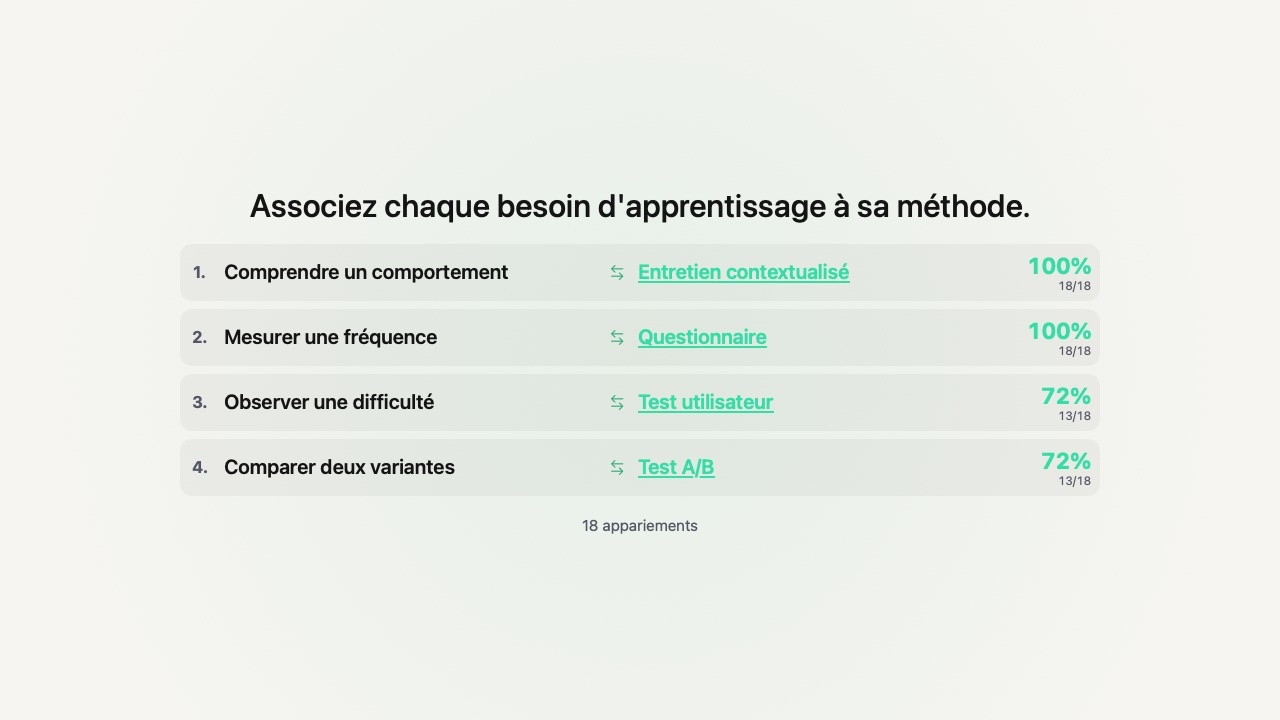
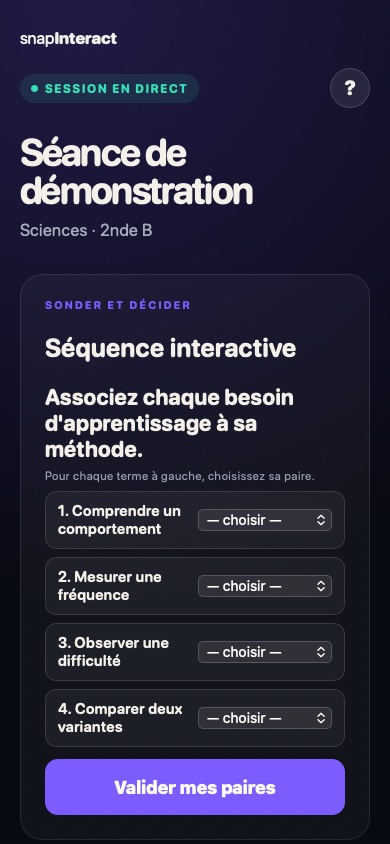
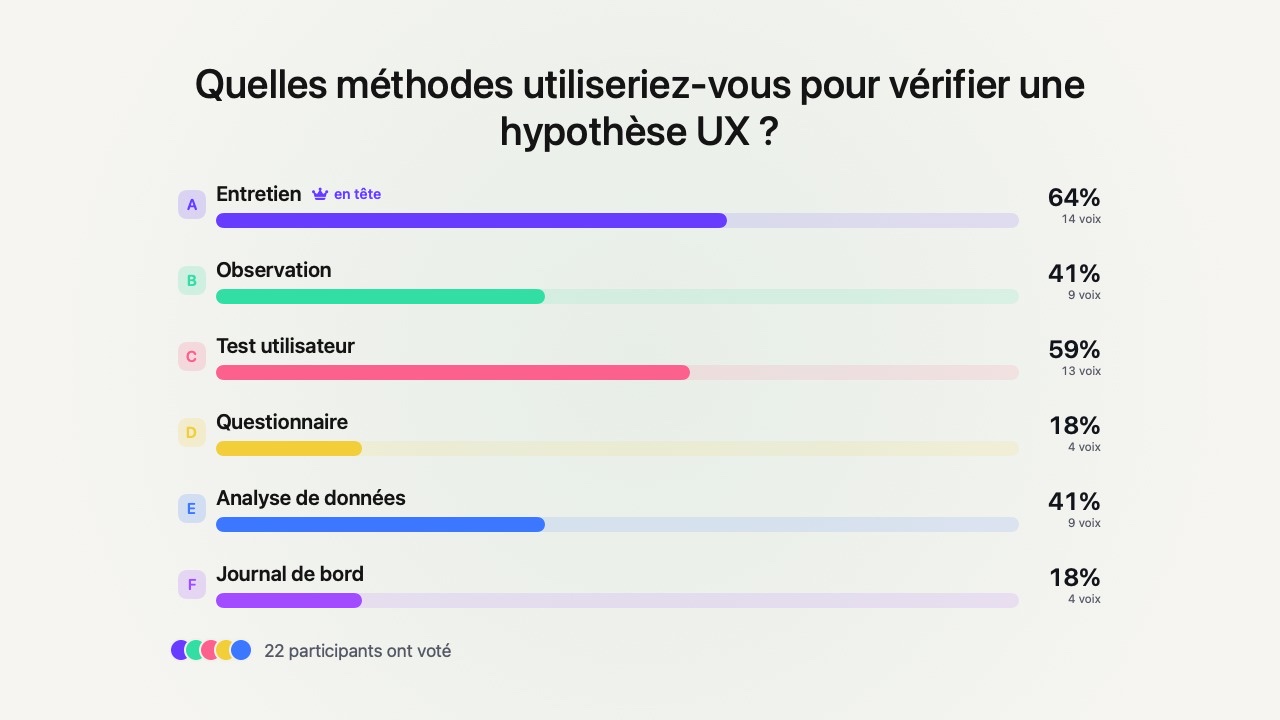
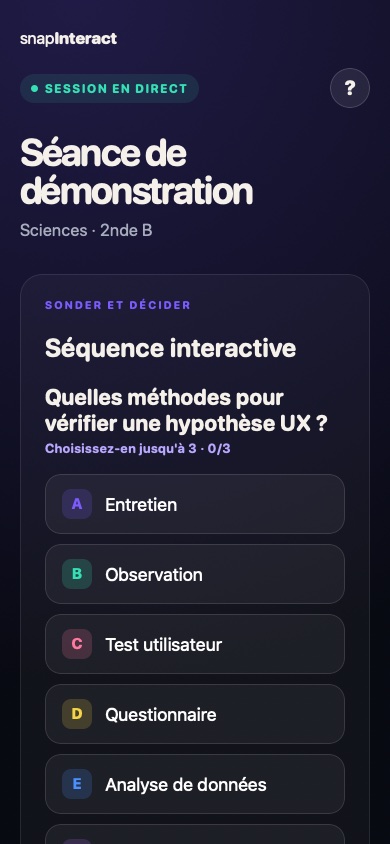
See the action and result →Surface an idea, check a concept, decide with the group or collect work: choose the right format without breaking the flow.
14 activities ready to adapt · participants answer without an account.
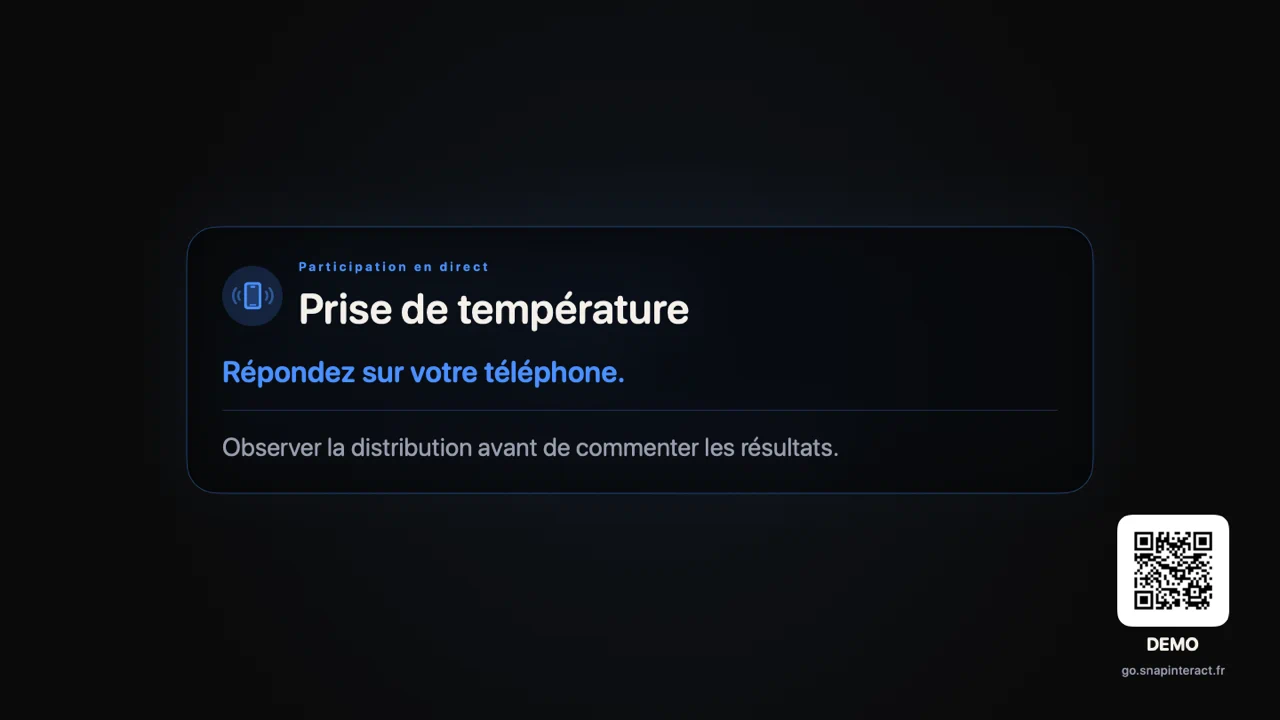
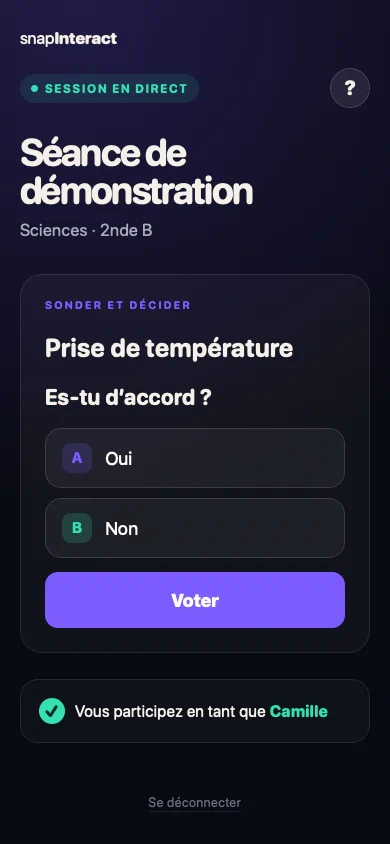
Before the fastest voices take over, give everyone a few seconds to respond.
Recurring words take up more space. You see where to begin — and what still needs clarifying.
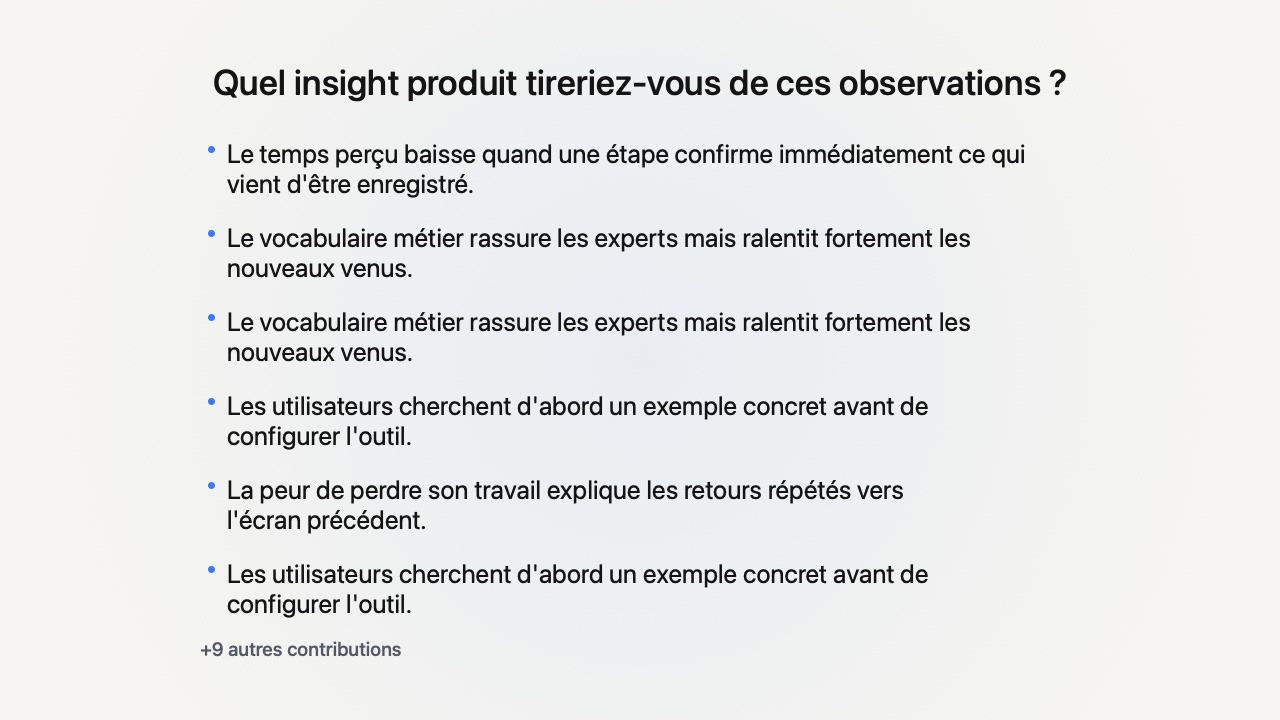
See the action and result →Everyone writes first. You capture the group's range of ideas, not just the first three voices.
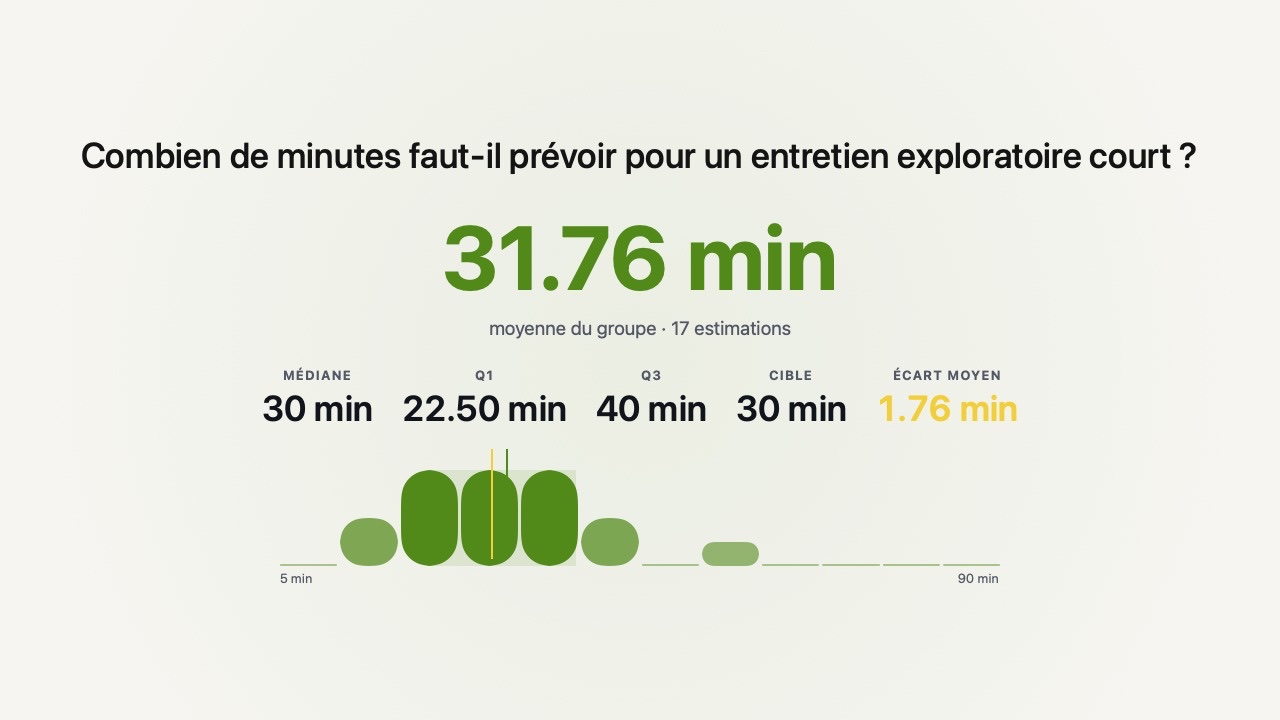
See the action and result →The group makes a guess. The gap with reality creates attention.
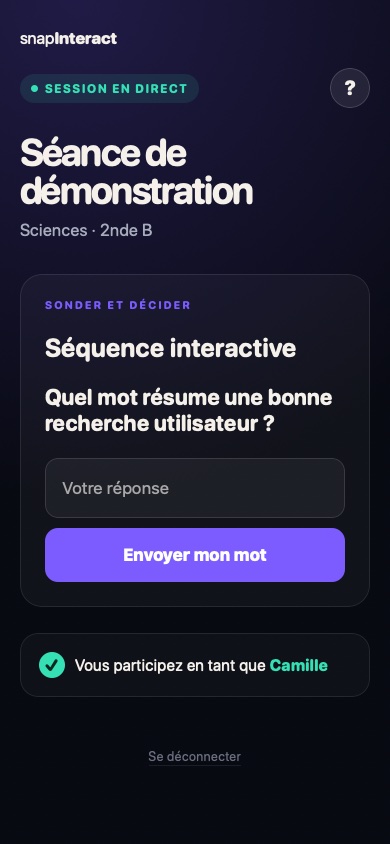
Everyone can take time to write, without interrupting or speaking in front of the group.
Skip “has everyone understood?”. Look at what the answers actually show.
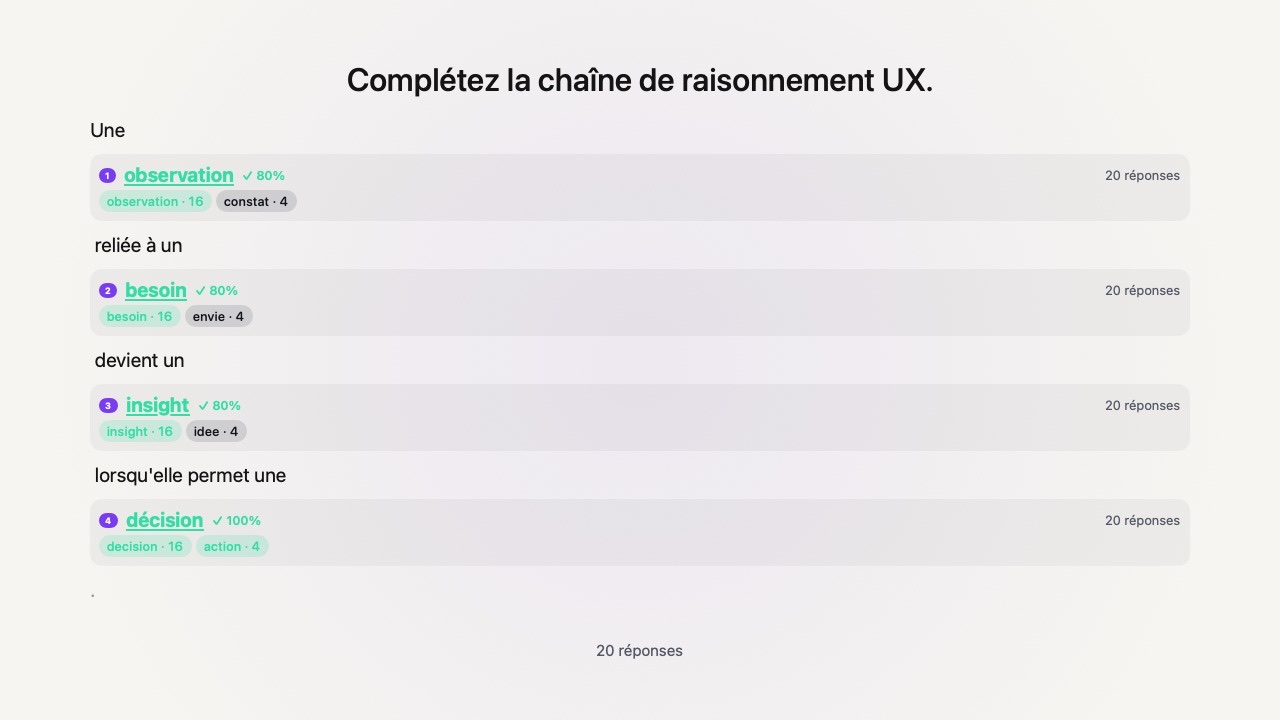
Identified — and overlooked — areas appear. You see what the group recognised and what needs revisiting.
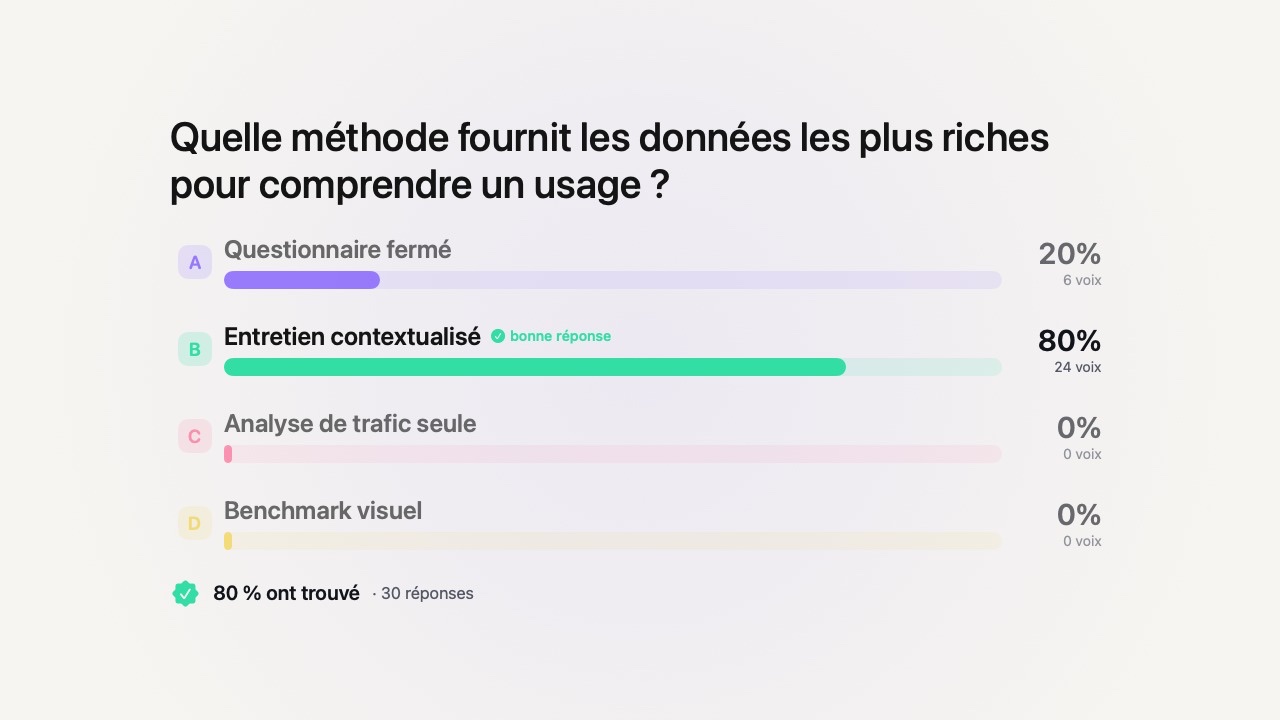
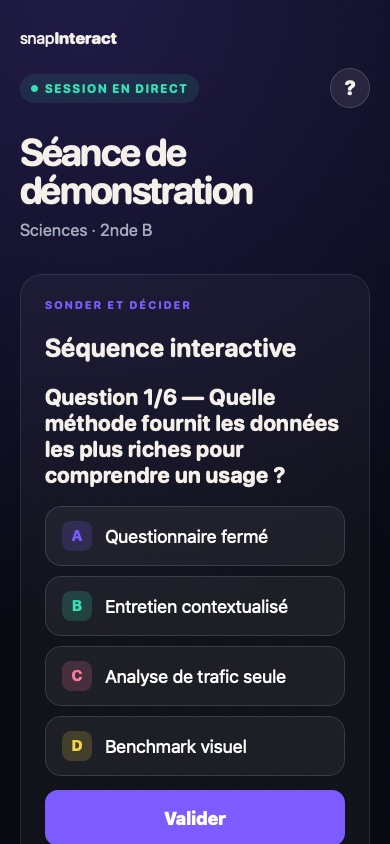
See the action and result →The results come in. You know whether to continue or try another explanation — without turning it into a public test.
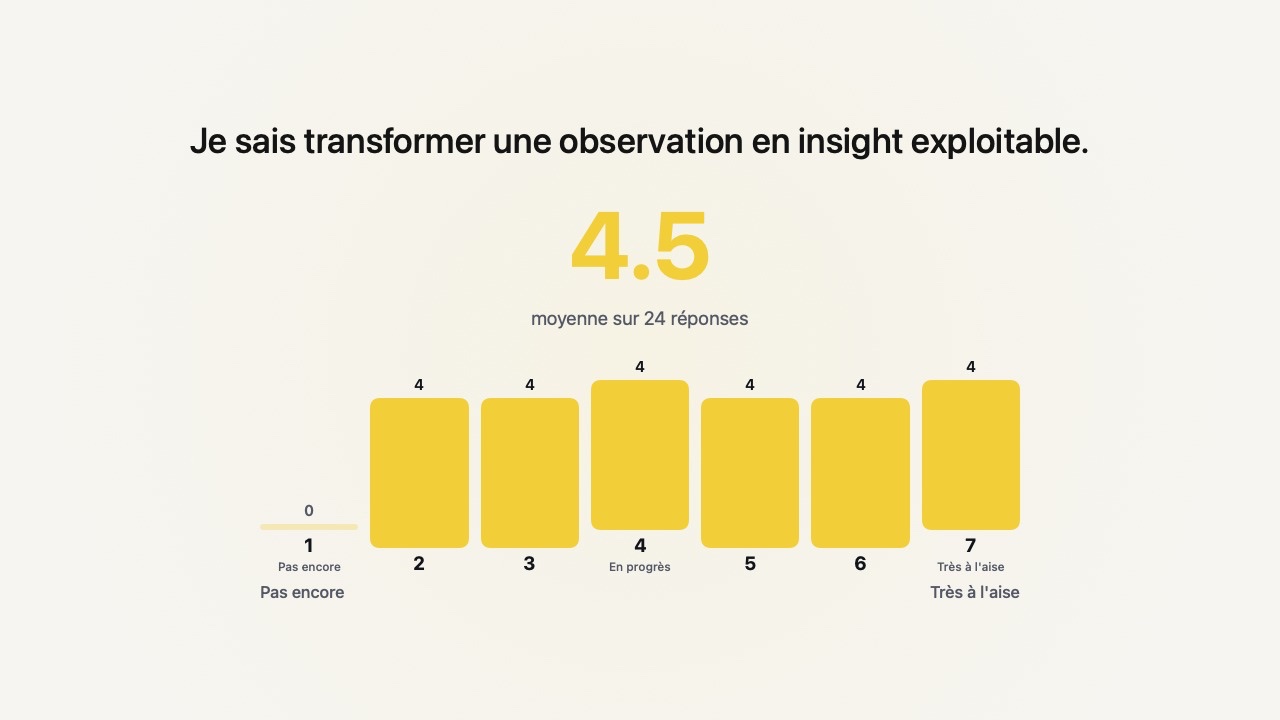
See the action and result →The distribution reveals shades of confidence that a simple “yes” hides.
Missing words highlight the parts worth revisiting.
Confusions emerge collectively, without showing anyone's name on screen.
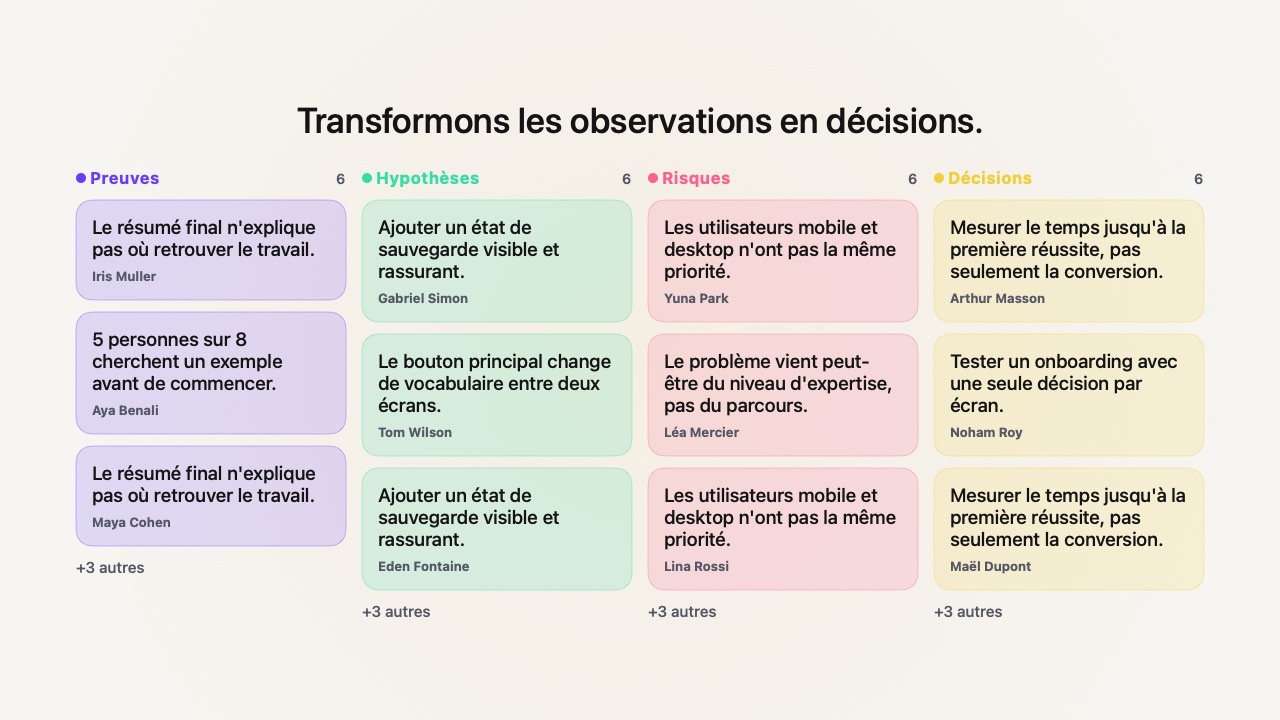
When several options are valid, make preferences and differences visible.
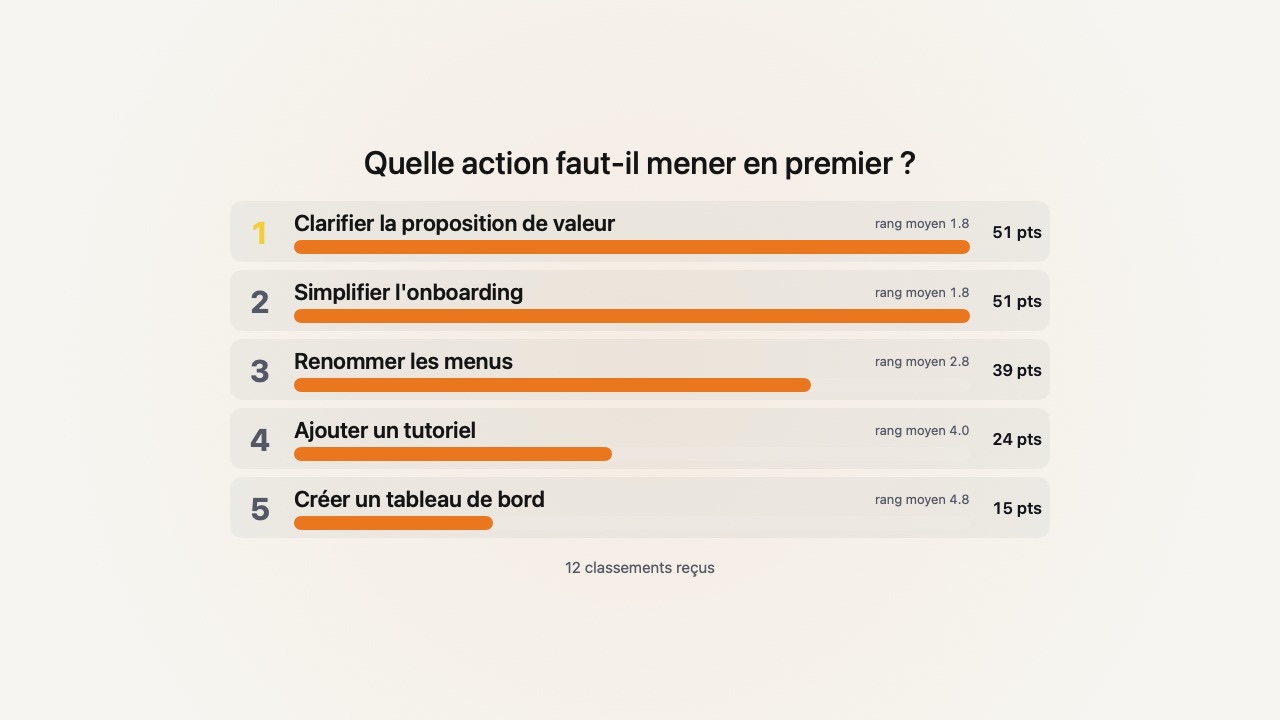
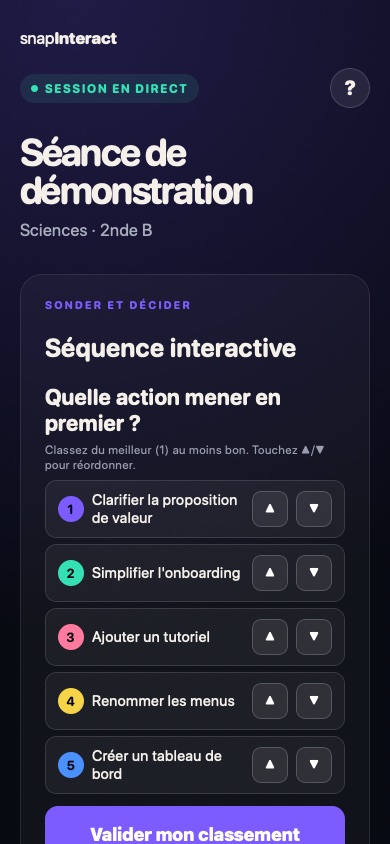
The priority ranking appears. You know what to keep and what to cut.
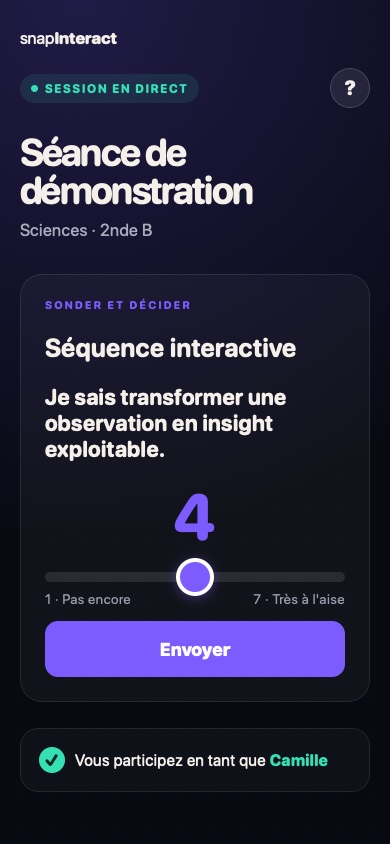
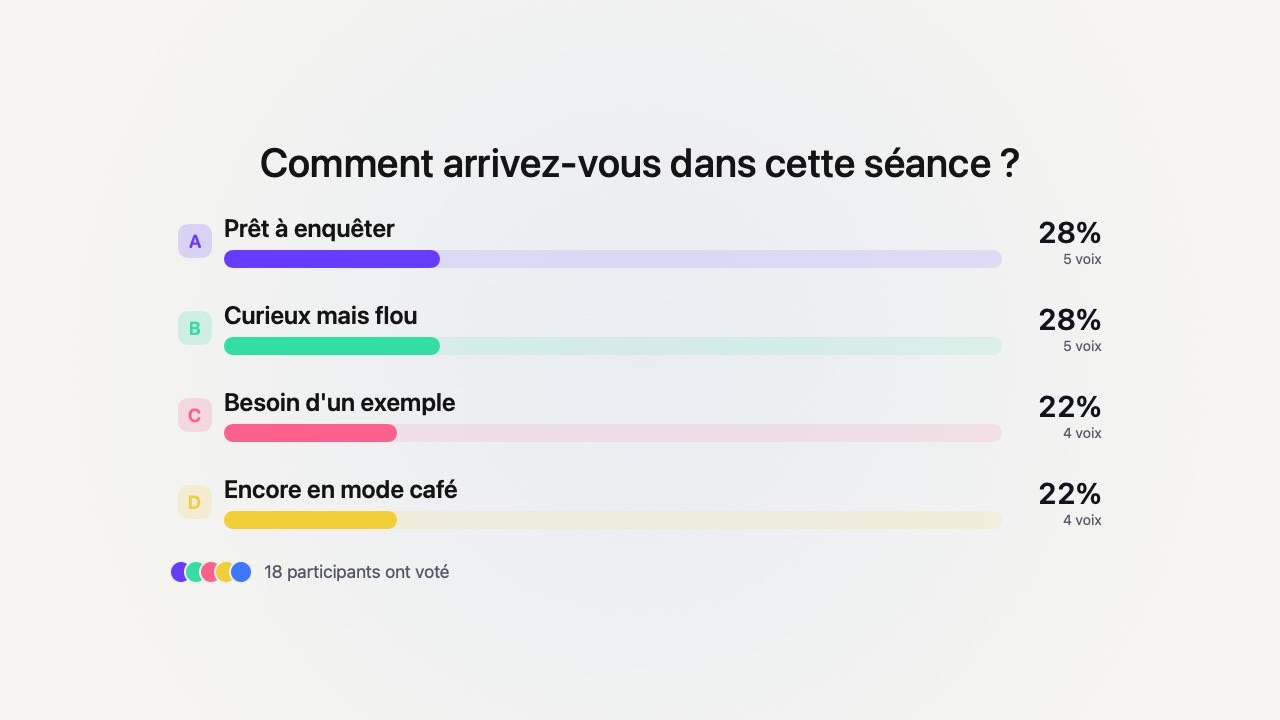
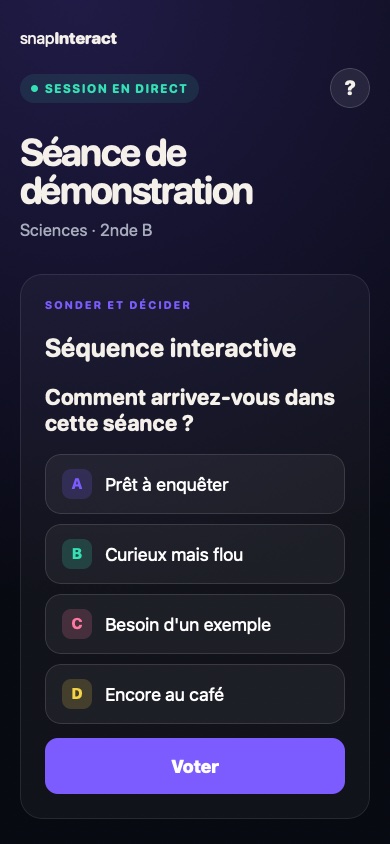
See the action and result →One choice, one tap: see whether to decide or open the discussion.
The group's order takes shape. Differences become a starting point.
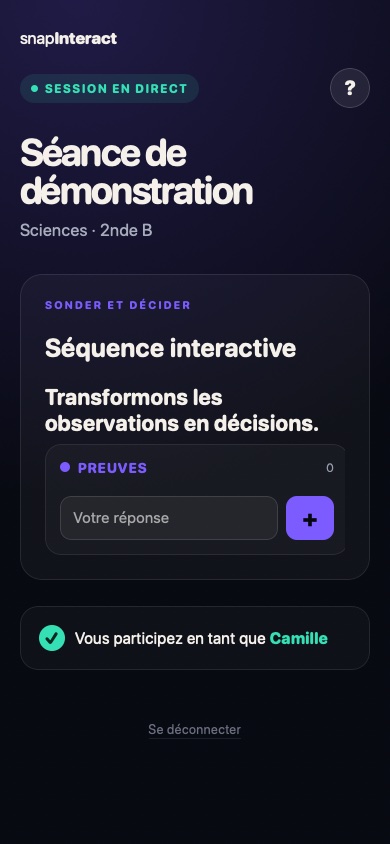
The session keeps moving while work and feedback come in.
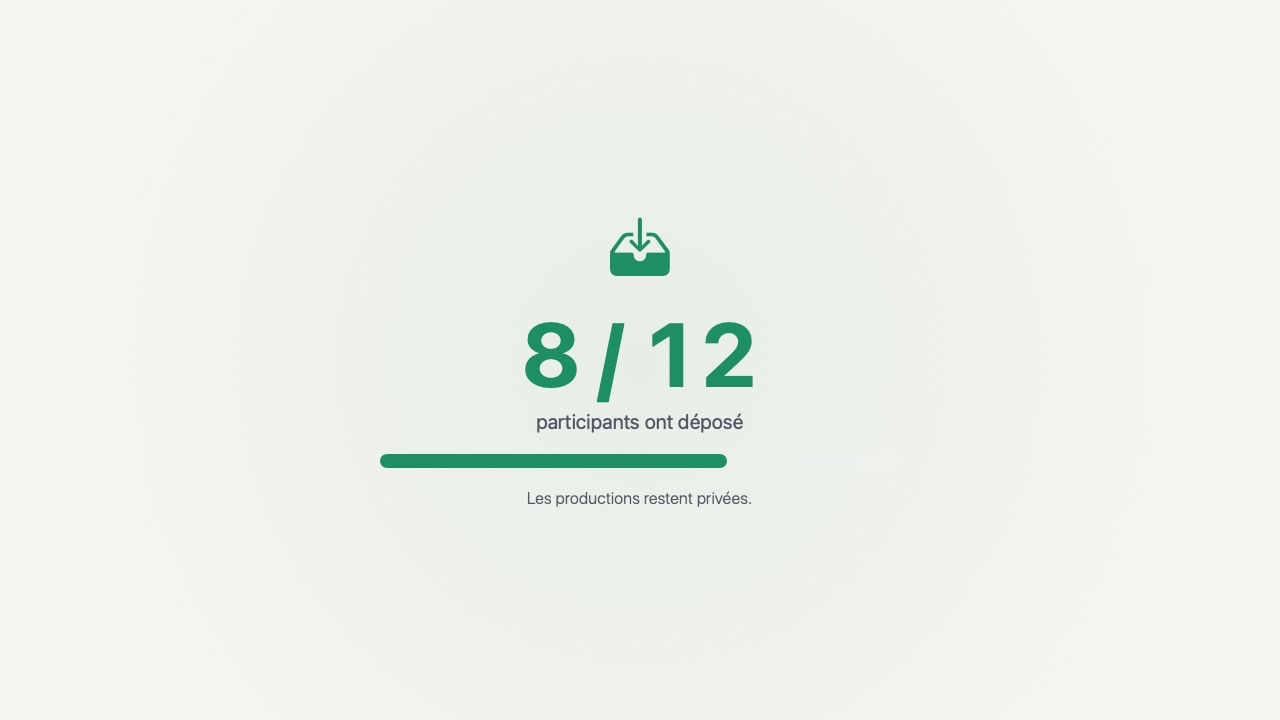
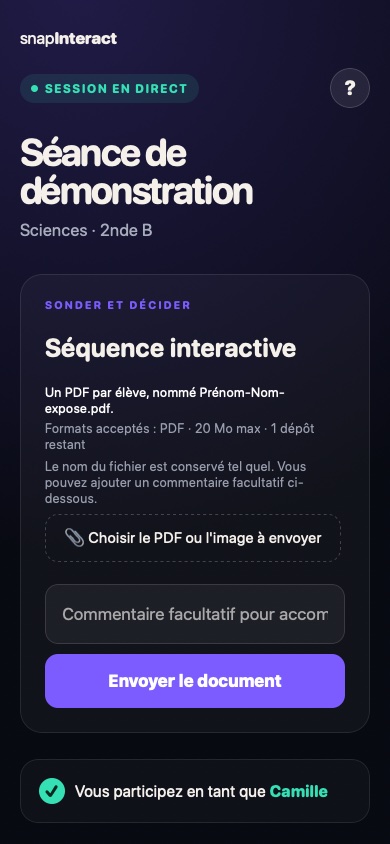
You see who is ready. Work remains private while it is being collected.
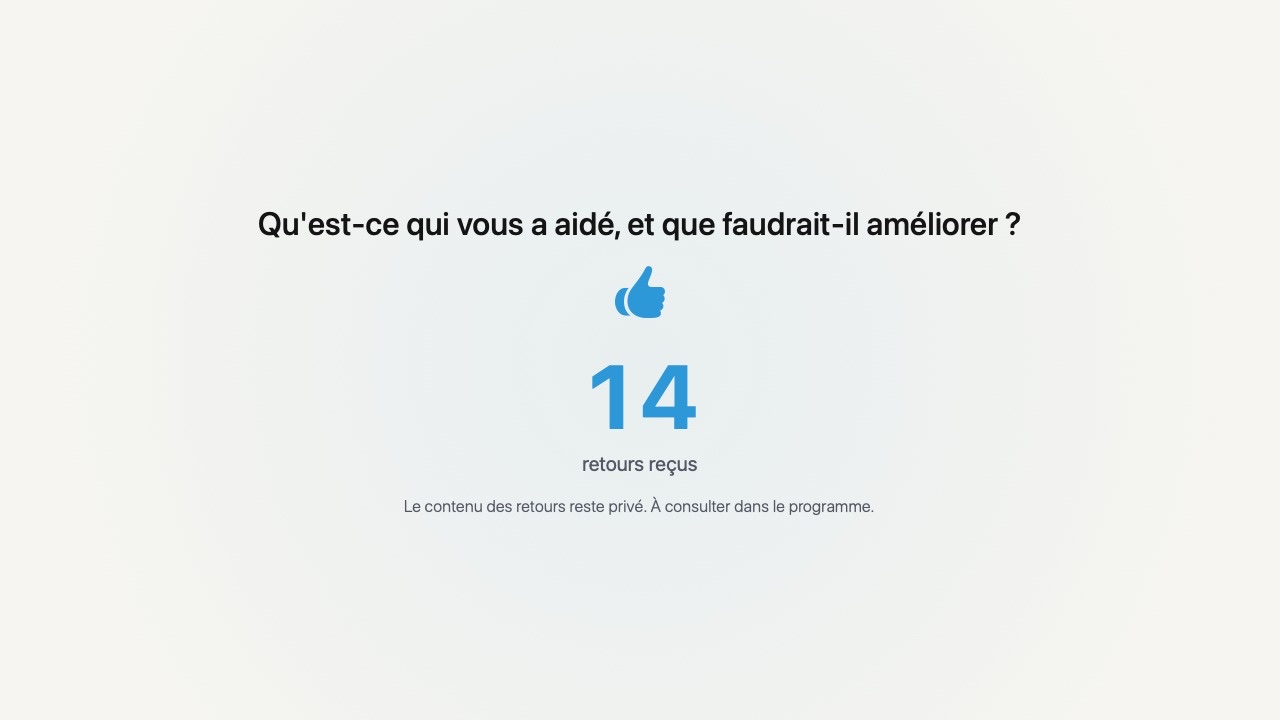
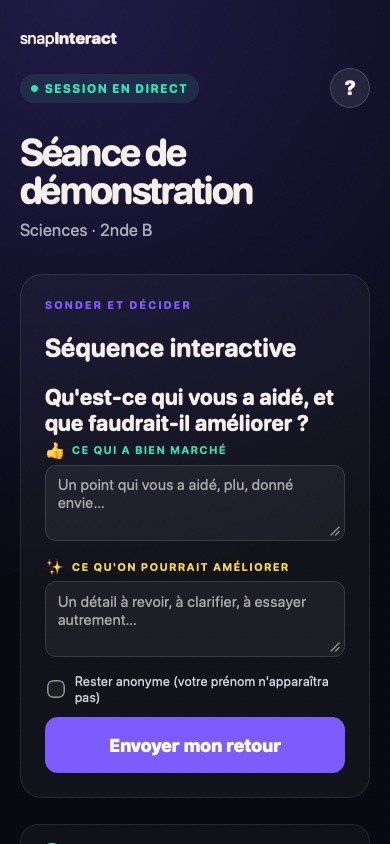
See the action and result →One strength, one improvement: useful feedback for what comes next.
These are not three more activities: these features form teams, organise presentation slots and make assessment easier to follow.
Create teams, assign roles and share the right files. On their phone, everyone sees their team, role and resources.
Organise group work →Build the running order from submitted decks. When it is their turn, each presenter controls their slides from their phone while you keep the session moving.
Plan the running order →Everyone answers at their own pace, with questions and answer choices shuffled. Track progress and get a ready-to-use grade.
Explore Assessment mode →Choose the path that matches what you want the group to do.
Six methods to prepare in-person time, spot disengagement, diagnose understanding and help the group decide.

Products, guides and help pages.
Press Enter to search · Esc to close