 Interact
On the Mac
The deck keeps moving. MAIN CONTROL
The deck keeps moving. MAIN CONTROL
Advance slides, launch an activity and adjust the timer from iPhone or Apple Watch. Your Mac remains the main control desk.
The iPhone and Apple Watch apps are included, even on the Free plan.


Open “+ Sequence” in the console, add the activity or moment the group needs, then pick up again without interrupting the projection.
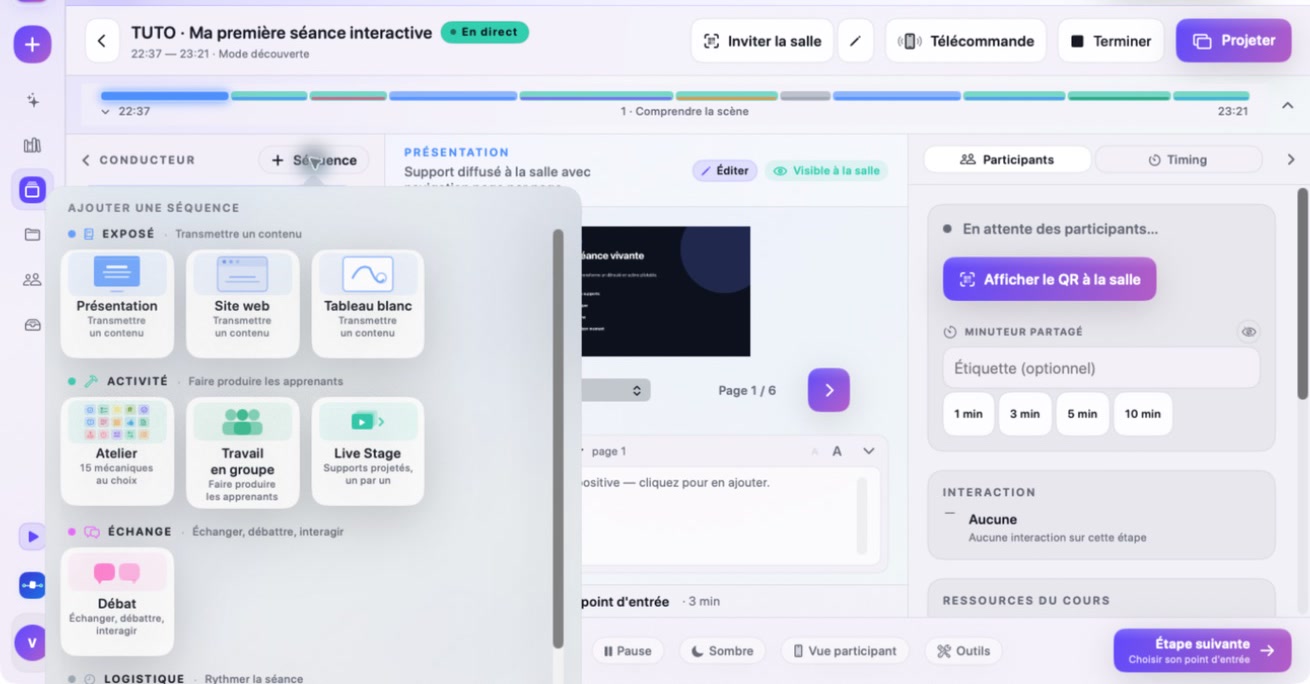
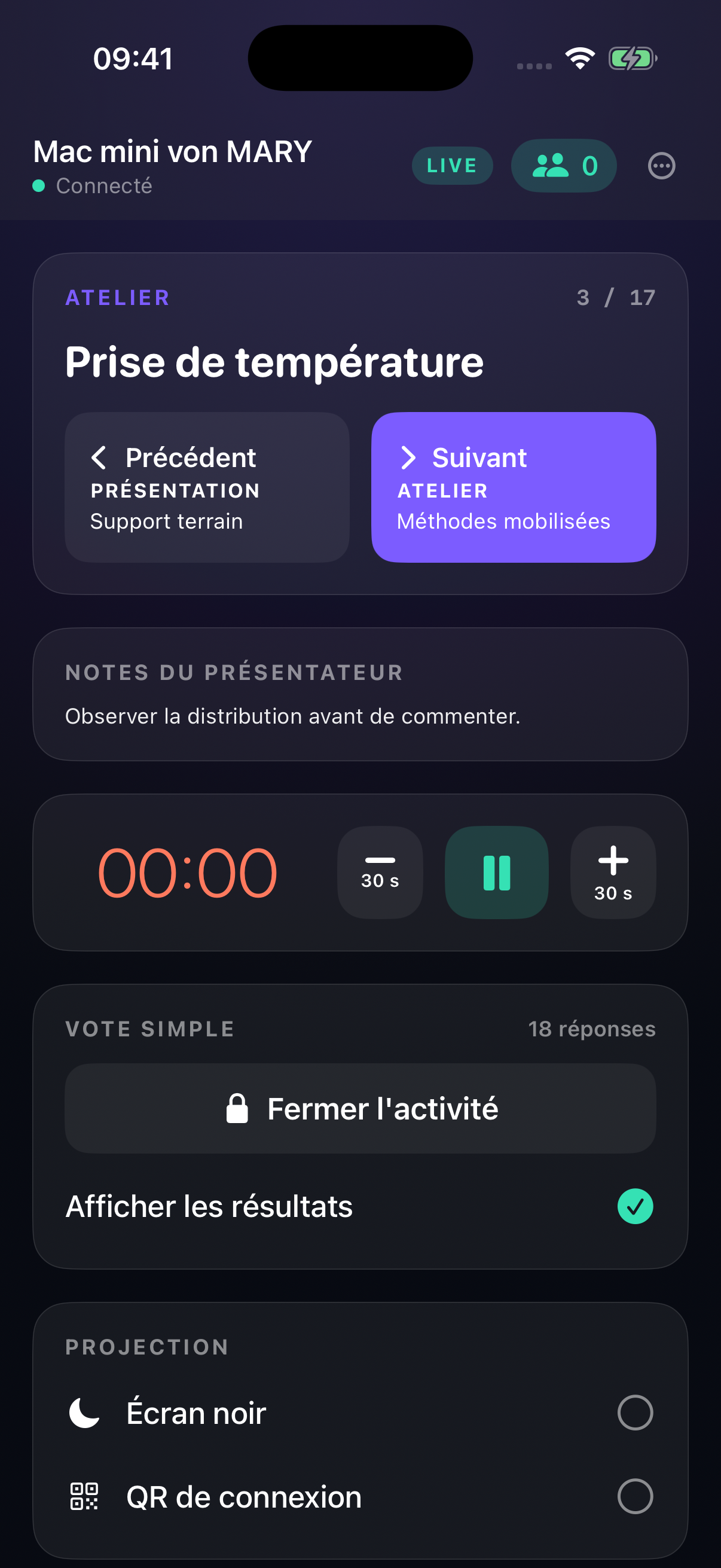
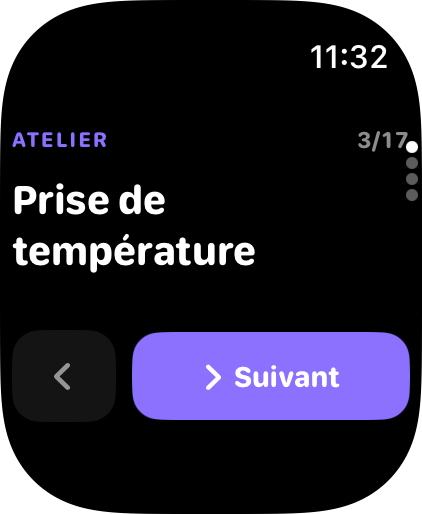
From iPhone or Apple Watch, advance, start the timer and trigger common actions. The Mac remains the full console and your fallback. Both apps are included; simply test pairing on the venue's local network.
Form groups, display a random draw, then use advanced moderation with Pro when the session calls for it.
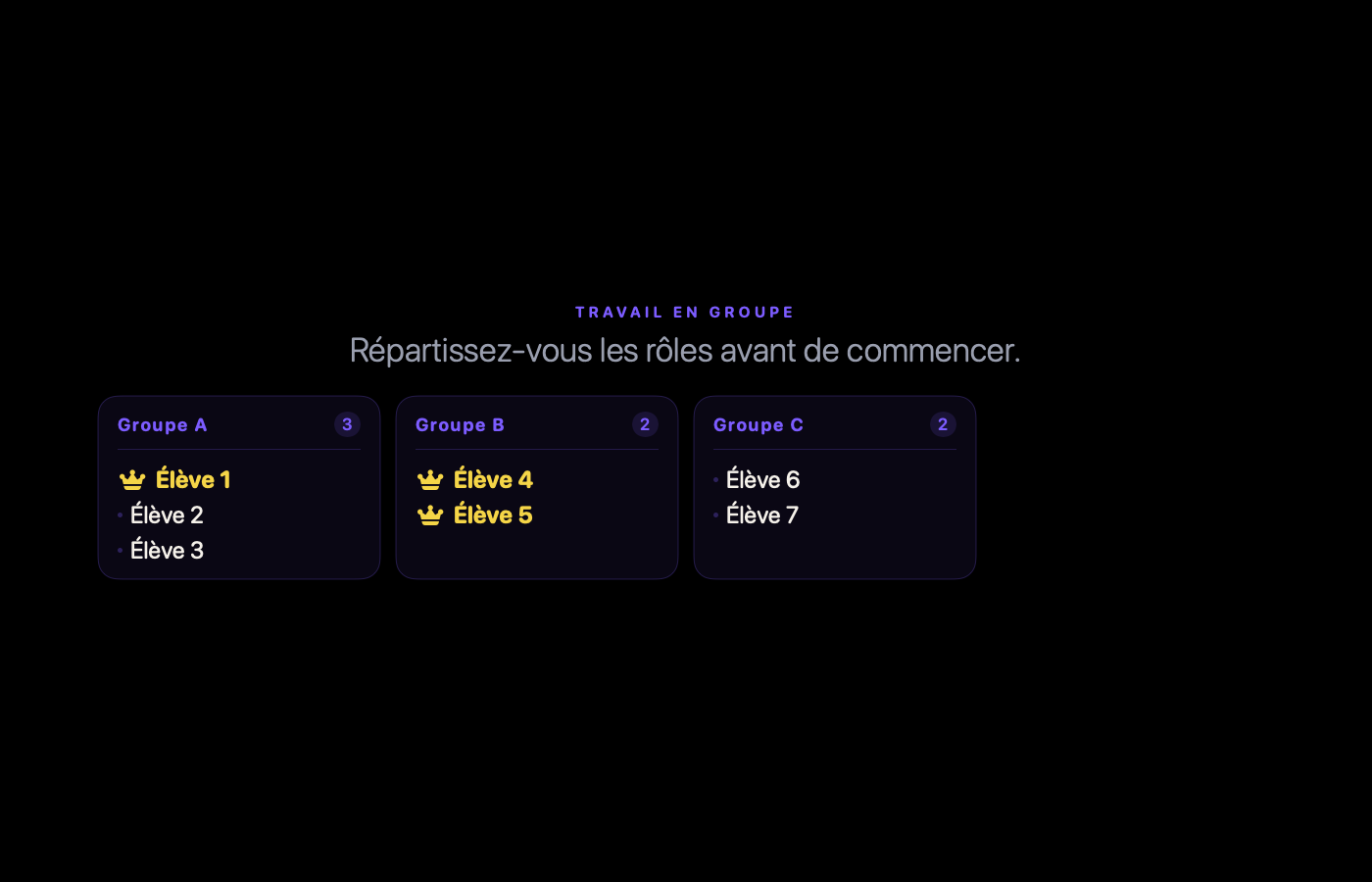
Random allocation, balanced by group size, then projected so everyone can find their group.
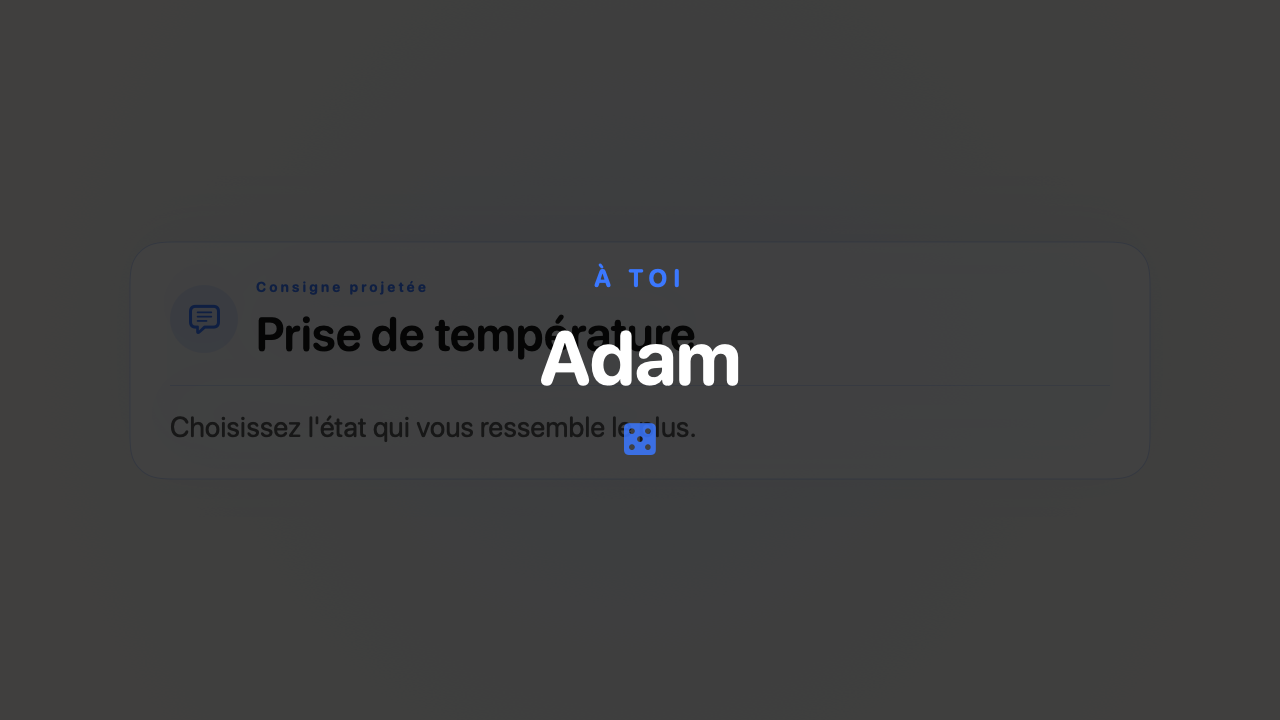
Display a random draw on the big screen, then decide how to invite the selected person. The draw makes the selection visible; it does not guarantee participation.
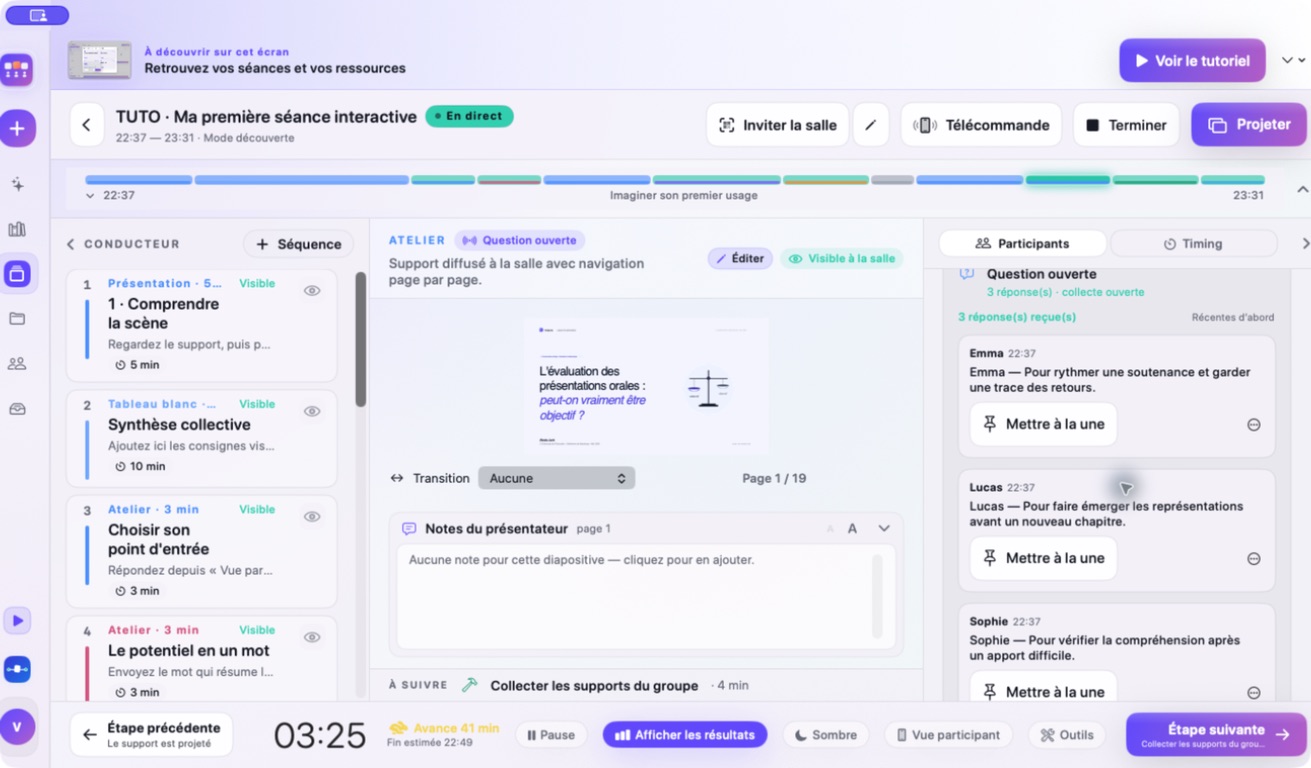 LIVE RESPONSES
Responses arrive in the Participants panel. Publish them, feature one, or hide it before it reaches the projection. You can also block a participant for the session.
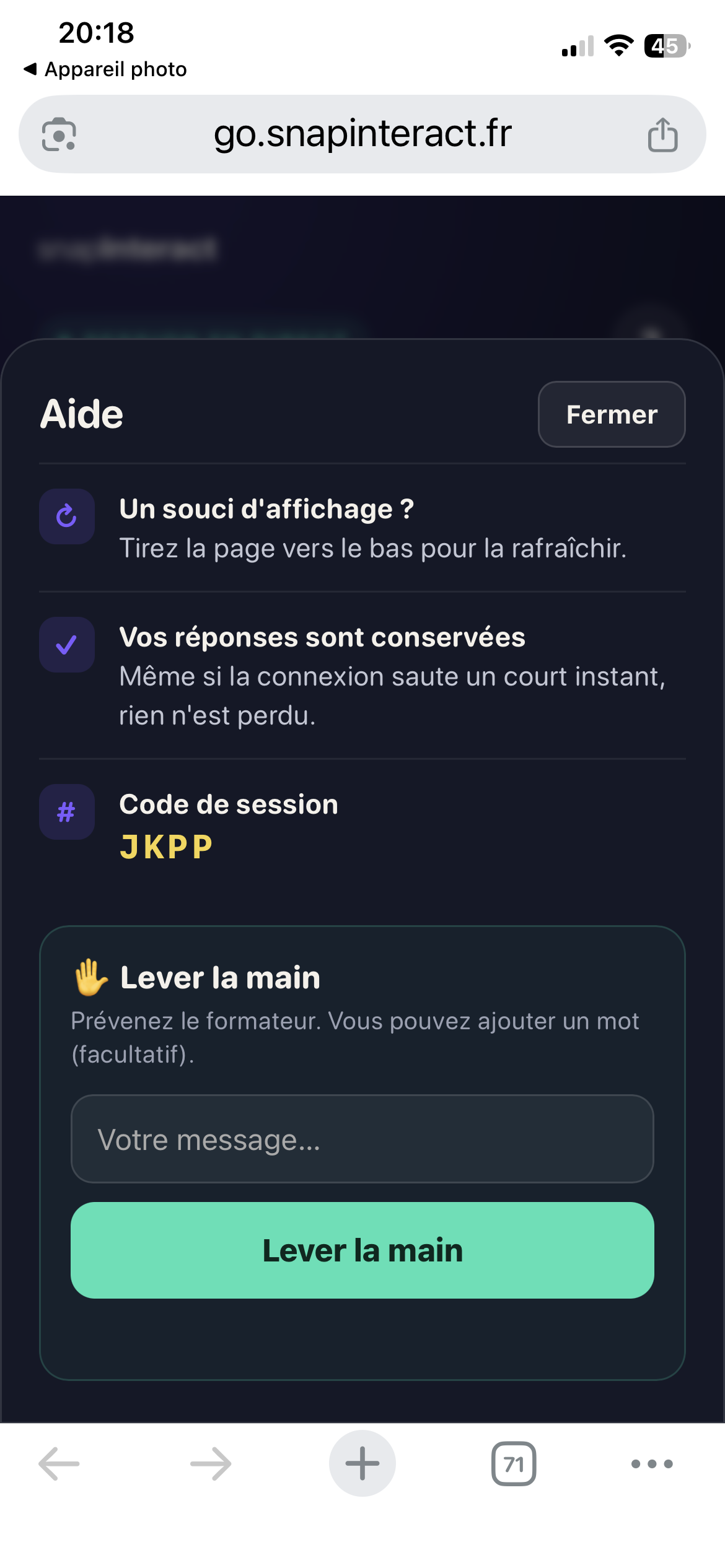
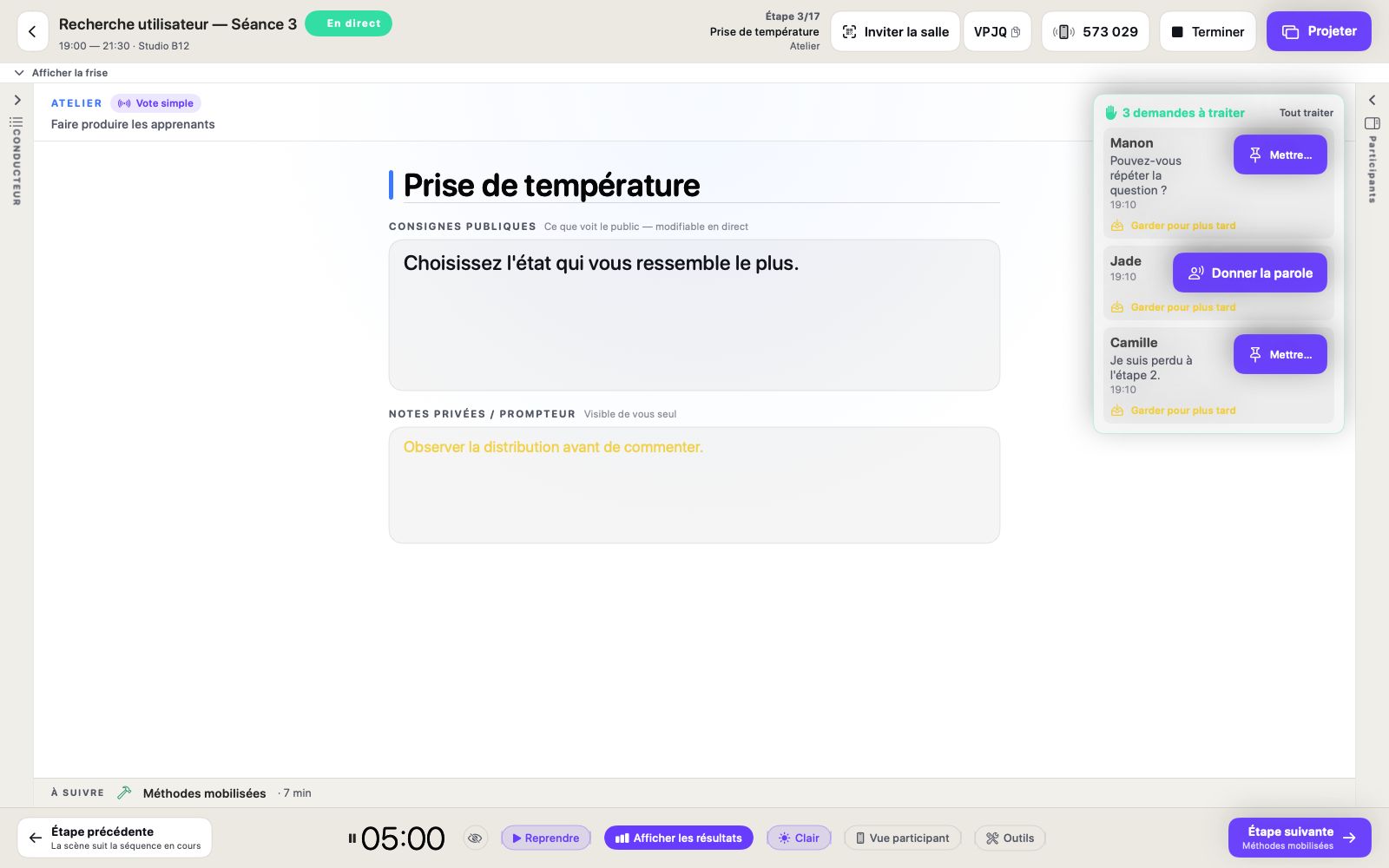
On their phone, the participant taps “?”, then “Raise hand”. They can add a message of up to 140 characters or send the signal on its own. In the console, the request appears with useful context: invite them to speak, feature the message, or save it for later. The displayed identity depends on the details provided by the participant.

Start from a blank page, import a PDF page by page or bring in a .pptx file. Check the result after conversion: text, images, simple shapes, backgrounds and positions are carried over when the file allows it, but charts, SmartArt and animations are not. .ppt and .key files are not supported.

Products, guides and help pages.
Press Enter to search · Esc to close