 Interact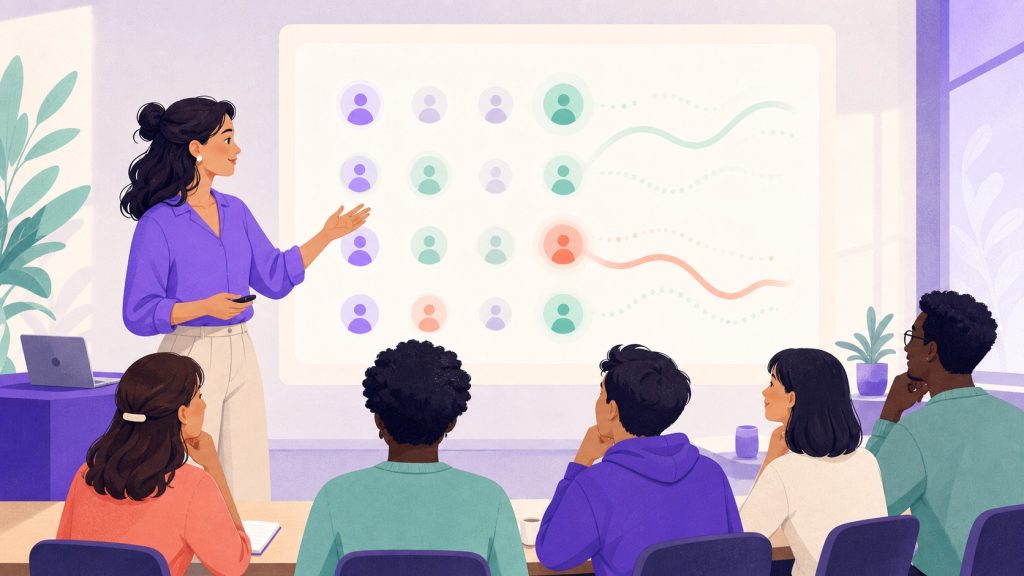
You know the moment: you push forward, the room seems to follow, and yet three people checked out five minutes ago. They did not say so — because raising a hand to admit ‘I’m lost’ takes a courage few participants have in public. Disengagement is almost always silent. The good news: you can make it visible without ever exposing it. That is exactly what a discreet signal, sent from each person’s phone and read by you alone at the right time, makes possible.
Why disengagement stays invisible
In a room, silence is ambiguous. It can mean ‘I’m thinking’, ‘I’m taking notes’, or ‘I have understood nothing for three slides’. You have no reliable way to tell with the naked eye. The classic signs — wandering eyes, phone under the table, slumped posture — come late and blur with plain fatigue. By the time you spot them, the thread is broken.
The real problem is not the lack of signals, it is their social cost. Asking ‘is everyone following?’ only earns polite nods. Nobody wants to be the one slowing the group down. As a result, disengagement builds up in silence, and you only discover it at assessment time, when it is too late to react.
Disengagement is not a lack of signals. It is a signal nobody dares to say out loud.
Raising a hand discreetly
The idea is simple: give every participant a way to say ‘I’m losing the thread’ without the room knowing. From their phone, participants can use “Raise hand” and add a short optional message. It reaches only your Mac, never the projected screen. In Anonymous mode no name is attached; in Free name or Class mode you see who raised it.
This small gesture changes everything. It shifts the courage required: instead of having to interrupt the group out loud, the participant quietly taps a button. The social cost drops to almost zero, and you finally get honest information. It is the same principle as asking a question discreetly: remove the exposure, and speech opens up.
Virtual raised hands, in real time
A virtual raised hand is a request visible to you but invisible to everyone else. Three hands going up while you explain a dense concept is a clear message: slow down, rephrase, give an example.
The value of a real-time display is that it lets you choose the moment. You can finish your sentence, complete your demonstration, then naturally say ‘I can see we need to revisit this’ — without ever naming anyone. The group hears a rephrasing; no one knows who asked for it.
- Raised hands piling up without coming down: open a question window rather than moving on.
- Total silence on a hard concept: not necessarily a good sign, prompt a signal with a micro-question.
- The signal dropping back to zero after a rephrasing: you have caught the disengagement, you can move on.
React without making anyone uncomfortable
Seeing disengagement is useless if your reaction humiliates the person who flagged it. The golden rule: treat the signal as information about your pace, not about people. Never say ‘who didn’t understand?’. Say ‘I think I went too fast, let’s go back over this’. The credit for the problem goes to the facilitator, never to the participant.
You can also turn the signal into active participation rather than a confession. Instead of asking who is checking out, launch an activity that gets everyone speaking on equal footing — a vote, a word cloud, a quick question. It is often the best way to get a silent room to participate: you point at no one, you move the collective, and disengagement dissolves into action.
A good facilitator does not look for who checked out. They ask when their own pace slipped.
Adjust your pace at the right moment
Disengagement almost always has a pace cause: too much content in a row, a concept laid down too fast, an energy dip after lunch. The live signal gives you the dial you were missing. You stop guessing and steer by real data: when the light rises, you slow down; when it falls, you speed up.
In practice, a few reflexes catch most disengagement: break a long explanation with an example, insert an active pause, or switch to one of the 14 interactive activities to change register. What matters is getting the signal early enough to act during the session, not after. You will find plenty of ways to vary your pacing in the catalogue of interactive activities.
A signal only you read, data that stays with you
This kind of live observation should never come at the price of a data leak. With Tissyo Interact, participants join via QR code without creating an account, and what you see on screen stays private: your data stays on your Mac, we keep nothing on our servers. The disengagement signal serves your session, not a remote dashboard.
Spotting disengagement is not a gimmick: it is what separates an endured training from a living one. If you want to try this live view on your next session, all it takes is a QR code and a few minutes of preparation. You will quickly see the difference between assuming the room follows and truly knowing it.
Frequently asked questions
Can participants see who flagged disengagement?
No. From their phone, participants can use “Raise hand” and add a short optional message. It reaches only your Mac, never the projected screen. In Anonymous mode no name is attached; in Free name or Class mode you see who raised it.
Do participants need an app to send these signals?
No. Participants join the session by scanning a QR code, with no app to install and no account to create. “Raise hand” works straight from their browser.
How do I react without breaking my flow?
You choose the moment. The signal appears live but nothing forces you to react in the second: finish your point, then rephrase or switch to an activity. Always treat the signal as info about your pace, never as a reproach.
Are these signals stored anywhere?
Your data stays on your Mac and nothing is kept on our servers. The disengagement signal serves the live steering of your session, not a remote collection.

