 Interact
Tissyo Interact · Make participants
Evaluate without slowing down the session
Everyone receives a fair quiz, you see what you have learned at the end and you pick up the fragile concepts without a review evening.
Evaluation mode.
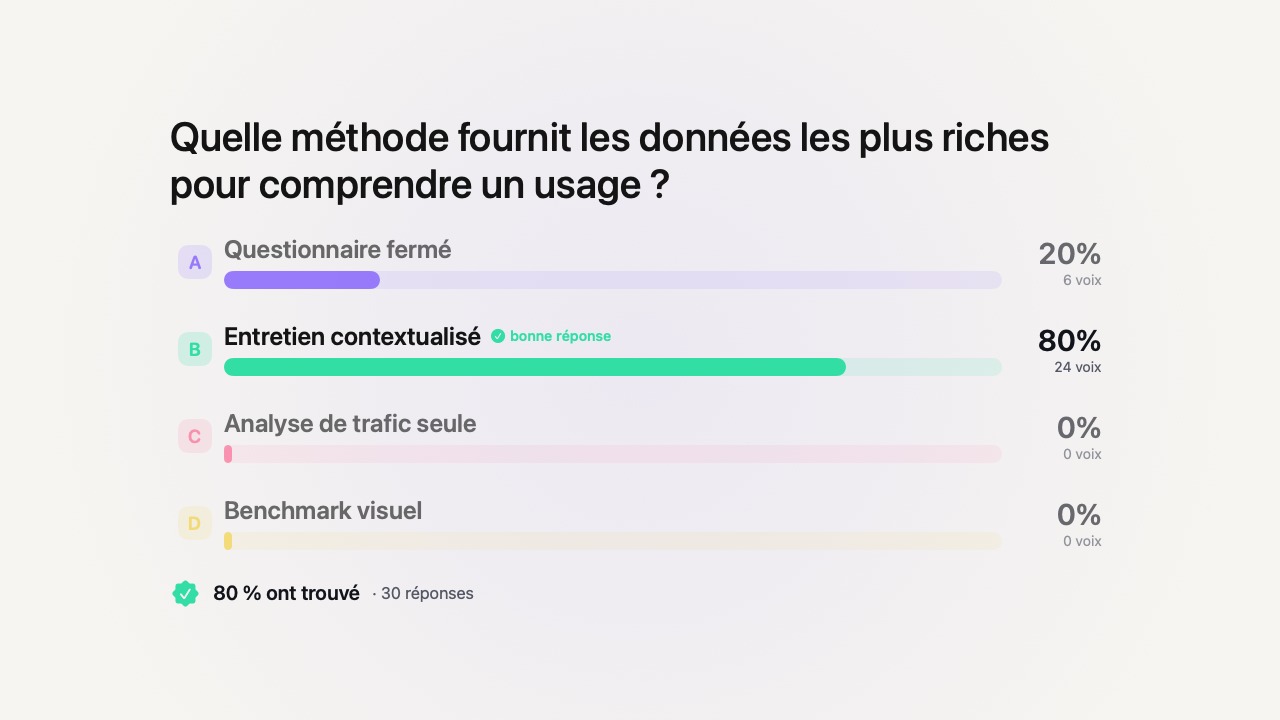
Switch your quiz to evaluation mode: each participant receives their questions in random order, choices shuffled, under a timer, at their own pace.Looking at your neighbor’s screen no longer serves any purpose, since they are not on the same question.A real note — not just a game.
Beyond the multiple choice questions: the deposit.
Not everything is written in check boxes.The submission workshop lets each participant transmit a production from their phone — a piece of work, a document, a photo.You get everything back, stored and time-stamped, ready to evaluate.For oral presentations, everyone even controls their own slides from their phone, and you note the passage live.
A score out of 20, calculated for you.
At the end, each participant has a score out of 20, calculated automatically from your scale. Marking stops being a chore.
The copies stay with you.
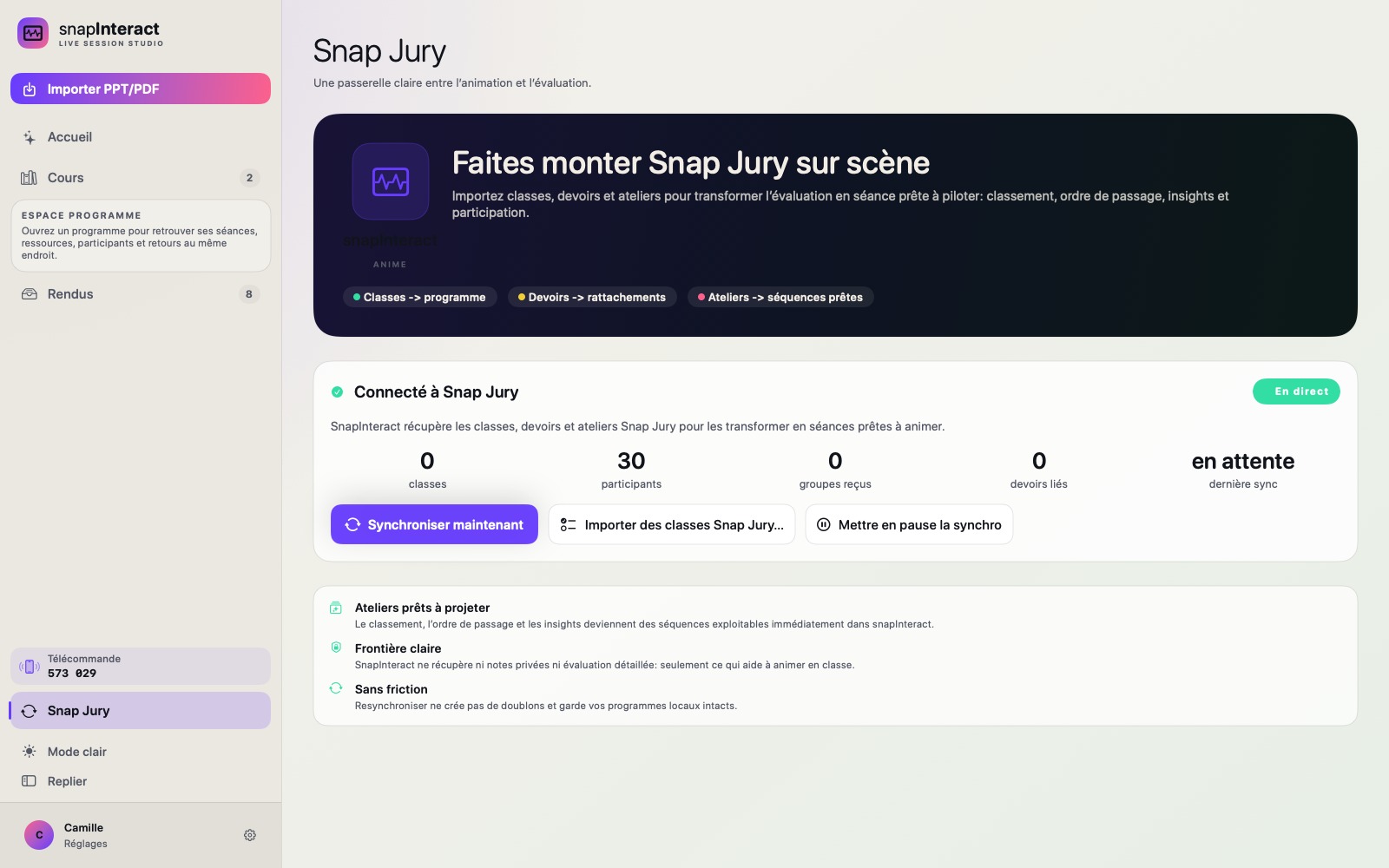
Notes, responses and submissions are stored on your Mac.No participating account to create, and we don’t keep anything on our servers.
Take your next assessment chore-free.
Assessment mode is part of Pro. Try it for 14 days, no card needed — Pro price shown in the Mac App Store.

