 Interact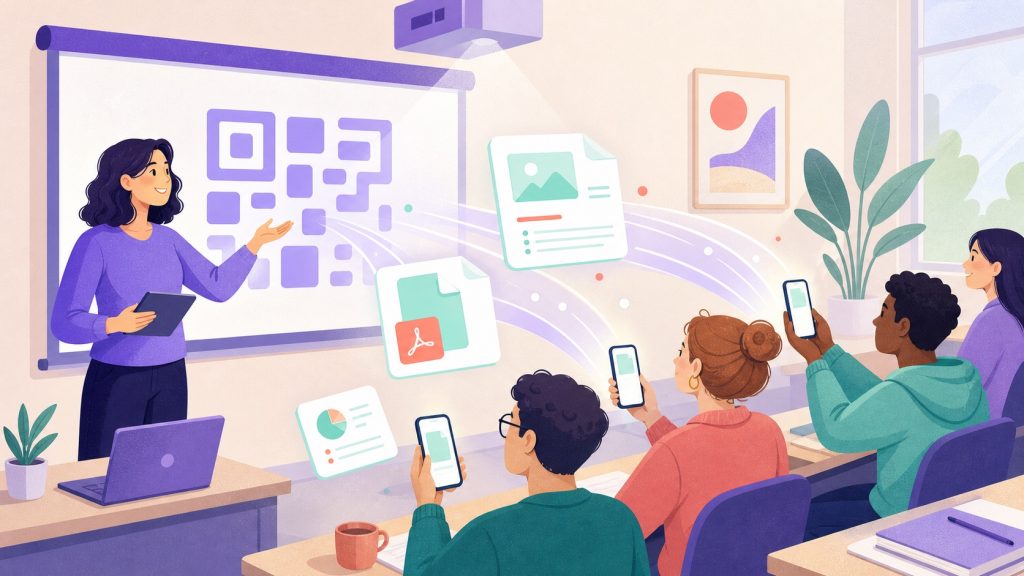
You have surely lived through that awkward start-of-session moment: someone asks ‘can you resend me the handout?’, another never got the email, a third is still looking for the USB stick doing the rounds. Five minutes lost before you even begin, with half the room staring at nothing. Handing a file to a group is oddly painful, even though everyone has a phone in their pocket. The problem is not technical, it is logistical: there is no simple, instant channel that works for everyone at once. That is exactly what QR-code sharing solves — in both directions.
Why email and USB sticks waste your time
Sending a handout by email means having an up-to-date address list, not mixing up recipients, and hoping the attachment stays under the server limit. In one-off training you often do not even have those addresses — and collecting them at the start of the session already costs you five minutes. The USB stick, meanwhile, can only be shared one person at a time and carries everything you would rather not share.
The real cost is not the file: it is the dead time and lost attention. Every minute spent juggling delivery channels is a minute where the room checks out before you have even started. Good sharing must be instant, collective, and require nothing from participants beforehand — no account, no app, no address handed over.
The file was never the problem. The problem is the channel to get it to the whole room at the same time.
One QR code, everyone receives at once
The principle is direct: you project a QR code, everyone scans it with their phone, and the material opens in the browser. No email to type, no app to install, no account to create. Within seconds, the whole room is looking at the same document, whether it is a reference PDF, a link to a resource, or a set of documents to consult during the workshop.
This way of working changes the start-of-session dynamic. Instead of handling edge cases one by one, you address the group in a single move. Latecomers scan in turn and catch up instantly. And because the channel is the same one used for activities, you add no new tool to your routine: it is the building block that makes a truly living session flow from end to end.
The same QR collects the work back
Handing out is only half the story. Once the material is in participants’ hands, you often want the opposite: to collect their output. A written brief, an annotated file, a photo of a board, a finished exercise. This is where a single QR truly pays off: the same channel used to distribute also collects, through a drop box. Two directions, one gesture for the room to remember.
In practice, you open a drop box, participants submit their file from their phone or computer, and you watch the submissions arrive live on your Mac. No more work scattered across three different channels, no more ‘I’ll send it tonight’ that never comes. Everything lands in one place, tidy and ready to open. Sharing documents with participants and collecting real files (up to 25 MB each) are Pro features, available during the 14-day Pro trial. On the free plan, a drop box can point participants to a collection link (email or shared folder). The details are laid out in our article on QR-code assignment drop-off.
- Hand out: a PDF handout, a link to a resource, a set of documents to consult during the workshop.
- Collect: a written piece, an annotated file, a photo of a poster or board, an end-of-exercise deliverable.
- With a single QR: the room remembers one gesture, you steer both directions from your Mac.
- With no prerequisite: no account, no app, no email address for participants to hand over.
Two directions, one gesture to remember
The strength of this model is its simplicity for the participant. There is nothing to explain: you scan, you open, and depending on the moment in the session, you consult a document or drop one off. You do not have to train the room on a tool; scanning a QR is now a universal reflex. That saved attention pays off in participation: the less effort it takes to join, the more people engage.
For you as facilitator, everything is steered from one place. You open sharing when you want to distribute, the drop box when you want to collect, and you keep control of the tempo. File sharing stops being a start-of-session chore and becomes an activity in its own right, just like a vote or a word cloud. You will find this logic across the full set of 14 interactive activities.
You scan, you open, you consult or you drop off. One gesture for the room, two directions for you.
Concrete use cases, from in-person to remote
An independent trainer hands out the handout first thing in the morning without ever asking for an address, then collects the exercises before the break. A business school has teams drop off the deliverables of a case study, each group sending its file from a single phone. A consultant shares a template to fill in and watches the completed versions come back live during the workshop.
The format is the same whatever the room: a few dozen people or a larger group, in person or hybrid. As long as everyone can scan a QR, sharing works. And because it is built into a full session — slides, timer, activities — you do not have to juggle a sharing tool, a drop-off tool and a presentation tool. It all fits in the same flow, which matters especially when you want to run in-person training without piling up software.
Your files stay on your Mac
Sharing widely should never mean scattering your documents across a remote service. With Tissyo Interact, participants join via QR code without creating an account, and the files you hand out as well as those you collect stay on your Mac. You share the content for the duration of the session, without it settling permanently anywhere but with you.
This is a fundamental difference from platforms that host everything in the cloud: here, the central point is your machine. That holds for a confidential training handout as much as for the sometimes sensitive output of your participants. If you want to judge for yourself, the simplest way is to try it on an upcoming session: one QR to hand out, the same to collect, and you will feel the difference between chasing emails and centralising everything in one move. A full overview is available on the product page.
Frequently asked questions
Do participants need to install an app to receive the files?
No. They scan a QR code and the material opens straight in their browser, with no app and no account. The same channel is used to hand out and to collect work, so there is only one gesture to remember.
What types of files can be shared and collected?
You can hand out a PDF, a link to a resource or a set of documents, and collect back varied output: files, annotated documents, photos of a board or poster. Everything lands in one place on your Mac.
Where are the files exchanged during the session stored?
Your data stays on your Mac. The materials you hand out and the work you collect stay centralised on your machine, for the duration of the session.
Is this suitable for a large group?
Yes. QR-code sharing works for a whole room at once: everyone scans and receives instantly, including latecomers who catch up by scanning in turn. You steer both directions from a single place.

